- A 36 ・ -
logo_Q0650_forGraphic
071004_Gdesign_ito
VBA21001-R.3753.A
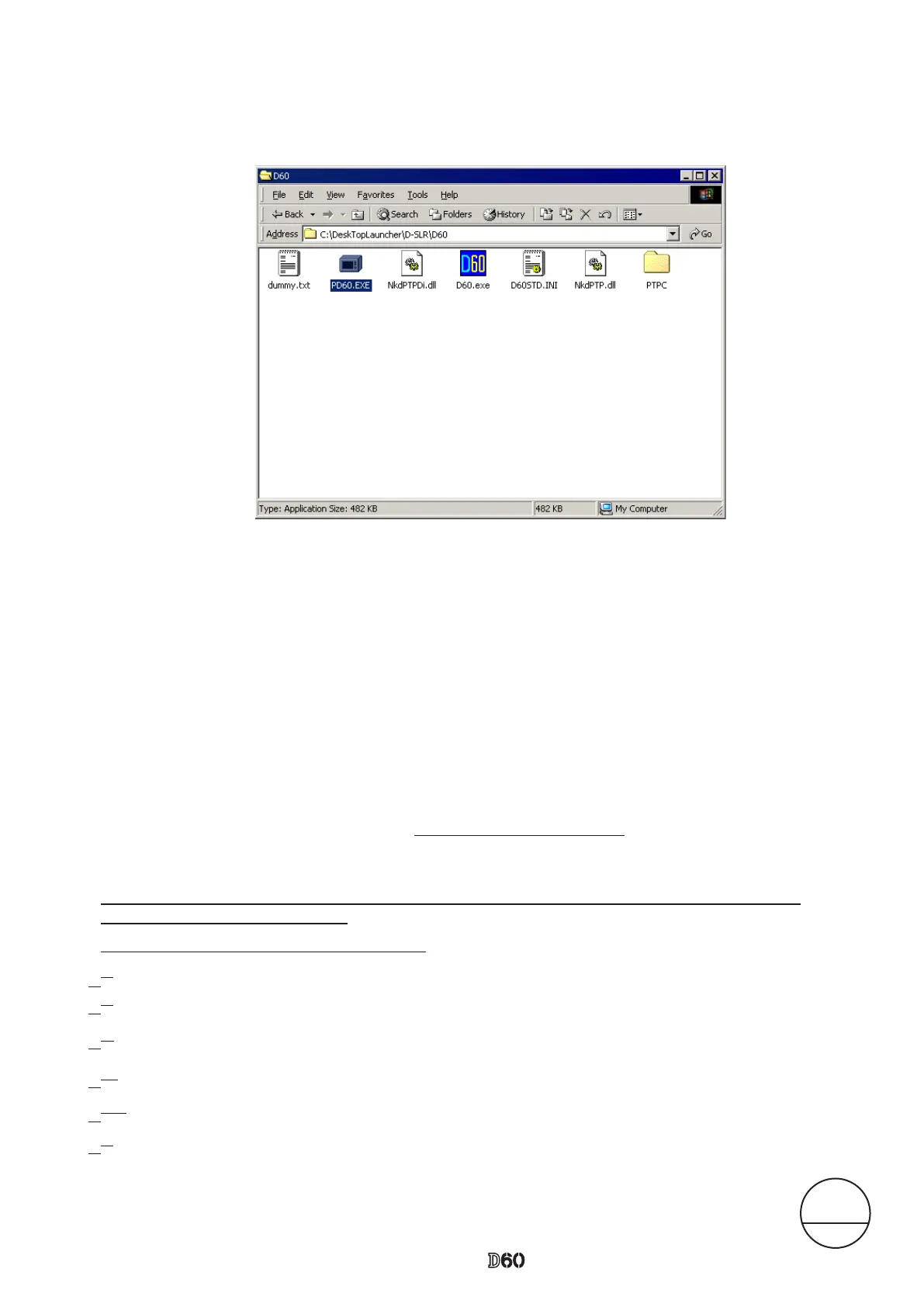
4. When the decompression of le is nished, the le (D60.exe) is created.
5. The install is completed.
If this program is used by the USB interface, installing the USB driver is necessary.
But if the OS is "Windows XP", the driver is already preloaded so it is not necessary to install it.
1. Set the USB of camera to "PTP".
(SETUP menu → USB setting → MTP/PTP)
2. Connect the camera and PC by USB cable.
3. Turn camera ON.
4. When "Add New Hardware Wizard" is displayed, click "Next".
< Procedure for installing USB driver >
6. Click "Reference". Select "DeskTopLauncher\D-SLR\D60\PTPC\" of C drive, and click "OK".
7. Reboot the PC and the install is completed.
5. Select "Search for a better drive than the one your device is using now. (Recommended)", and click "Next".
[When Windows 2000 is used]
△ (Addition)
△ (Delete)
1.
2.
4.
3.
5.
6.
△ (Revition)
Changed page △×3
Mar.19.2008



 To Next Page