- A ・ -
logo_Q0650_forGraphic
071004_Gdesign_ito
VBA21001-R.3753.A
・
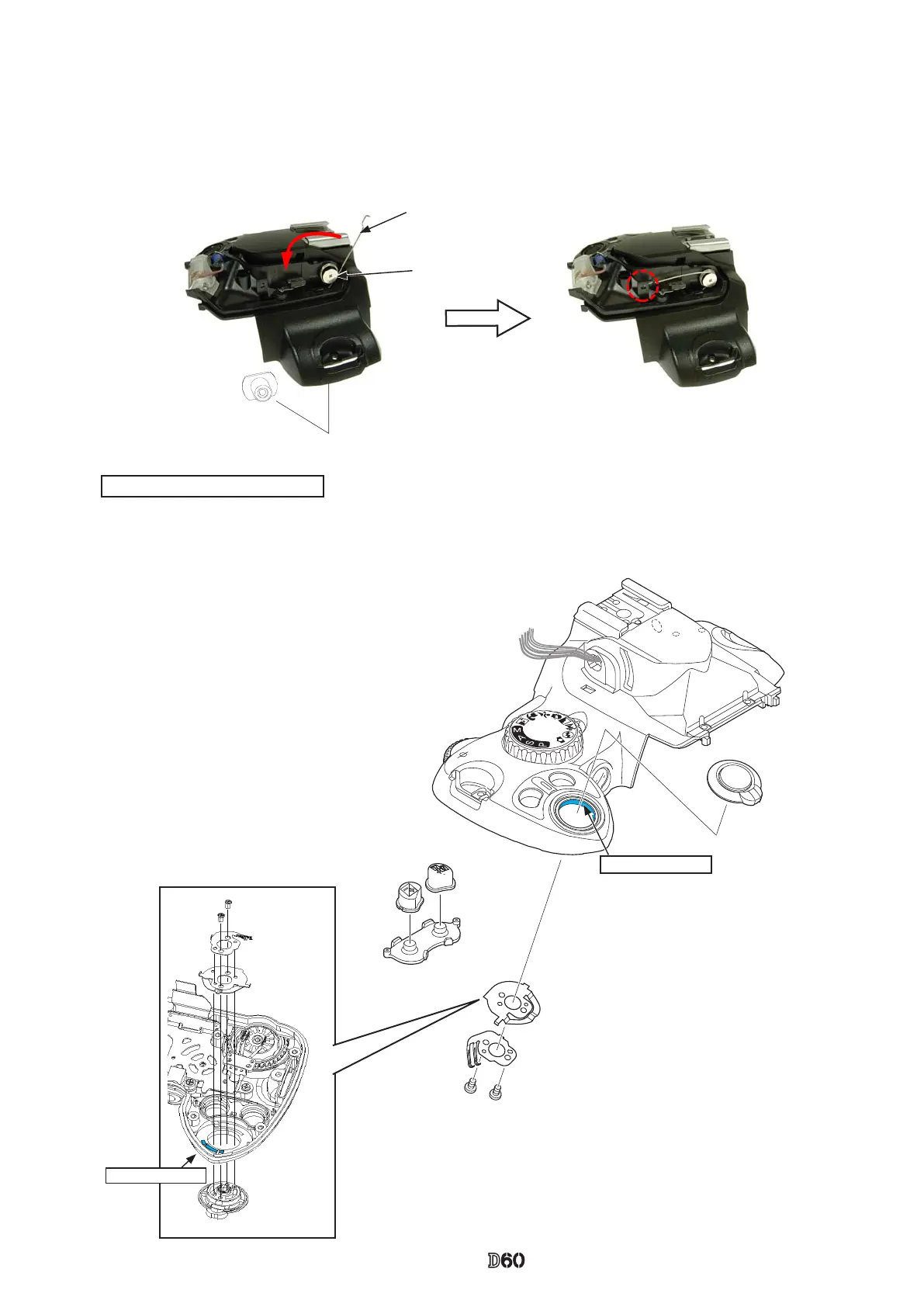
While pressing the SB case rotating shaft (#306), attach the SB-up spring (#305) by pushing it in the direction attach the SB-up spring (#305) by pushing it in the direction
of the arrow, then x it with the screw (#733).
#733
#305
#306
Release button unit / Buttons
Put the
button
with ON-
directed
Grease: LEN317A
・
Mount the release button unit (#B5350), [#347], and [#348], and x them with two screws (#605).
・
Attach the button (#5381), (#6384) and rubber SW (#382).
#B5350
#6384
#5381
#382
#347
#348
#605×2
Grease: LEN317A



 To Next Page