- A ・ -
logo_Q0650_forGraphic
071004_Gdesign_ito
VBA21001-R.3753.A
4. Basic usage
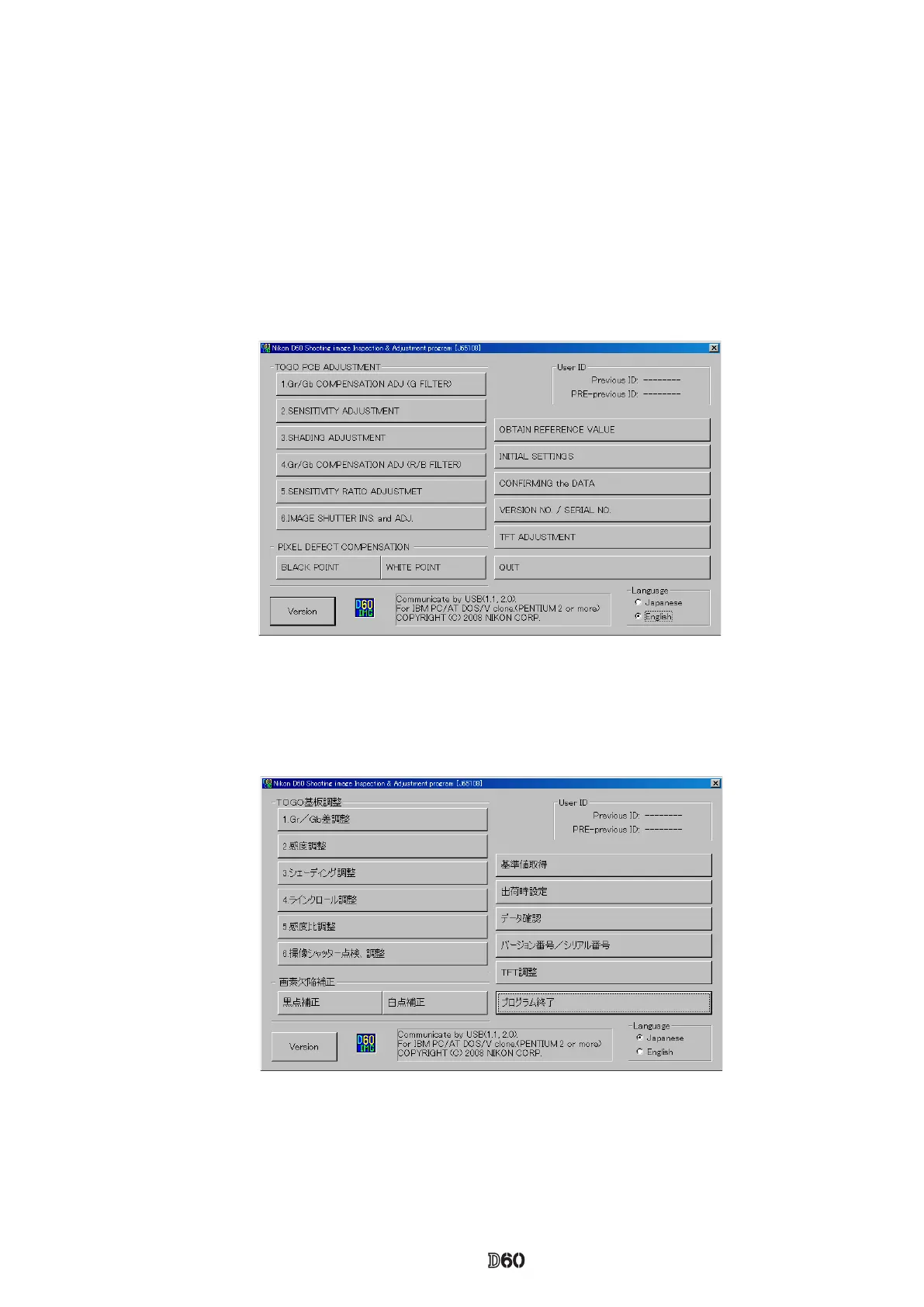
1. Execute "D60IMG.exe" to start up the main screen. (ref. Fig.1)
2. Select ENGLISH / JAPANESE in Language to display any menu. (ref. Fig.2)
3. Click the button to start adjustments.
※ When the adjustments from (1) to (7) are made, calculate to get the reference values of sensitivity and
sensitivity ratio by using the reference body beforehand, then perform the adjustments.
4. Follow the instructions on screen.
5. To complete the procedure, click "QUIT" button or "X" button at the upper-right corner of the menu.
Fig.2
Fig.1



 To Next Page