47
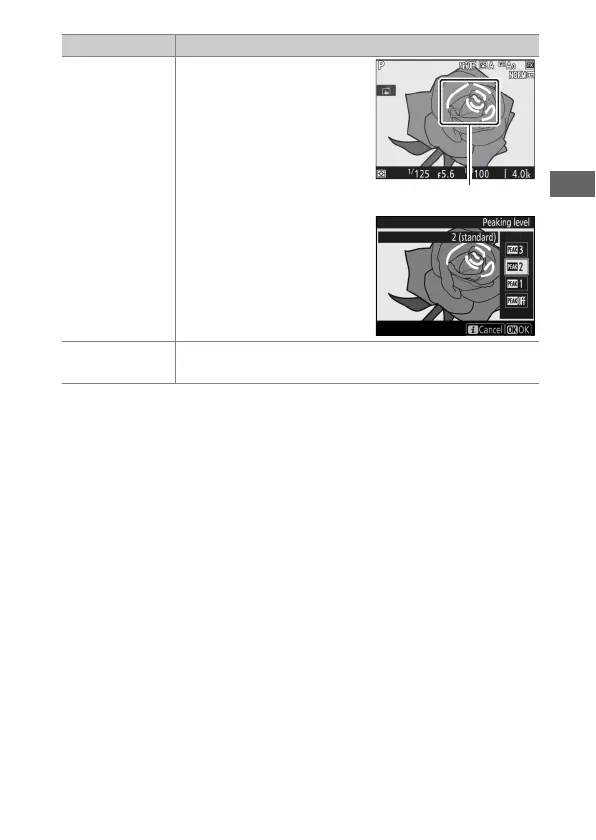
Peaking level
Objects that are in focus are
indicated by colored
outlines, including during
focus zoom (0 40). Choose
from 3 (high sensitivity), 2
(standard), 1 (low
sensitivity), and Off; the
higher the setting, the
greater the depth shown as
being in focus. The peaking
color can be changed using
Custom Setting d8
(Peaking highlight color,
0 265).
Negative digitizer
Create positives from color or black-and-white film
negatives (0 52).
Option Description



 To Next Page