67
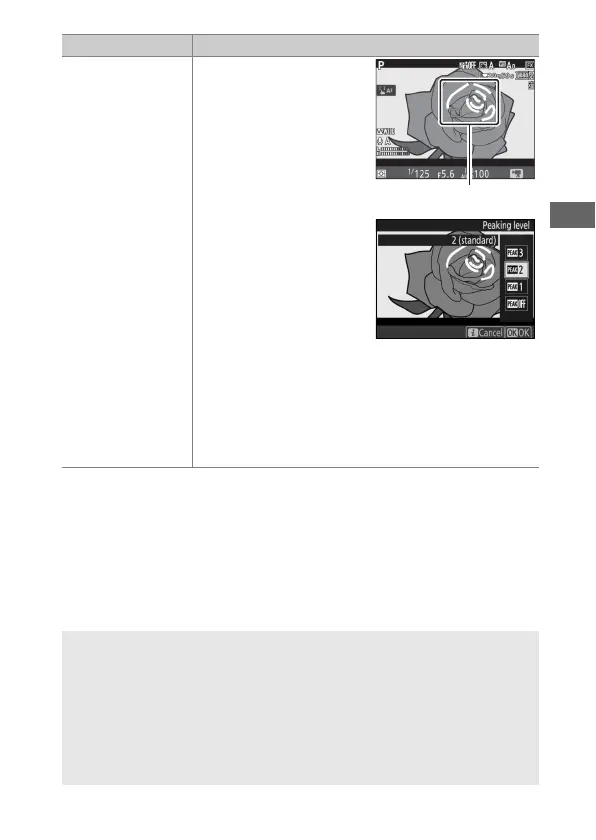
Peaking level
Choose whether objects
that are in focus will be
indicated by colored
outlines while manual
focus is in effect.
Choose from 3 (high
sensitivity),
2(standard), 1 (low
sensitivity), and Off; the
higher the setting, the
greater the depth shown
as being in focus. The
peaking color can be changed using Custom
Setting d8 (Peaking highlight color, 0 265).
Peaking is not available at frame sizes of 1920 ×
1080 (slow-mo) and 3840 × 2160 (0 69) or when
Active D-Lighting (0 180) or electronic vibration
reduction is enabled.
A Using an External Microphone
The optional ME-1 stereo microphone or ME-W1 wireless microphone
can be used to record sound for movies (0 296).
A Headphones
Third-party headphones can be used. Note that high sound levels may
result in high volume; particular care should be taken when
headphones are used.
Option Description



 To Next Page