36
Manual
G
flash operation
1
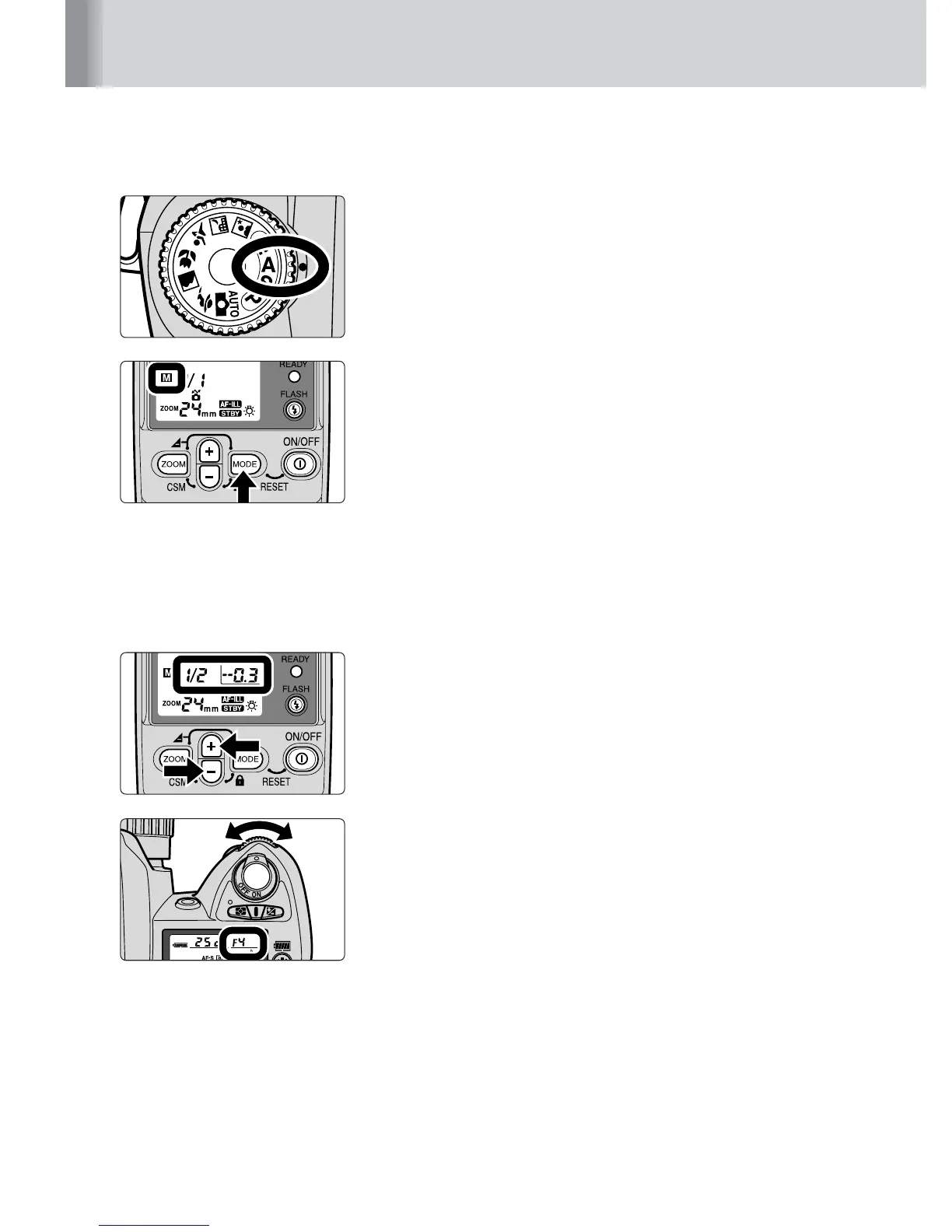
Set the camera’s exposure mode to Aperture-
Priority Auto (A) or Manual (M).
2
Press the
a
button until
G
appears on the
LCD panel.
3
Determine the flash output level and aperture to
match the flash shooting distance.
• For details on determining the flash output level and
the aperture, refer to “Determining the aperture and
flash output level in the Manual mode” (p. 35).
4
Press the
i
or
j
button to increase or decrease
the values.
• Refer to “Setting the flash output level” (p. 37).
5
Set the aperture on your camera or lens.
Manual mode



 To Next Page