EasyManua.ls Logo

Nikon SB-600 - User Manual

Nikon SB-600
92 pages
Print Icon
To Next Page IconTo Next Page
Loading...
En
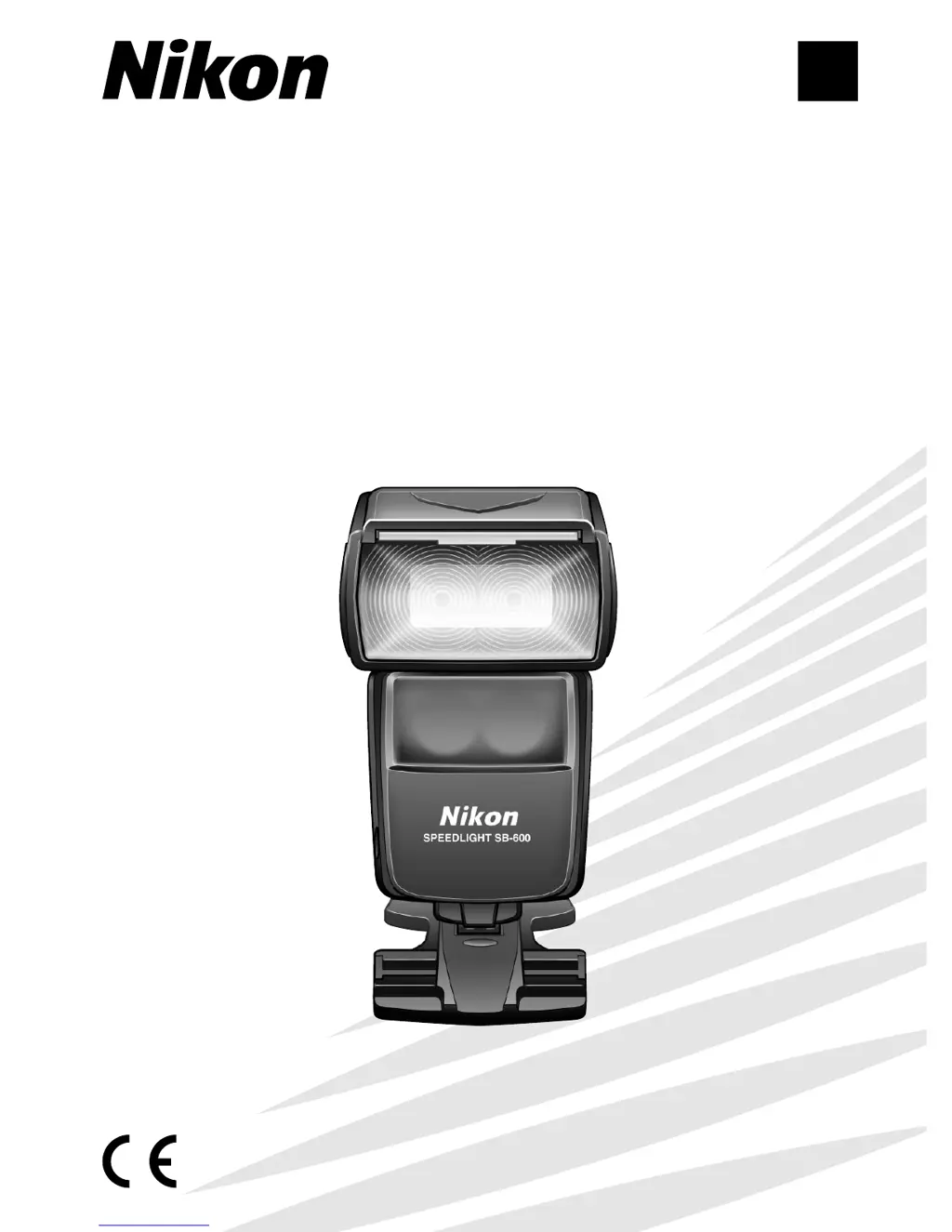
SB-600
Autofocus Speedlight
Instruction Manual
SB-600
(
En
)

Table of Contents

Other manuals for Nikon SB-600

Questions and Answers

  • N
    Natasha MillerSep 8, 2025
    Why can't I adjust the zoom-head position on my Nikon SB-600 Camera Flash?
    • E
      Ernest SmithSep 8, 2025
      If the zoom-head position cannot be adjusted to other than 14 mm on your Nikon Camera Flash, it is because the built-in wide-flash adapter is in use. Remove the built-in wide-flash adapter.
  • M
    Mark GutierrezSep 10, 2025
    What to do if D or o indicator doesn't appear in TTL mode on Nikon Camera Flash?
    • R
      Renee CombsSep 10, 2025
      If no D or o indicator appears in TTL auto flash mode on your Nikon Camera Flash, the camera’s exposure mode or metering system might not be correctly set, or a non-CPU lens is mounted. Check the camera's exposure mode and settings.
  • C
    Christina HebertSep 12, 2025
    Why does my Nikon SB-600 Camera Flash make a strange sound when turned off?
    • R
      rsullivanSep 12, 2025
      If you hear a strange sound caused by the flash head zooming back and forth even when the Nikon Camera Flash is turned off, the batteries are extremely exhausted. Replace the batteries.
  • L
    Larry HamiltonSep 13, 2025
    Why is Nikon SB-600 blinking and beeping in wireless mode?
    • J
      John GregorySep 13, 2025
      In wireless multiple flash photography, if the ready-light blinks quickly and slowly and the Nikon Camera Flash alternately emits high and low tone beeps for 6 seconds, it could be caused by two issues: * The flash mode of the remote flash unit is set to Non-TTL auto flash on the Master flash unit. Reset the flash mode to D, Manual G or Repeating q flash mode. * Ensure the signal from the Master flash unit can be received correctly.
  • K
    Kenneth MillerSep 15, 2025
    What does it mean when “– –” blinks on my Nikon SB-600 Camera Flash?
    • C
      Chad RobbinsSep 16, 2025
      If “– –” blinks in the zoom-head position indicator on your Nikon Camera Flash, this may be due to: 1. The flash has fired at its maximum output and underexposure may have occurred. Adjust the exposure settings. 2. The flash mode of the remote flash unit is set to Non-TTL auto flash on the Master flash unit. Reset the flash mode to D, Manual G or Repeating q flash mode. 3. A zoom-head position adjustment error has occurred. Turn off the SB-600 and camera, detach the SB-600, and then reattach it.
  • T
    tmillerSep 18, 2025
    What to do if control buttons don't work on Nikon SB-600?
    • L
      lpriceSep 18, 2025
      If your Nikon Camera Flash does not respond when control buttons are pressed, the control buttons are likely locked. Unlock the control buttons to restore functionality.

Summary

Foreword

Main features and functions of the SB-600

Overview of the SB-600's key capabilities and technical specifications.

Tips on using the Speedlight

Camera groups and available flash modes

Speedlight parts and their functions

Control buttons

Two-button control function

Explains how to use button combinations for advanced operations and settings.

Easy setting for the optimum TTL auto flash mode

LCD panel

Using the SB-600 in dim light

How to use the flash unit in low-light conditions and manage LCD illumination.

Lenses

Basic operation

Installing the batteries

Step-by-step guide on inserting AA batteries into the Speedlight for power.

Test firing (Confirming the exposure)

Procedure for firing the flash to test output and check exposure settings.

Attach the SB-600 to the camera and adjust

Instructions for mounting the Speedlight onto the camera's accessory shoe.

Setting the cameras exposure mode and metering system

Guidance on configuring camera exposure modes and metering for flash photography.

Setting the SB-600 s flash mode

How to select different flash modes like TTL and Manual on the SB-600.

Compose the picture and shoot with flash

Final steps on framing the shot and taking a picture with flash illumination.

Using the SB-600 with the COOLPIX

Detailed operation

SB-600 s available flash modes

Overview of the various flash modes supported by the SB-600 Speedlight.

TTL auto flash mode

Explanation of the Through-The-Lens (TTL) auto flash mode for automatic exposure.

Manual mode

Guide to using the Manual flash mode for precise control over light output.

Notes on continuous flash shooting

Other functions

Setting the zoom-head position

How to adjust the flash head's zoom coverage to match lens focal length.

Exposure compensation and flash output-level

Adjusting flash exposure for main subject and background or flash output directly.

Slow-sync flash and rear-curtain sync

Techniques for using slow shutter speeds with flash for artistic effects.

Autofocus flash operation in dim light

Using the AF-assist illuminator for focusing in low-light conditions.

Custom Settings

Details on Custom Settings

Configuration options for personalizing Speedlight functions like remote flash and standby.

Advanced operations

Overview of multiple flash operation

Introduction to using multiple flash units for creative lighting effects.

Wireless multiple flash shooting

Setting up and using the SB-600 as a wireless remote flash unit.

Bounce flash operation

Techniques for tilting the flash head to bounce light off surfaces for softer lighting.

Close-up flash operation

Using the wide-flash adapter for macro photography and close-up lighting.

Flash shooting in the 1;300 TTL High-Speed Flash sync mode (F5 only)

Reference information

TTL auto flash modes available with the SB-600

Comprehensive table detailing TTL modes for various camera and lens combinations.

Optional accessories

Information on compatible accessories like remote cords and adapters.

Tips on Speedlight care

Guidelines for cleaning, storage, and operating the Speedlight safely.

Troubleshooting

Solutions for common problems, error indicators, and malfunctions.

Specifications

Technical details, dimensions, weight, and performance characteristics of the SB-600.

Nikon SB-600 Specifications

General IconGeneral
Product colorBlack
Channels quantity4 channels
Focal length range24 - 85 mm
Approx. number of flashes200
Approximate recycling time4 s
Camera brands compatibilityNikon
Brand specific flash systemsi-TTL (Nikon)
Guide number (ISO 100, set at 35mm zoom)35 m
Input voltage1.5 V
Number of batteries supported4
Weight and Dimensions IconWeight and Dimensions
Depth90 mm
Width68 mm
Height123.5 mm
Weight300 g

Related product manuals