13 50_Afficheur_Multigraphic_um_UK_27
Using the Remote Display transmitter
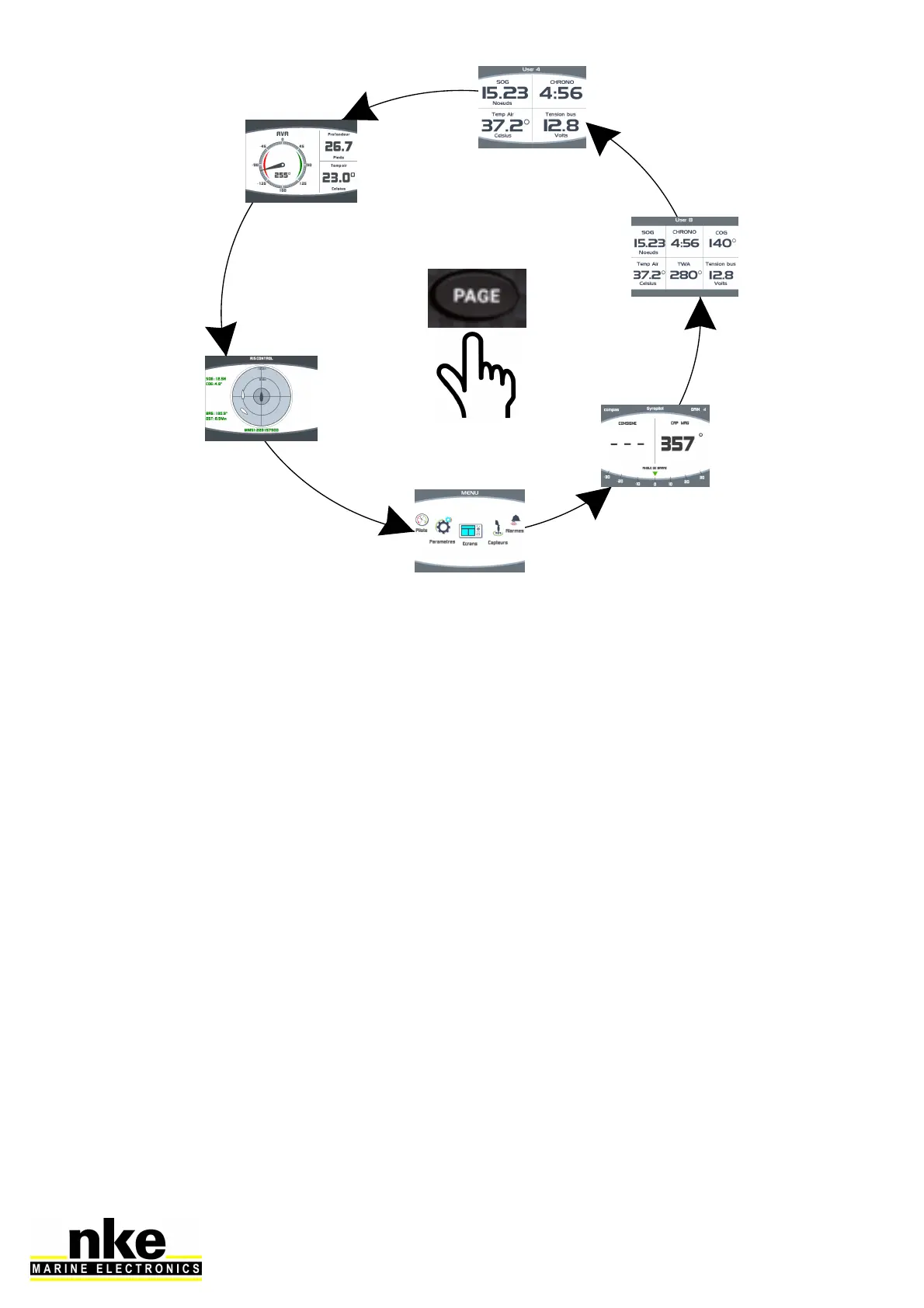
The Remote Display Transmitter can be used to display the different pages
constructed, to access the menu, etc. The operation is the same as the Multigraphic
keyboard.
To select the Multigraphic, press and hold the page button on the transmitter for
about 5 seconds. The radio receiver emits a long beep indicating the validation of the
display selection mode. Then press the right or left arrow to display a yellow frame on
the screen, press OK to select it. You can then use the Remote Display in the same
way as the Multigraphic keyboard.


 To Next Page