6 50_Afficheur_Multigraphic_um_UK_27
2.2 Menu page
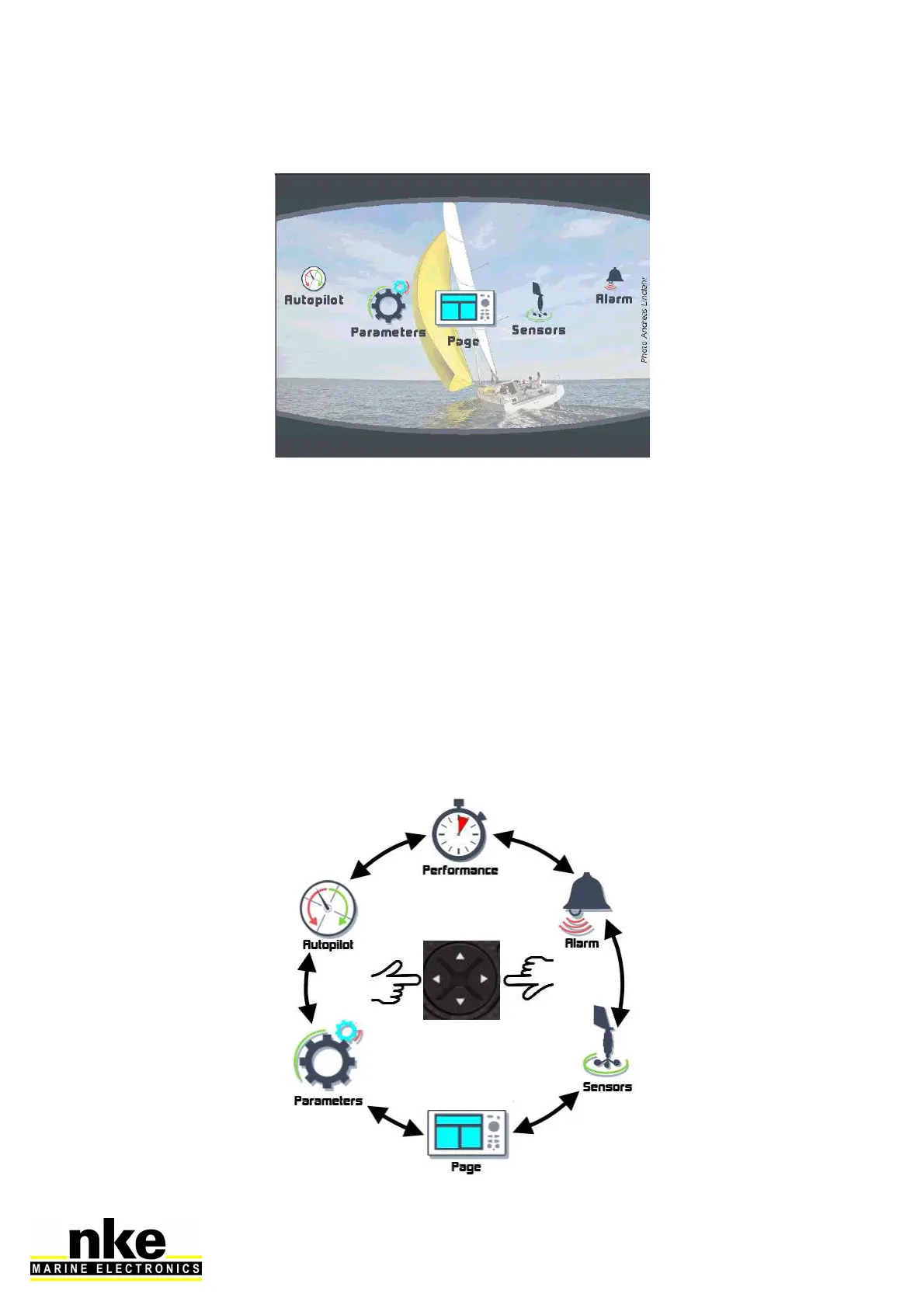
When the Multigraphic is used for the first time it displays a screen with a menu
providing access to:
• the page builder function
• the sensor settings
• the alarm settings
• the pilot settings
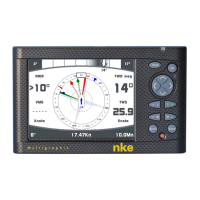
• the Performance page setup
• the Multigraphic parameters
Press the cursor pad’s arrows « left » and « right » to scroll through the menu icons
for selection.


 To Next Page