45 50_Afficheur_Multigraphic_um_UK_27
2.7.6.6 Simulator
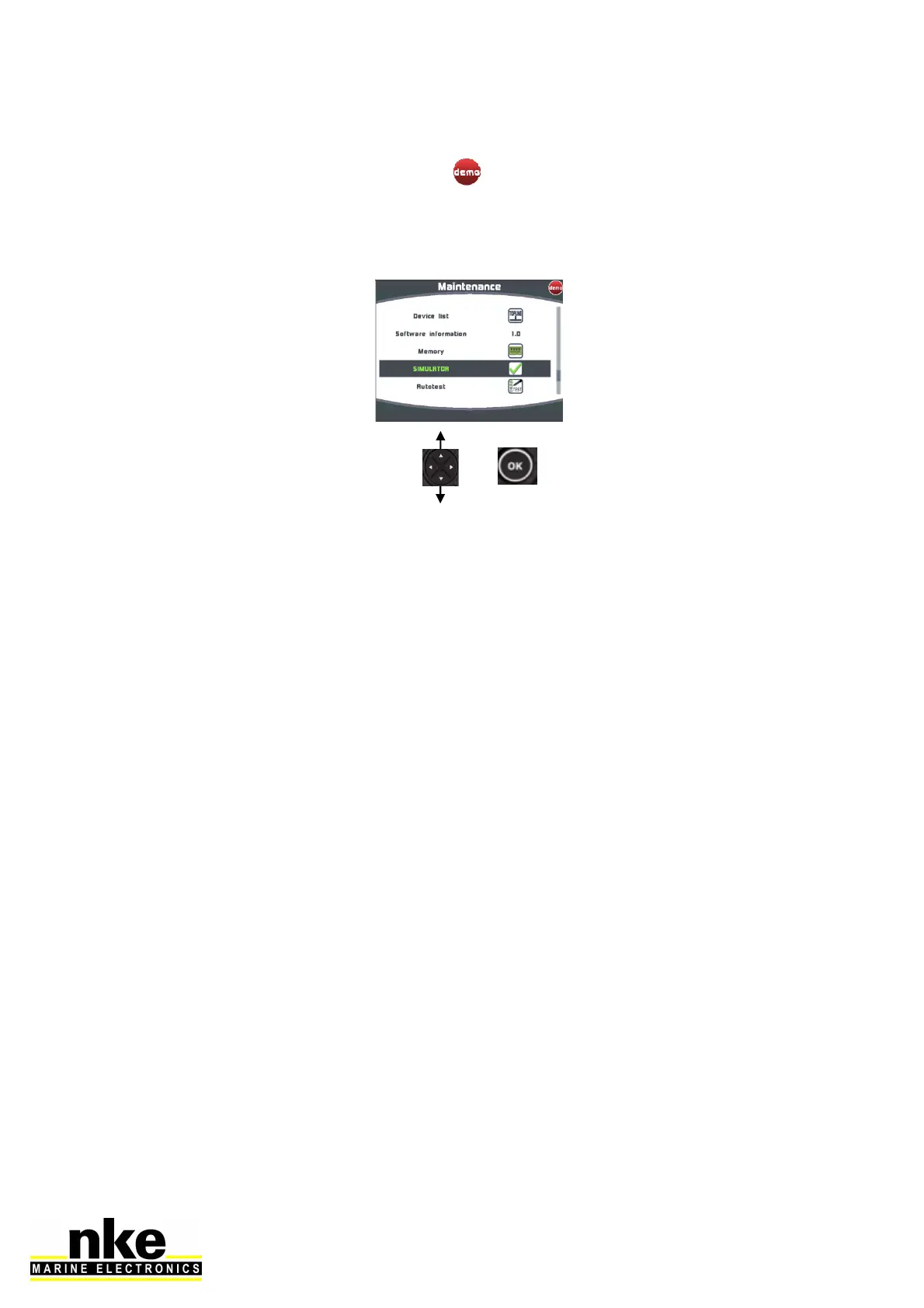
There is a simulator available in the Multigraphic. Once activated, it sends random
data to the Topline bus and the symbol
is shown to highlight that the system is
working in simulation mode.
Simulator menu:
2.7.6.7 Autotest
Autotest is useful to check the Multigraphic. This procedure verifies the following
functions step by step:
• keys
• colour display
• light sensor (vlight), internal temperature sensor, power supply.
• backlighting
• memory
• Topline bus
• NMEA input and output (connect the yellow and red wires together for that
operation).
• Data logged in cookies
Proceed to each step by confirming with « OK ».
Once the auto-test is complete the Multigraphic restarts.


 To Next Page