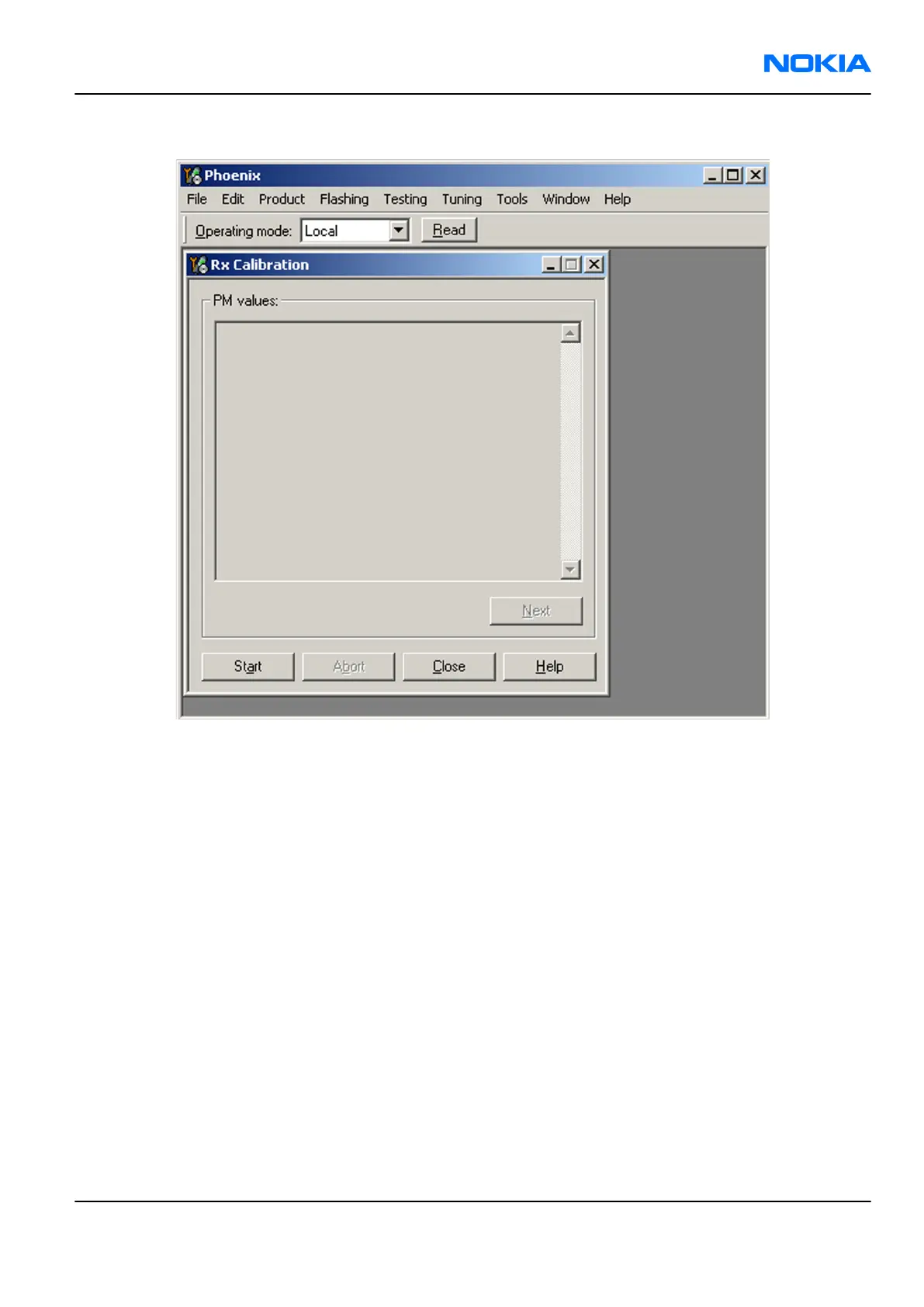
5. Click Start.
6. Connect the signal generator to the phone, and set frequency and amplitude as instructed in the
Rx Calibration with band EGSM900 (step 1-3) pop-up window.
Important: The calibration uses a non-modulated CW signal. Increase the signal generator level
by cable attenuation and module jig probe attenuation.
RM-70
RF Troubleshooting and Manual Tuning Guide Nokia Customer Care
Issue 1 COMPANY CONFIDENTIAL Page 7 –19
Copyright © 2005 Nokia. All rights reserved.



 To Next Page