22
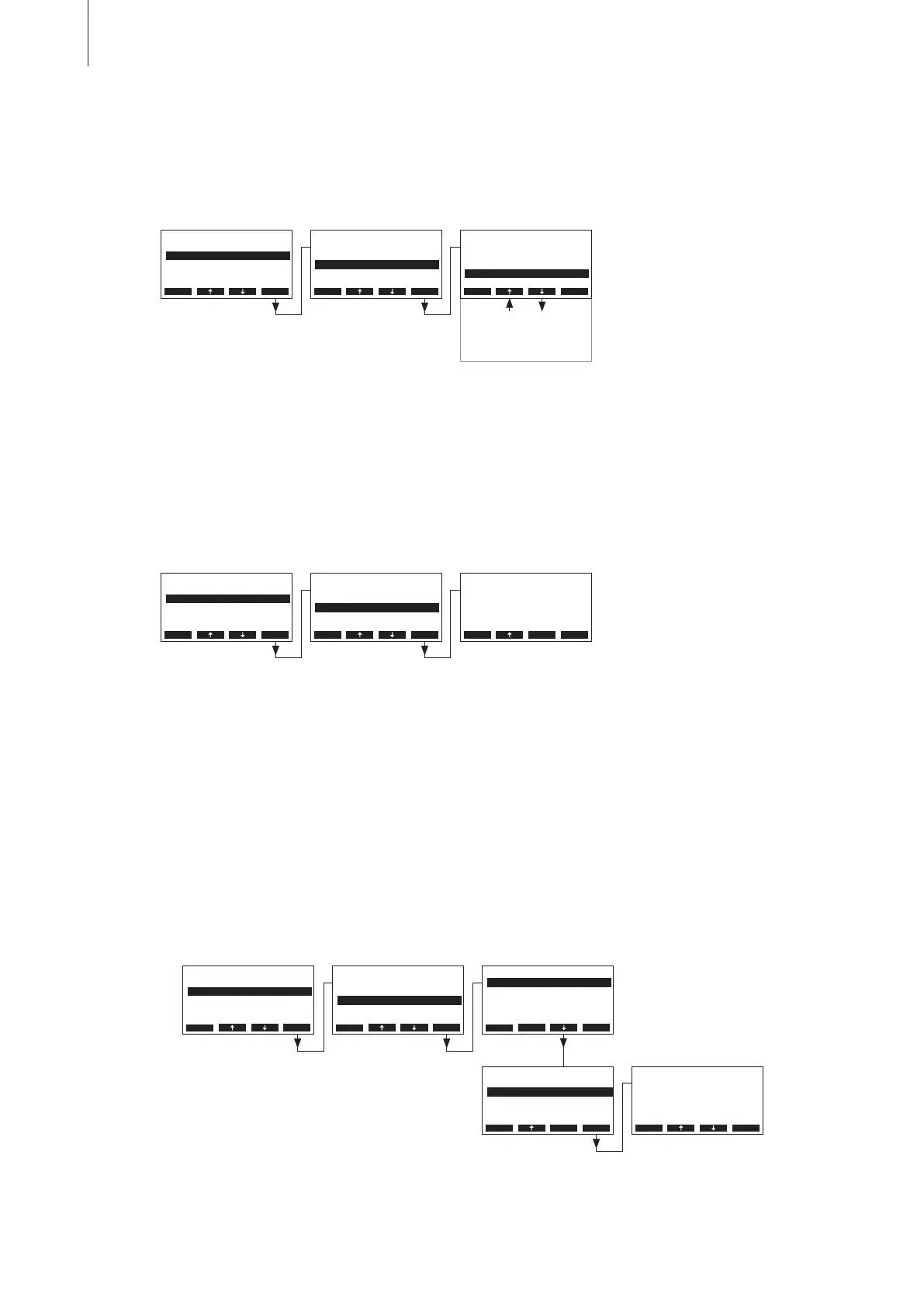
4.6.3.3 Selecting the control signal
Note: This setting is available only if the signal source is set to “Analog” and the control type is set
to “External”, “Int. (P)” or “Int. (PI)”.
Select “Controlsign.” in the control settings menu, then press the <Set> key.
In the upcoming modication dialogue set the radio address of the optional radio humidity sensor.
Note: Please refer to the separate instruction manual for detailed information regarding the radio
humidity sensor.
4.6.3.5 Conguring humidity setpoint
Note: This menu item is available only if the internal P or PI controller is activated.
With the parameters in the “Hum.Setpoint” submenu you determine whether the Nordmann RC4/
DC4 is to be controlled with a x humidity setpoint (factory setting) or whether it is to be operated
timer controlled with different humidity setpoints.
– Control with x humidity setpoint:
Select “Hum.Setpoint” in the control settings menu, then press the <Set> key.
Let the timer deactivated (Off) or deactivate the timer if necessary. Select “Hum.Setpoint”, then
press the <Set> key. In the upcoming modication dialogue set the value for the x humidity
setpoint (Factory setting: 50 %rh, Setting range: 15...95 %rh).
In the upcoming modication dialogue select the desired control signal.
Factory setting: 0–10V
Options: 0–5V, 1–5V, 0–10V, 2–10V, 0–16V, 3.2–16V, 0–20mA, 4–20mA
4.6.3.4 Set the radio address of the optional radio humidity sensor
Note: This setting is available only if the signal source is set to “RF Hum.”
Select “RF Hum. Addr” in the control settings menu, then press the <Set> key.
Controls
Hum.Control :Int.(PI)
Controlsign.:0-10V
Hum.Setpoint:Set
SignalSource:Analog
P-Band :18%rH
Esc Set
Settings
Controls :Set
Power Limit :100%
On/O Timer :Set
Language :English
GFCI-Mode :On
Esc Set
2-10V
Controlsign.
0-5V
1-5V
0-10V
0-10V
1-10V
Esc Set
0-16V
3.2-16V
0-20mA
4-20mA
Settings
Controls :Set
Power Limit :Set
On/O Timer :Set
Language :English
GFCI-Mode :On
Esc Set
Hum.Setpoint
Hum.Setpoint:50%rH
Timer :O
Esc Set
Controls
Controlsign.:0-10V
Hum.Setpoint:Set
P-Band :18%rH
Hum.Control :Int.(PI)
Integr.-Time:8min
Esc Set
Hum.Setpoint
Hum.Setpoint:50%rH
Timer :O
Esc Set
Hum.Setpoint
50%rH
50%rH
Esc Set
RF Hum. Addr
1
1
Esc Set
Controls
Hum.Control :Int.(PI)
RF Hum. Addr:1
Hum.Setpoint:Set
SignalSource:RF Hum.
P-Band :18%rH
Esc Set
Settings
Controls :Set
Power Limit :100%
On/O Timer :Set
Language :English
GFCI-Mode :On
Esc Set



 To Next Page