Leaf User Manual
P/N: 97-4000, Revision 08, Release date: 2020-11-10 Page 18 of 85
Using the Touchscreen Interface
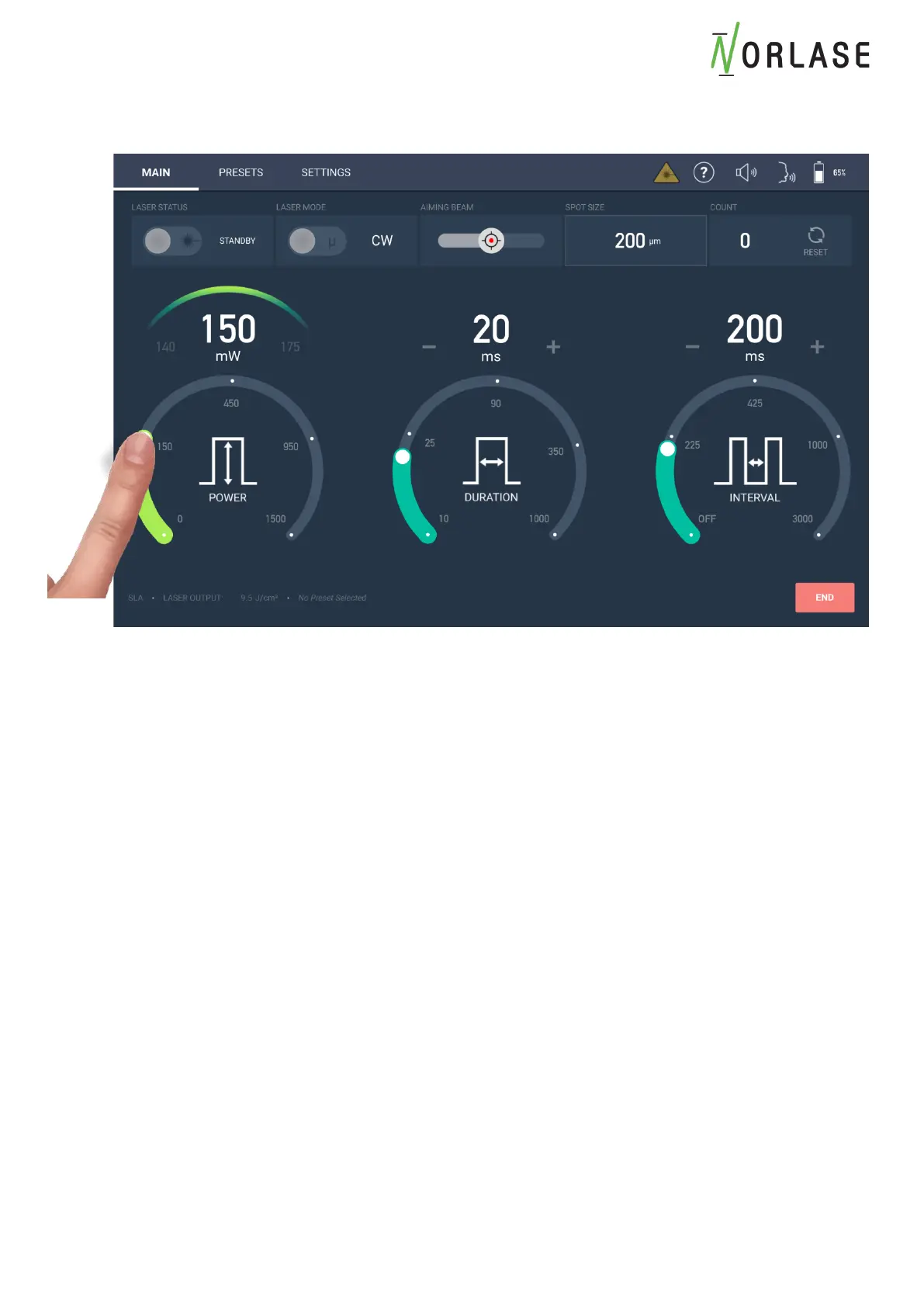
Changing Parameters on Power, Duration and Interval
To change any parameter, lightly press your finger along the active area of the arc and slide until
the desired setting is reached. The parameter selected will change colors to indicate the region
is being adjusted.
Alternate methods of adjustment include touching and holding a region along the arc for 2
seconds and the value will immediately jump to the touchpoint setting on the scale.
A setting may also be incremented to the next higher or lower value by touching the “+” or “-“
next to each parameter.



 To Next Page