Leaf User Manual
P/N: 97-4000, Revision 08, Release date: 2020-11-10 Page 26 of 85
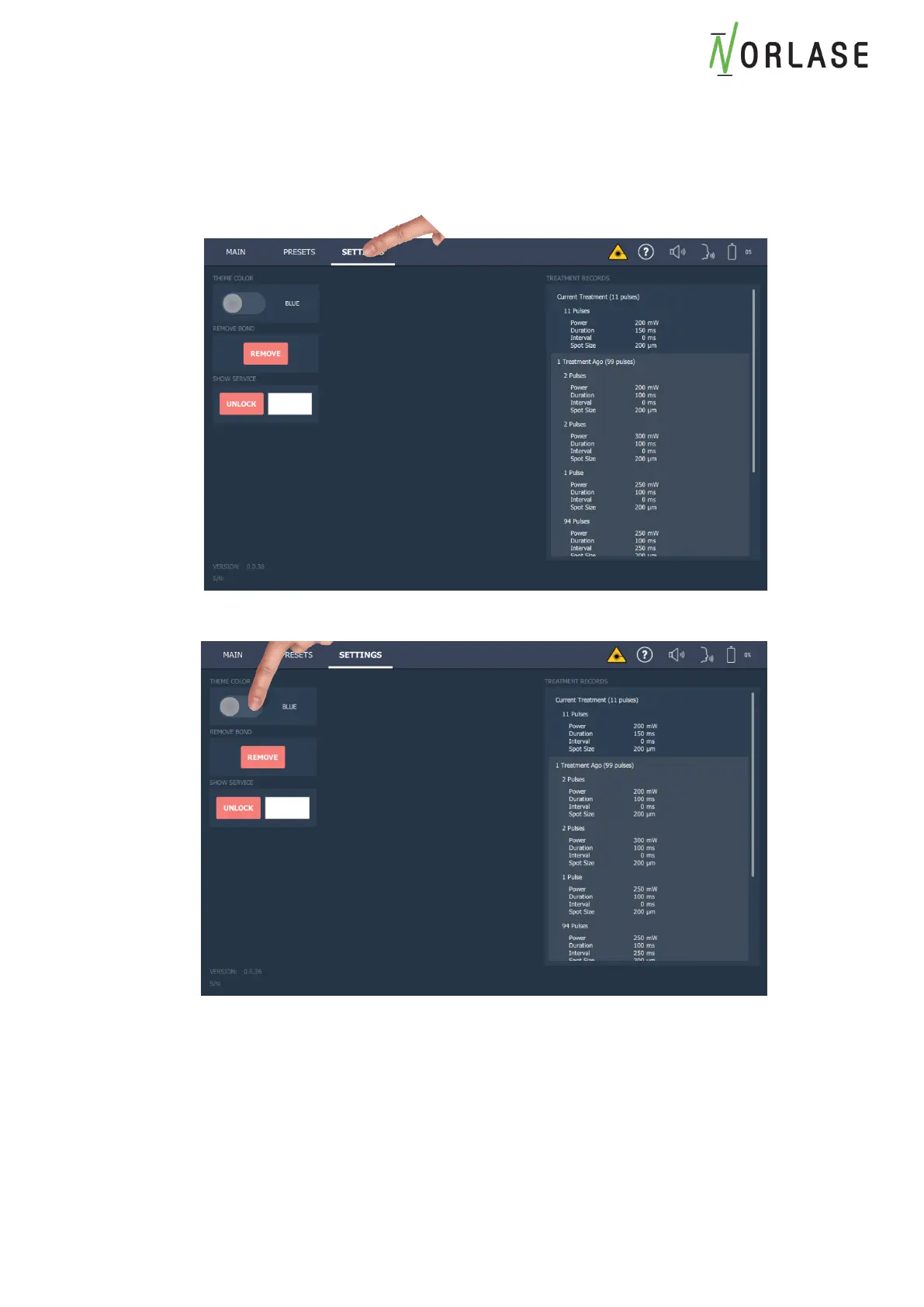
Changing Background Color on Tablet
The tablet background color may be changed from blue (default) to gray if desired.
1. Touch the Settings tab.
2. Select the desired blue or gray tablet theme color



 To Next Page