Leaf User Manual
P/N: 97-4000, Revision 08, Release date: 2020-11-10 Page 14 of 85
System Start-up and Shut-down
Starting the System
1.
Connect system power supply to a wall power outlet.
2.
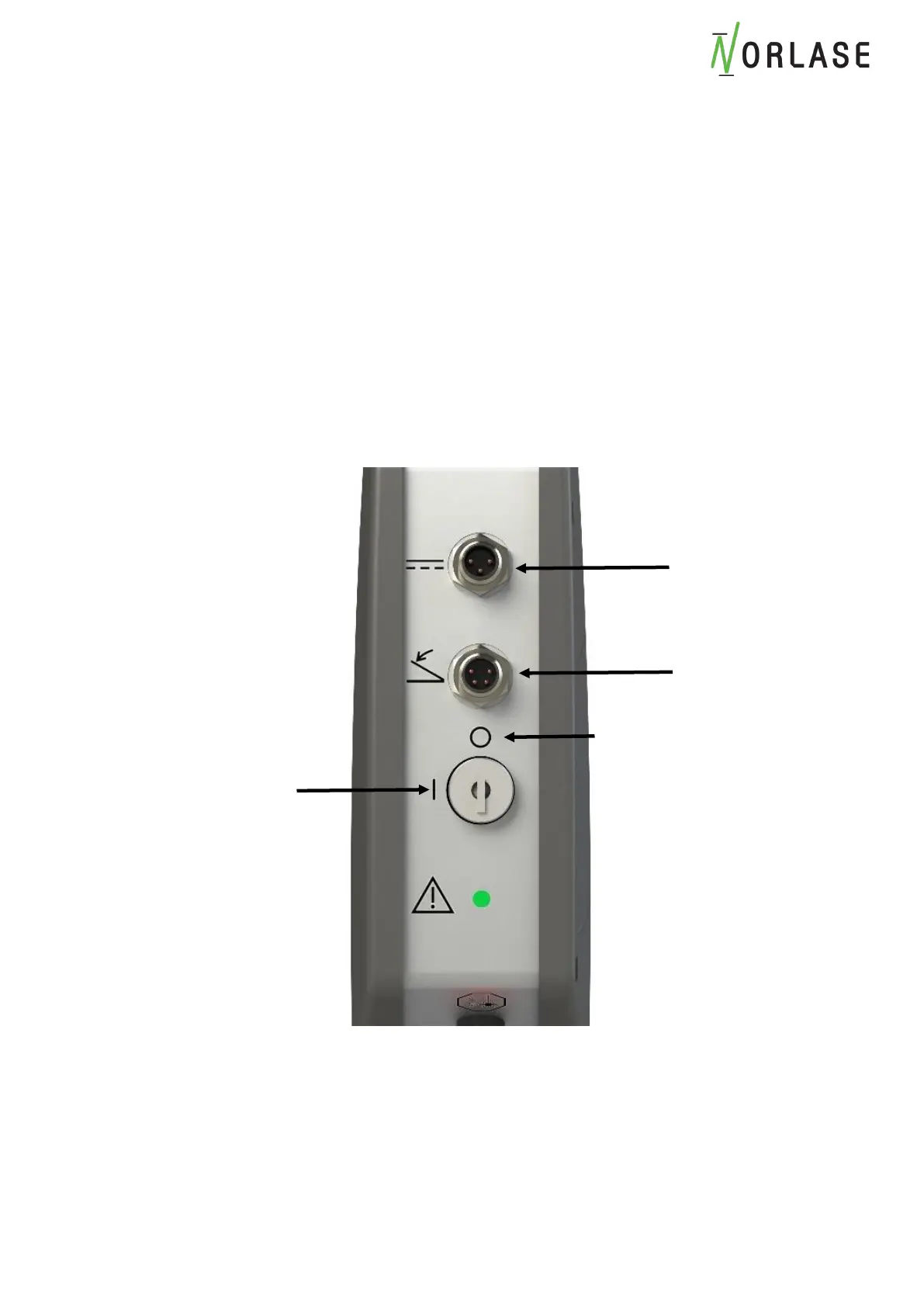
Connect power cable to laser. Please note this connector is keyed so it must be inserted in
the proper orientation.
3.
Connect footswitch cable to laser. Please note this connector is keyed so it must be inserted
in the proper orientation.
4.
Insert key into key switch.
5.
Turn key to the ON position.
6.
Press and hold the “ON” button of the display tablet until the tablet powers up.



 To Next Page