Leaf User Manual
P/N: 97-4000, Revision 08, Release date: 2020-11-10 Page 10 of 85
Connecting the System Components
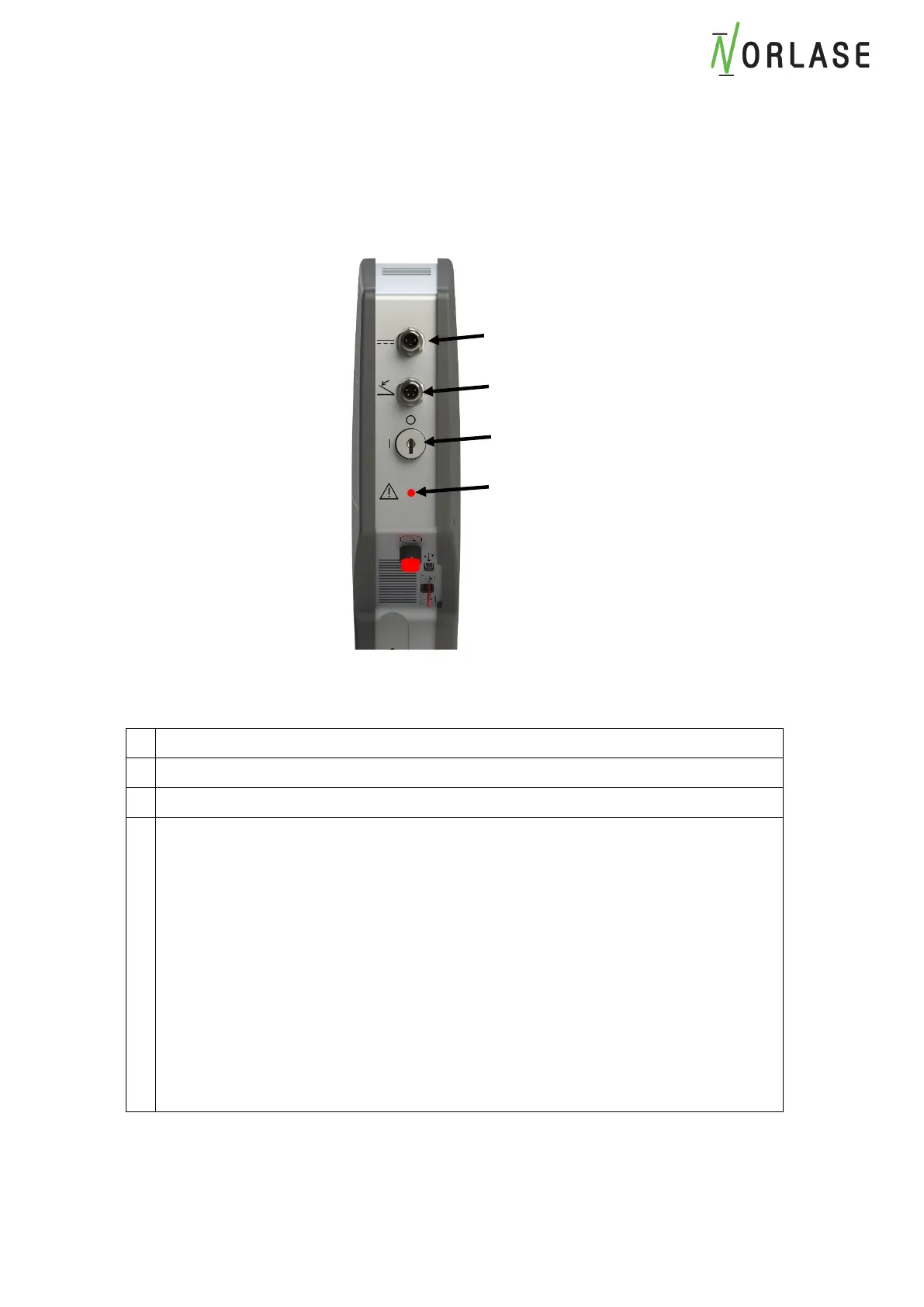
Refer to the following diagrams for the location of system component connections on
the side panels of the console.
Side Panel Functions
System Status LED
Flashing Blue - Searching for Tablet
Solid Green - Tablet Connected and in STANDBY
Solid Yellow - Tablet Connected and in TREAT
Flashing Yellow - Tablet Connected, in TREAT and footswitch is pressed
Solid Red – System Error, Turn Key OFF then ON
Flashing Red – System Error with No Tablet Connected, Turn Key OFF then
ON and connect tablet



 To Next Page