Leaf User Manual
P/N: 97-4000, Revision 08, Release date: 2020-11-10 Page 19 of 85
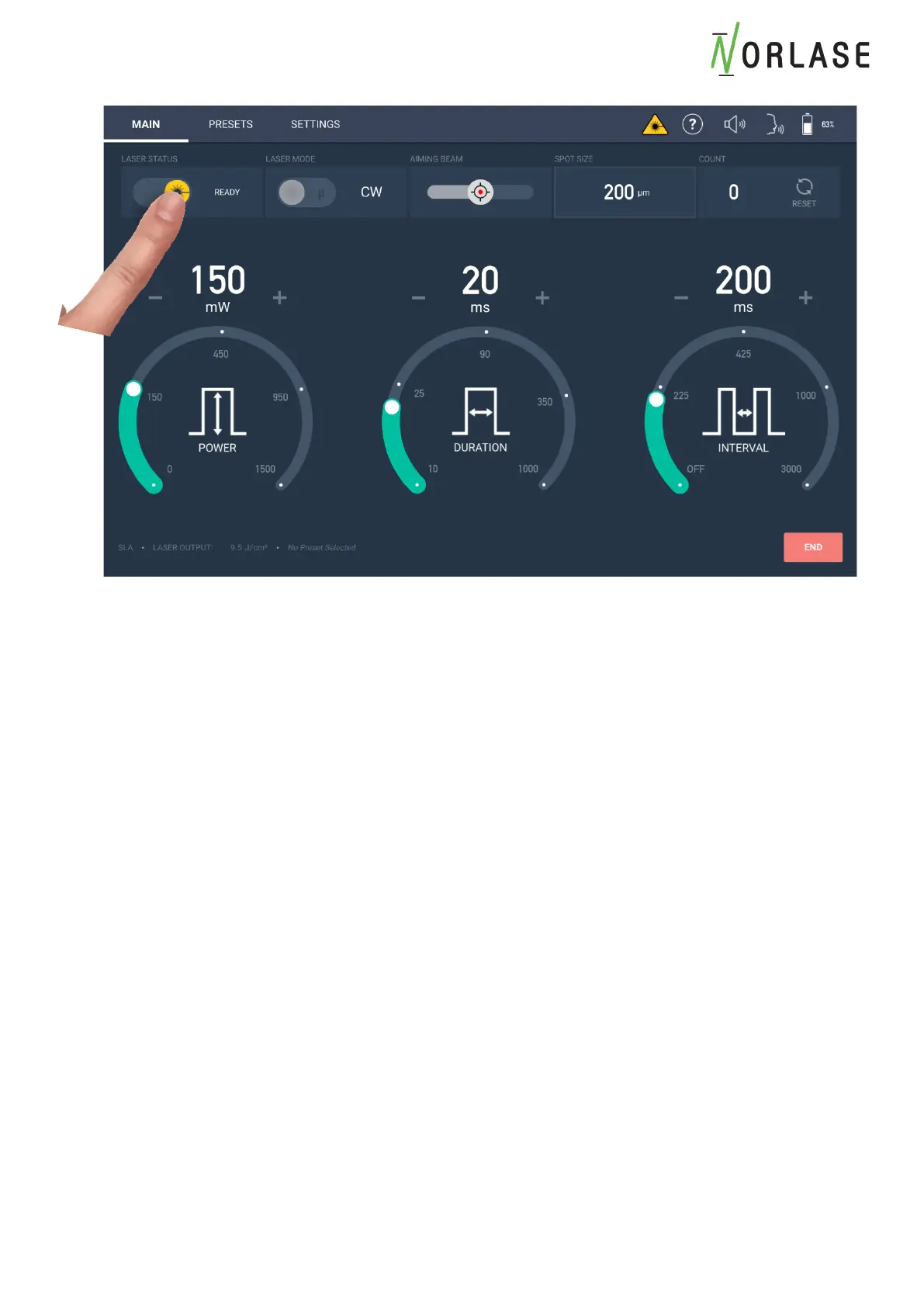
Changing Laser Status, Laser Mode, Aiming Beam Power and Counter Reset
Laser status may be selected between Standby and Ready by pressing in the active region. The
selected setting will be displayed. In the Ready mode, the laser starburst symbol will be
highlighted in yellow.
To toggle between Continuous Wave (CW) and µSec (Optional) modes, touch within the active
region. The active setting will be displayed
Aiming Beam intensity can be adjusted by using the slider to select the desired intensity and can
be adjusted from 10-100%. At 100% setting, the power delivered to tissue is <1 mw.
The Pulse Count can be reset to zero by touching the “Reset” icon within the Count region.
Please Note: The Pulse Count can only be reset by pressing the reset button. Power cycling the
system will still display the previous pulse count number.



 To Next Page