Leaf User Manual
P/N: 97-4000, Revision 08, Release date: 2020-11-10 Page 36 of 85
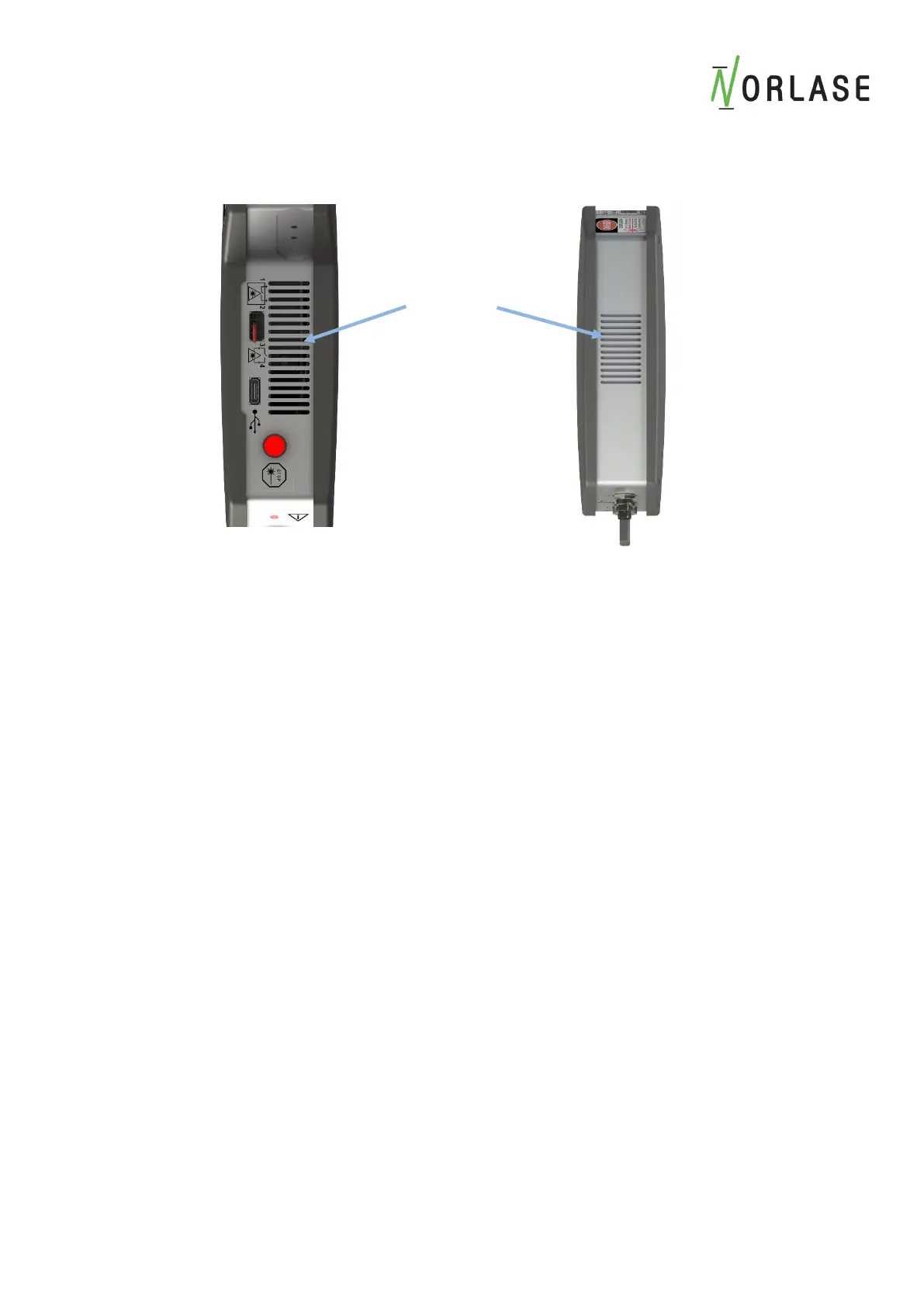
Do not spray or pour liquids into the air vents at the top and bottom of the laser.
Do not clean any optical surface unless you have proper training. Using anything
other than lens paper may scratch coating surfaces and affect the performance and
protection of any optical coatings.
Cleaning the Control Panel Screen
Use a soft, dry cloth to apply antistatic glass or plastic cleaner to the control panel screen.
Inspecting the Power Supply
Inspect the Power Supply cabling for any cuts or abrasions to the cabling. If any noticeable
trauma has occurred, please contact Norlase Technical Support or your authorized Distributor to
replace the power supply.
The power supply must be replaced with a factory authorized replacement or damage to the laser
system may occur. Any warranty will be immediately voided by use of an unauthorized power
supply.



 To Next Page