Connecting MG 1000T system components Page 161 of 488
Communication Server 1000E Installation and Configuration
Connecting an MG 1000T Core to the ELAN subnet
Follow Procedure 35 to connect an MG 1000T Core to the ELAN subnet.
Procedure 35
Connecting an MG 1000T Core to the ELAN subnet
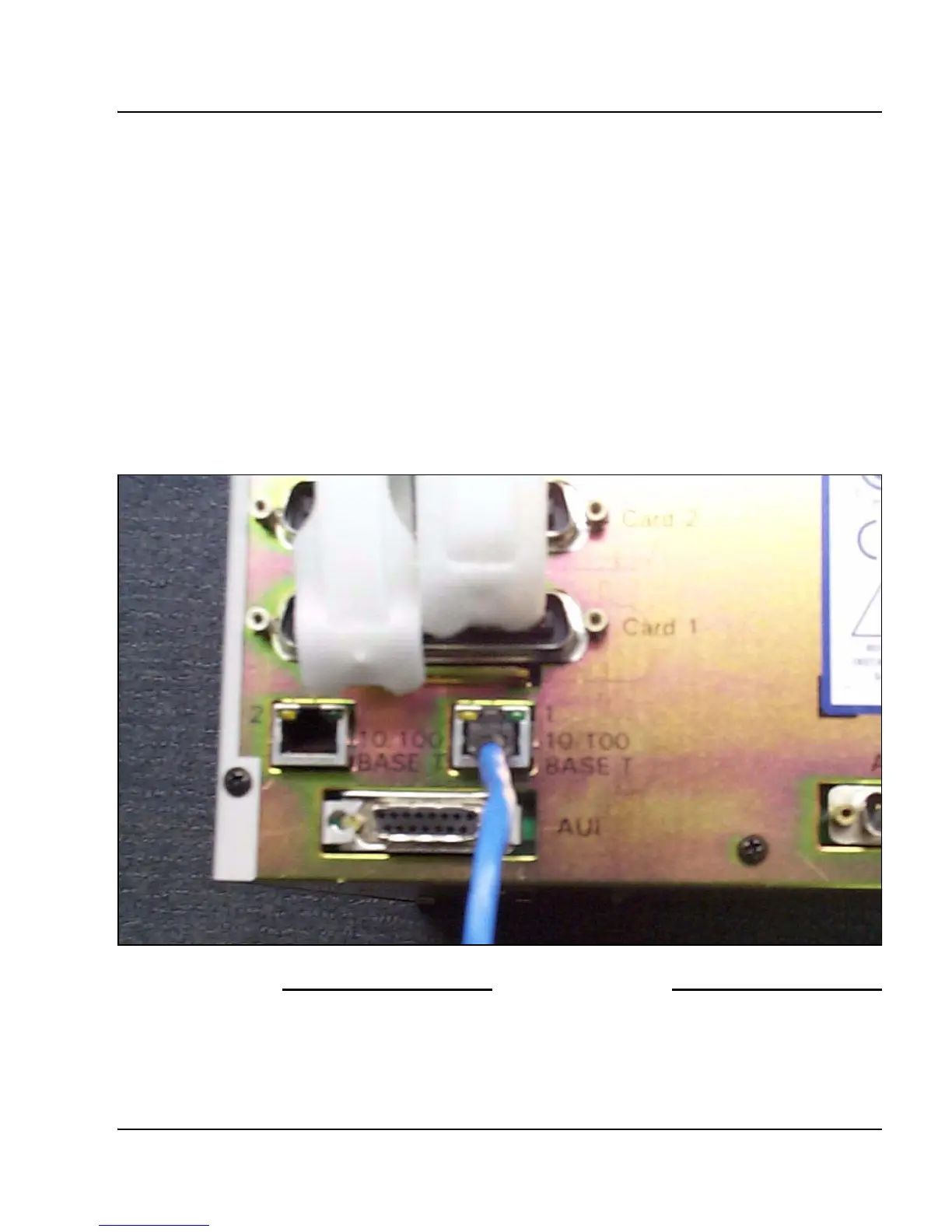
1 Connect one end of a standard CAT5 cable to the 10/100BaseT ELAN
network interface on the back of the MG 1000T Core as shown in Figure
42.
2 Connect the other end of the standard CAT5 cable to an RJ-45 ELAN
network interface on the ELAN Layer 2 switch (BayStack 470-24T).
Figure 42
10/100 BaseT connectors
End of Procedure
1
2
10/100
BASE T
10/100
BASE T



 To Next Page