Page 372 of 488 Configuring an IP telephony node
553-3041-210 Standard 4.00 September 2007
Importing preconfigured IP telephony files
Follow Procedure 94 to import the preconfigured IP telephony files from the
Signaling Server.
Procedure 94
Importing an existing node
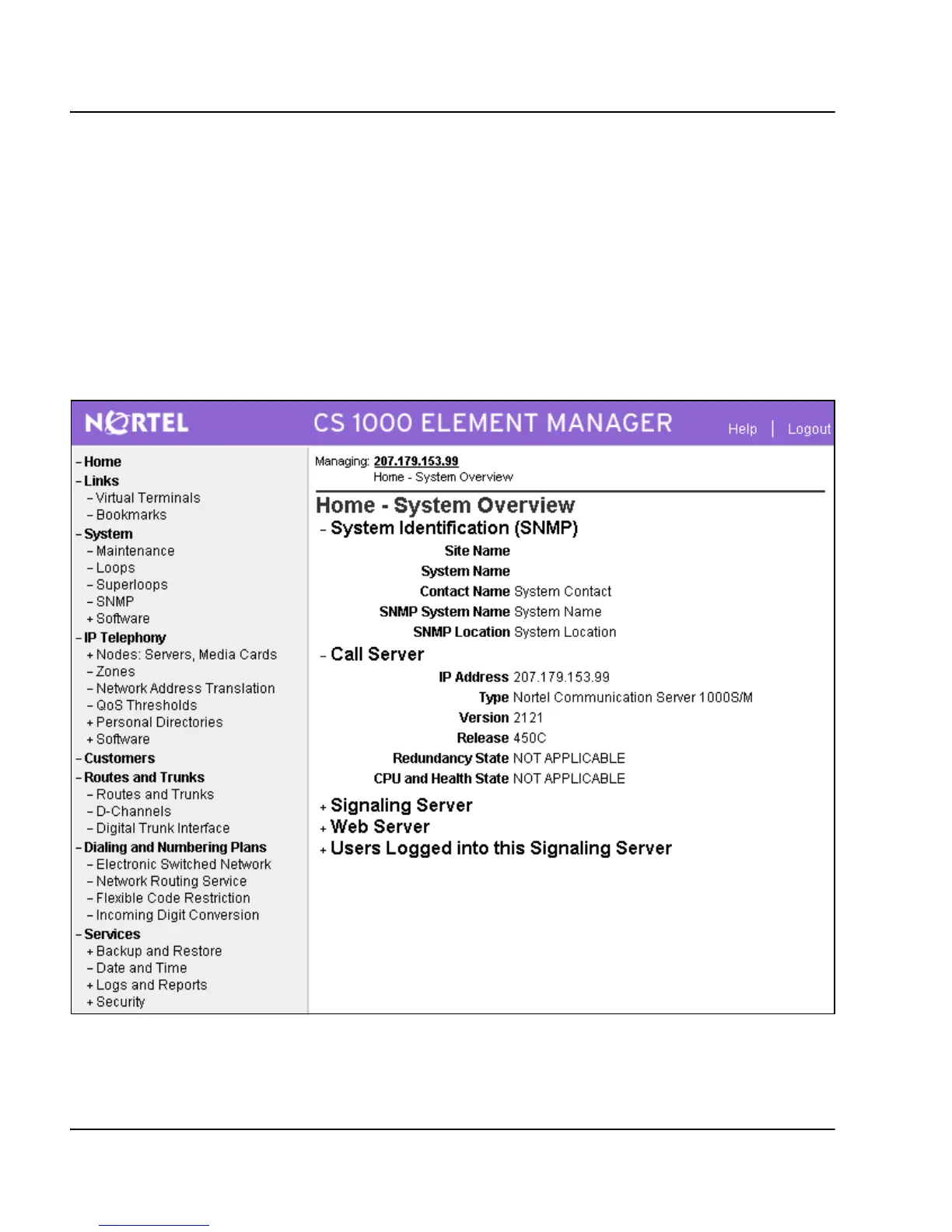
Figure 131 displays the Element Manager System Information home page.
Figure 131
Element Manager – System Overview web page



 To Next Page