Rack-mounting the components Page 89 of 488
Communication Server 1000E Installation and Configuration
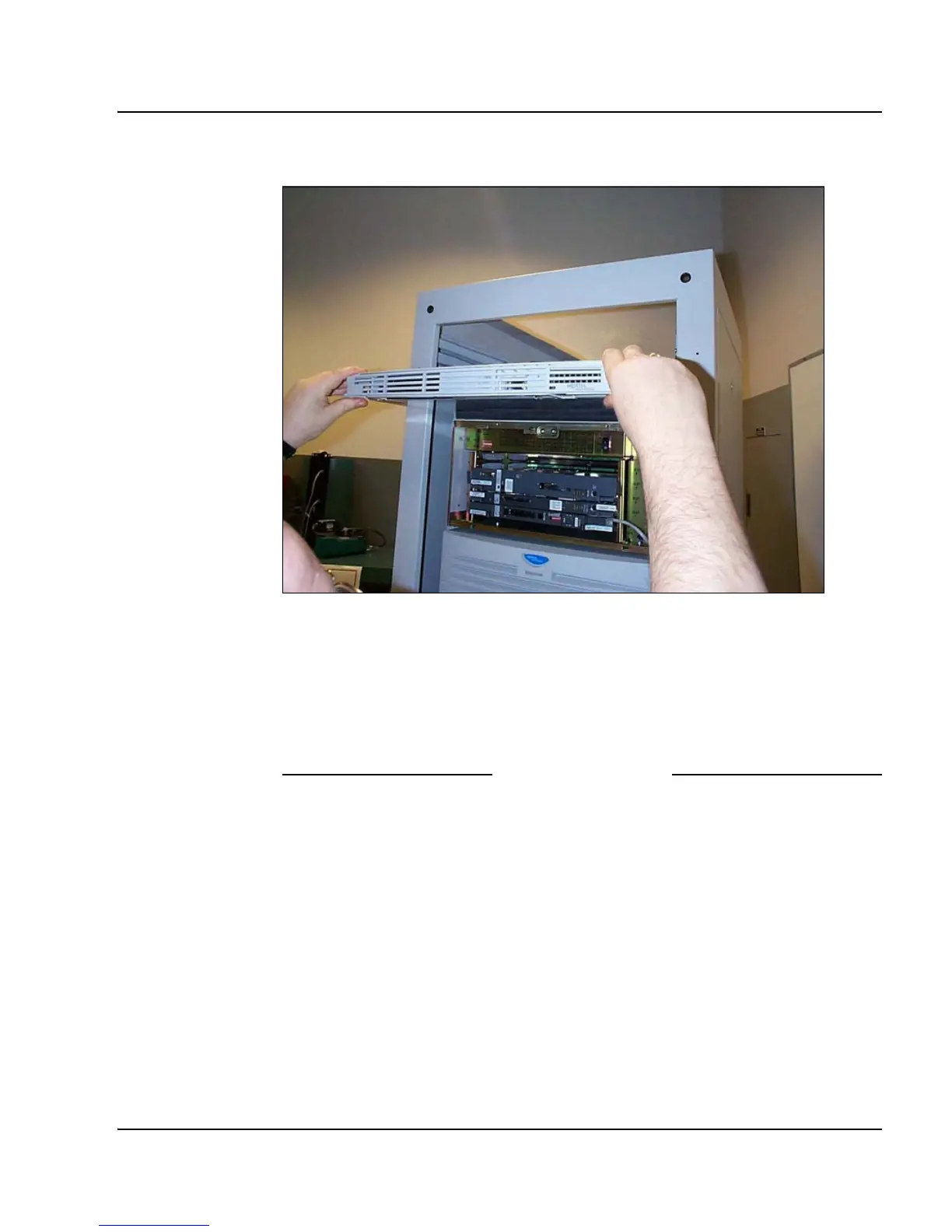
Figure 25
Rack-mounting the Signaling Server
3 Tighten the screws through the faceplate of the Signaling Server to the
rack-mount bracket.
Note: Do not apply excessive torque while tightening the bolts. The bezel
door is plastic and does not require or withstand overtightening.
End of Procedure



 To Next Page