112 Chapter 5 Configuring the system
NN46110-500
Using the SSH server to allow secure sessions
You can enable an SSH server to allow secure CLI sessions, such as telnet, to the
NVR. You also have the option of enabling the private and public interface filters,
set the port for the SSH server, and restart the server. You can use either the NVR
GUI or CLI to configure the SSH server. SSHv1 clients are not supported on the
SSH server.
Using the GUI for SSH server
Before using the SSH server, you must first enable it and then set the parameters.
Enabling the SSH server
To enable the SSH server:
1 Select Servers > SSH.
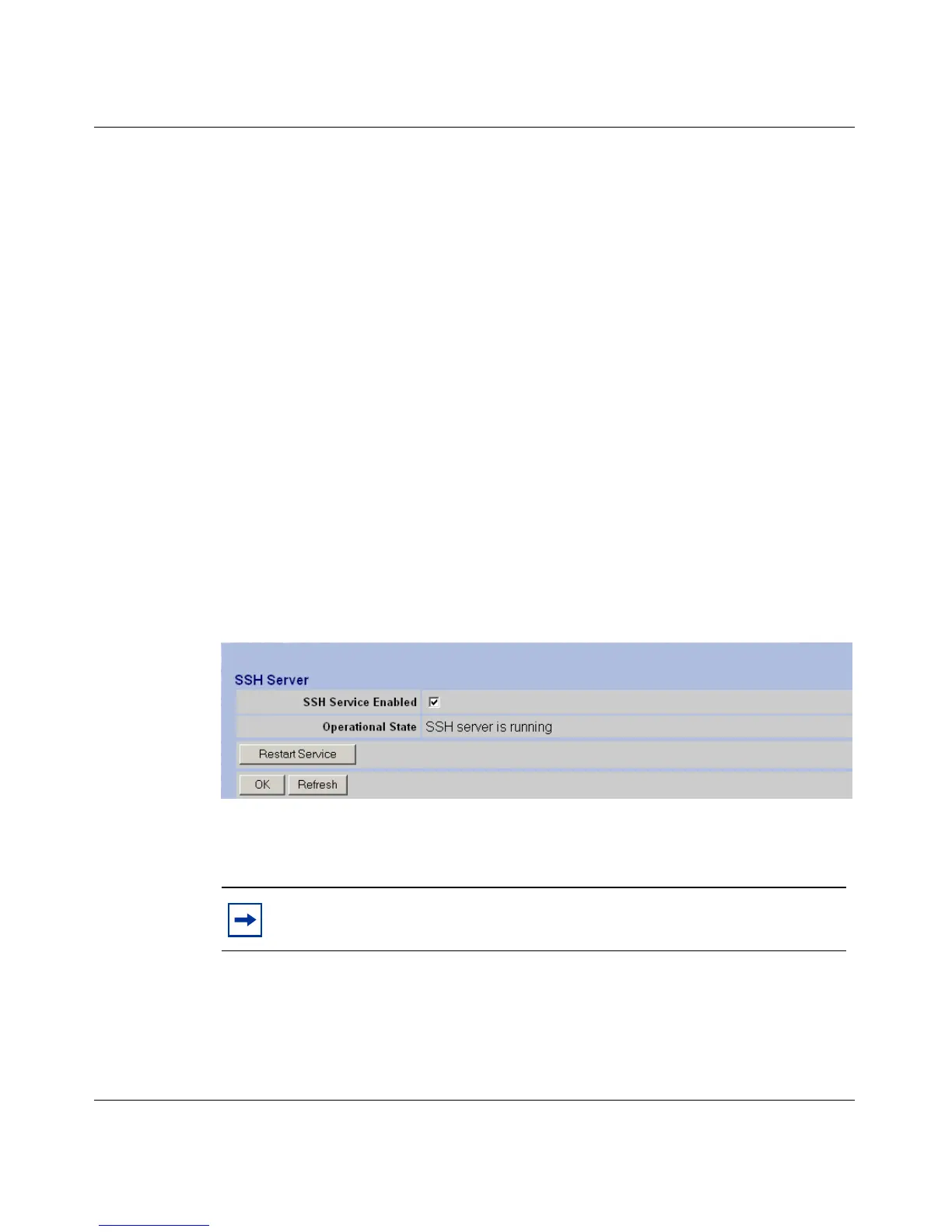
The SSH Server page appears as shown in Figure 17.
Figure 17 SSH Server
2 To enable the SSH Server, select the SSH Service Enabled check box.
3 Click OK.
Note: If an error occurs after you enable the SSH server and click OK,
restart the server.



 To Next Page