32 Chapter 2 Getting started
NN46110-500
• Identification
• CRL Retrieval
•CMP
To enable or disable management protocols, go to Services > Available window.
From this window, you can also specify whether to manage the VPN Router from
the public or private side. To redistribute the MVA, go to Routing > Policy
window.
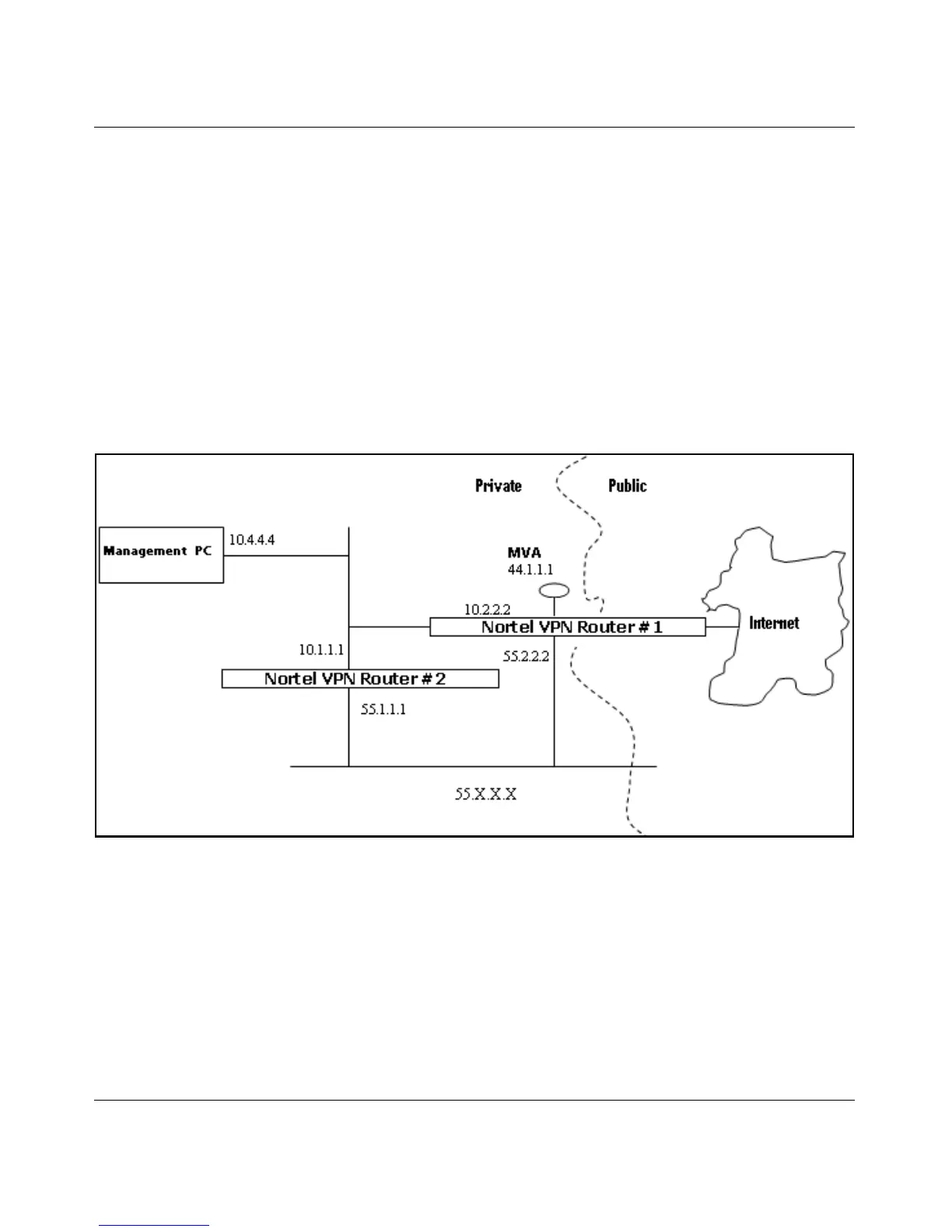
Figure 4 shows MVA with the CLIP address on a subnet that is separate from any
of the private physical interfaces.
Figure 4 MVA on separate subnet from private physical interfaces
Figure 5 on page 33 shows MVA with the CLIP address on the same subnet as one
of the private physical interfaces.



 To Next Page