122 Chapter 6 Configuring branch office tunnels
NN46110-500
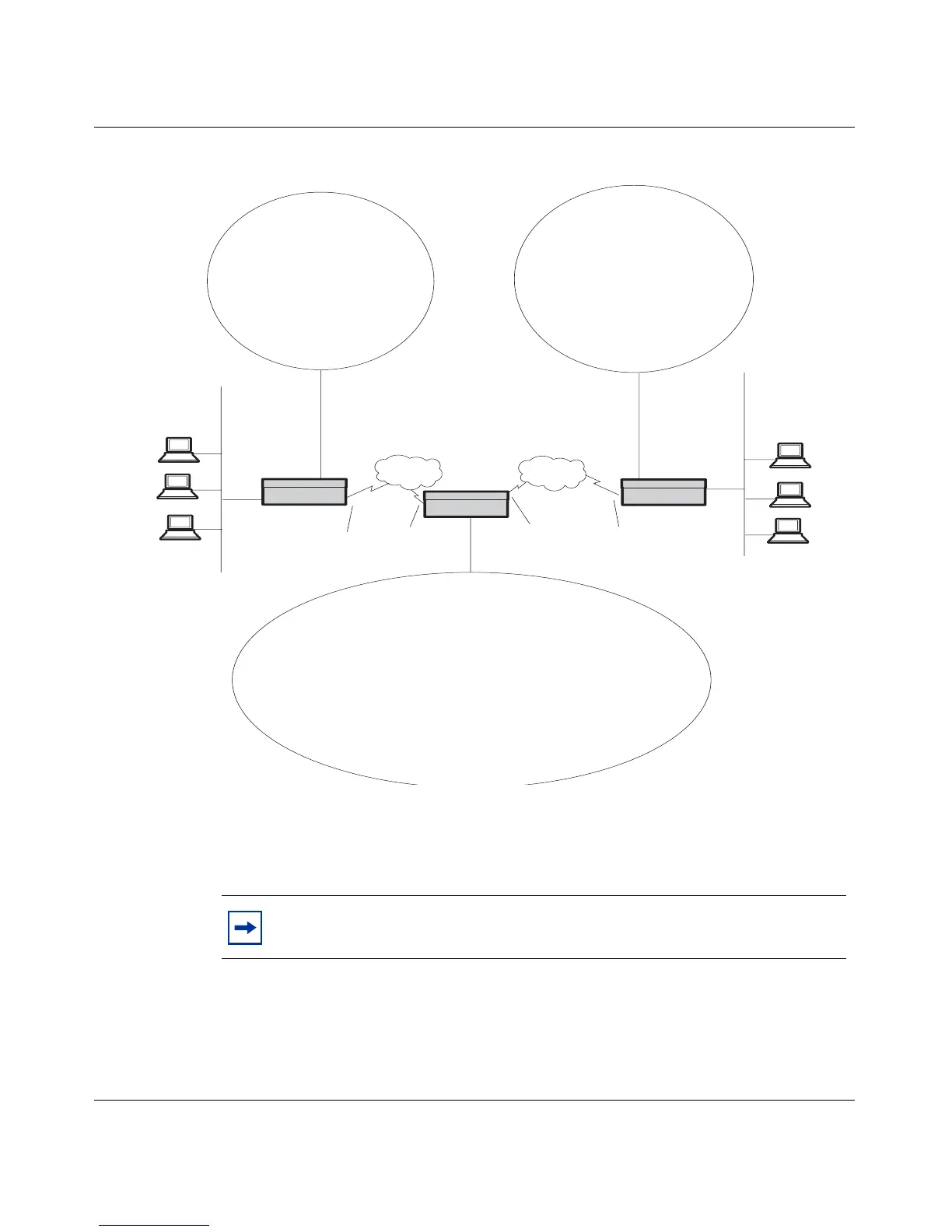
Figure 21 Indirectly connected branch offices
In branch offices, you might have two or more branches that use the same LAN
addressing scheme. Nonetheless, users still have to communicate with one another
across the branches.
NAT allows branch office connections to eliminate problems with overlapping
addresses on both sides of the connection, and it allows you to hide the LAN
addresses. To set up branch offices with NAT, see Nortel VPN Router Security —
Firewalls, Filters, NAT, and QoS.
Note: PPP multilink is not supported with branch office tunnels. It is
only supported with end user tunnels.
172.17.21.0
255.255.255.0
172.17.20.0
255.255.255.0
172.19.2.30
Boston
New York
Cleveland
Local:
172.17.21.0
255.255.255.0
172.17.20.0
255.255.255.0
192.149.20.0
255.255.255.0
Remote:
192.149.21.0
255.255.255.0
192.155.64.2
192.149.20.0
255.255.255.0
Local:
192.149.21.0
255.255.255.0
Remote:
172.17.21.0
255.255.255.0
172.17.20.0
255.255.255.0
Local:
172.17.21.0
255.255.255.0
172.17.20.0
255.255.255.0
192.149.20.0
255.255.255.0
Remote:
192.149.21.0
255.255.255.0
PDN
192.149.20.0
255.255.255.0
192.149.21.0
255.255.255.0
192.168.2.3
192.155.65.2
192.149.20.0
255.255.255.0
Local:
Remote:
172.17.21.0
255.255.255.0
172.17.20.0
255.255.255.0
192.149.21.0
255.255.255.0
PDN



 To Next Page