Chapter 5 Configuring the system 99
Nortel VPN Router Configuration — Basic Features
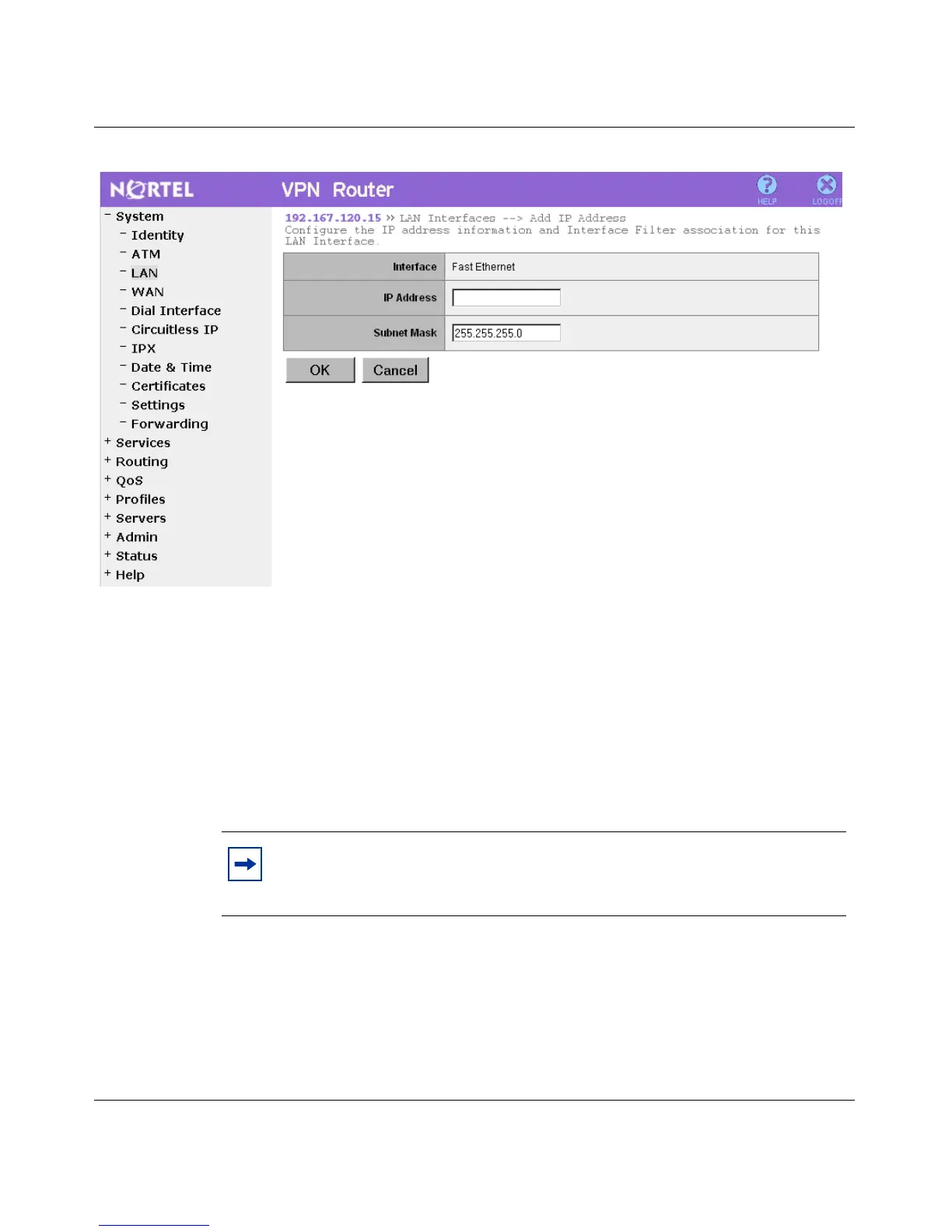
Figure 15 LAN Interfaces > Add IP Address window
2 Enter an IP address in the IP Address text box.
3 Enter a subnet mask in the Subnet Mask text box.
4 Click OK.
To delete an IP address:
1 From the LAN Interfaces window, select the secondary IP address to delete.
2 Click Delete.
Note: Secondary subnets can be deleted without having any effect on
one another. To delete the primary subnet, remove all the secondary
subnets.



 To Next Page