114 Chapter 5 Configuring the system
NN46110-500
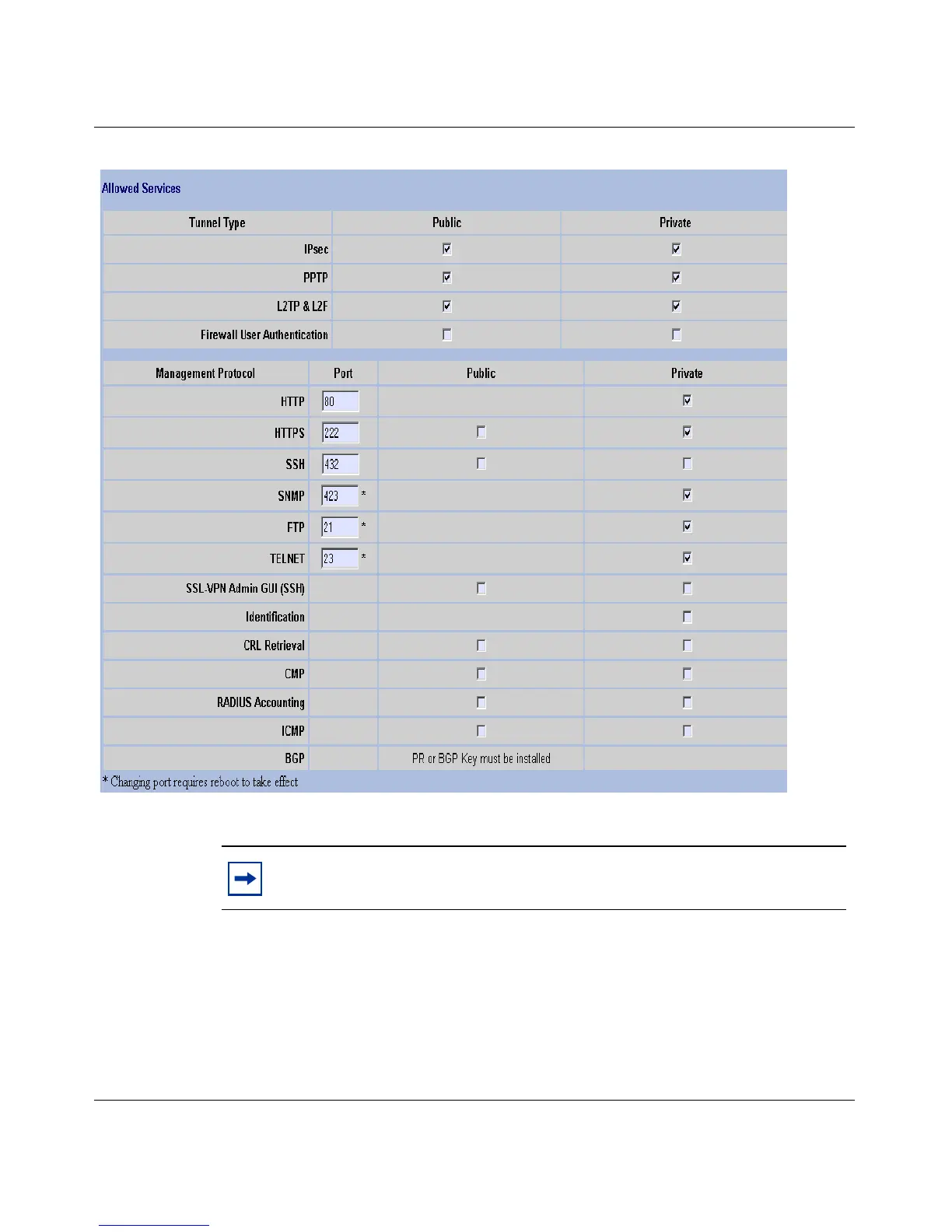
Figure 18 Allowed Services window
2 In the Port text box, enter the SSH server port number.
3 To enable filters, select either the Public or the Private check box.
4 Click OK.
Note: If an SSL VPN card exists in the NVR, the port for the SSH
server cannot be 22.



 To Next Page