88 Chapter 4 Configuring user tunnels
NN46110-500
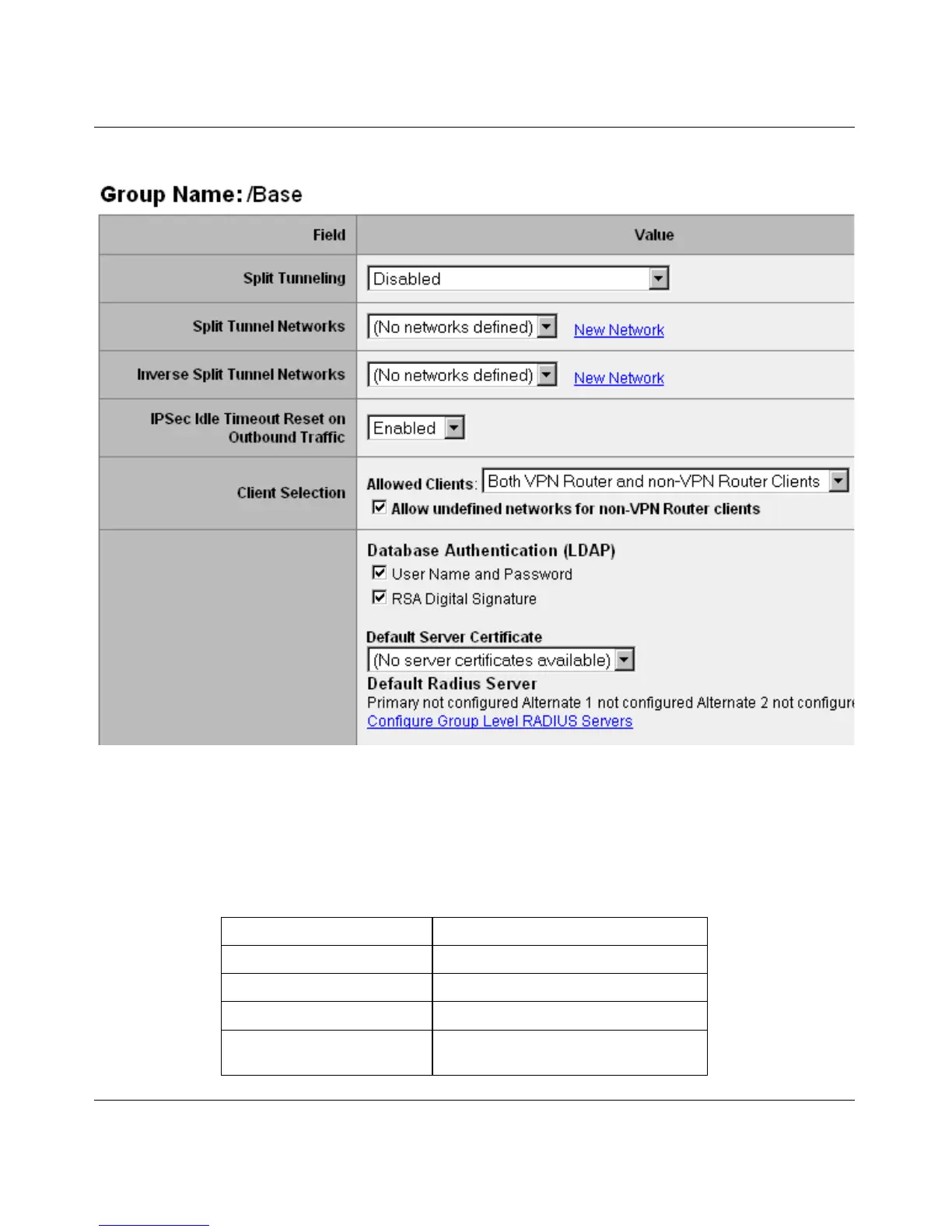
Figure 12 Edit > IPsec page for wildcard
2 Select Enabled - Inverse or Enabled Locally Connected from the Split
Tunneling menu.
The Split Tunneling menu is used to select the tunneling mode that is used by
the selected group. Table 7 shows the options.
Table 7 Split tunneling mode options
Split Tunneling Selection Network Selection sent to NVC
Disabled None
Enabled Split Tunnel networks
Enabled-Inverse Inverse Split Tunnel Networks
Enabled-Inverse (locally
connected)
Inverse Split Tunnel Networks



 To Next Page