120 Chapter 6 Configuring branch office tunnels
NN46110-500
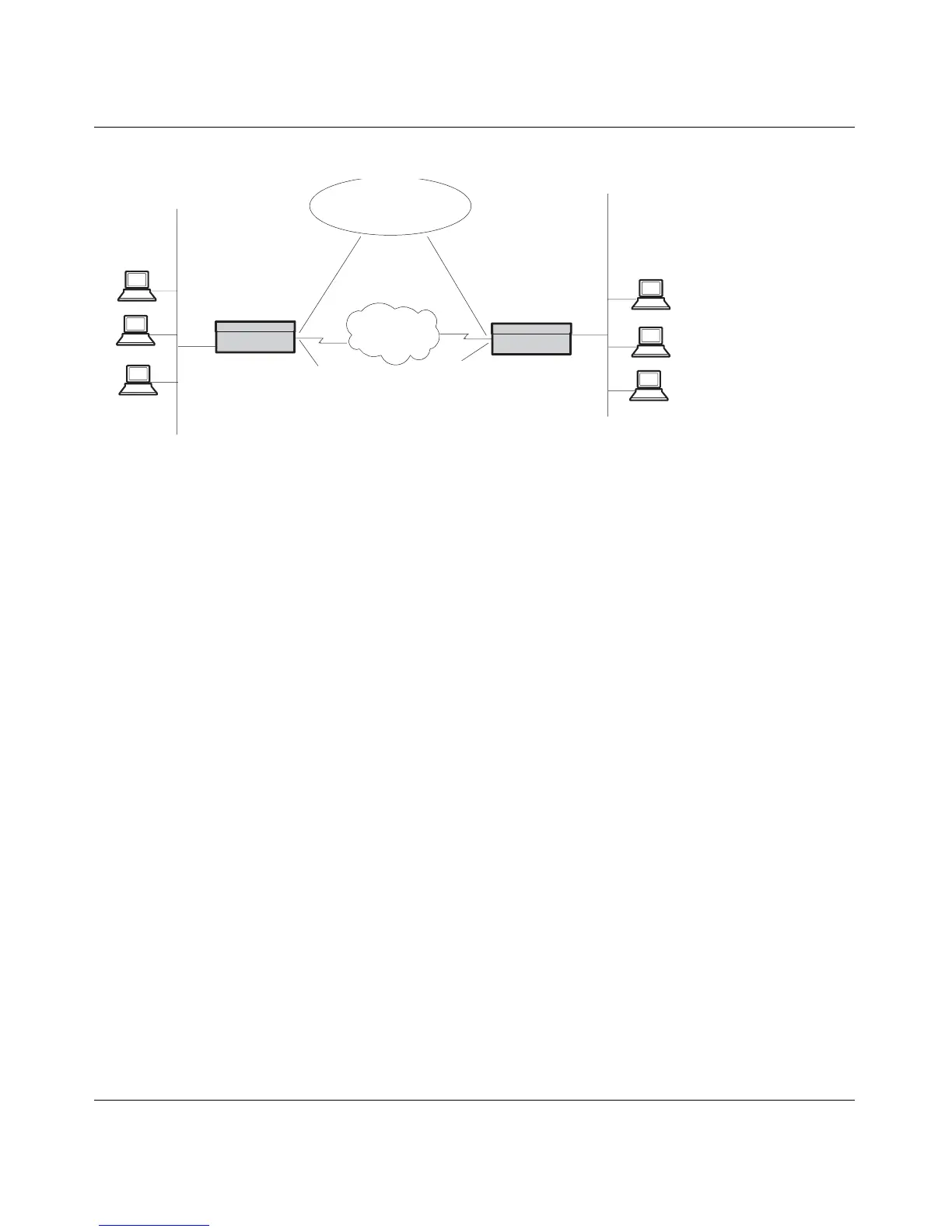
Figure 19 Typical branch office environment
The section “Configuring a branch office” on page 128” provides sample branch
office configurations for two locations, Boston and Cleveland. The initial
configurations show connections established with pre-shared keys.
In a mixed environment, you might want to tunnel connections to certain
networks, and have all other traffic go to the Internet. You must configure the
default Nortel VPN Router with a static route to the Nortel VPN Router for
accessible networks (refer to Profiles > Branch Office > Edit Branch Office
Connection). The default private LAN router (the firewall) must redirect packets
intended for remote branch office subnets.
In this case, as with any branch-to-branch configuration, you must configure each
branch Nortel VPN Router with the same encryption settings and pre-shared key
(password). Of course, the accessible local and remote subnetwork addresses and
subnet masks would be inverted in each Nortel VPN Router’s configuration.
Figure 20 on page 121 shows a branch-to-branch configuration with a firewall and
a router.
172.17.20.x
255.255.255.0
172.17.21.x
255.255.255.0
Boston
Gateway
Cleveland
Gateway
PDN
Triple DES
Pre-Shared Key:
bostoncleveland
172.19.2.30
192.168.2.3
Access Hours: 9-5
permit only dns/http
Access Hours: 12-3
permit all
192.149.20.X
255.255.255.0
192.149.21.x
255.255.255.0



 To Next Page