Chapter 6 Configuring branch office tunnels 129
Nortel VPN Router Configuration — Basic Features
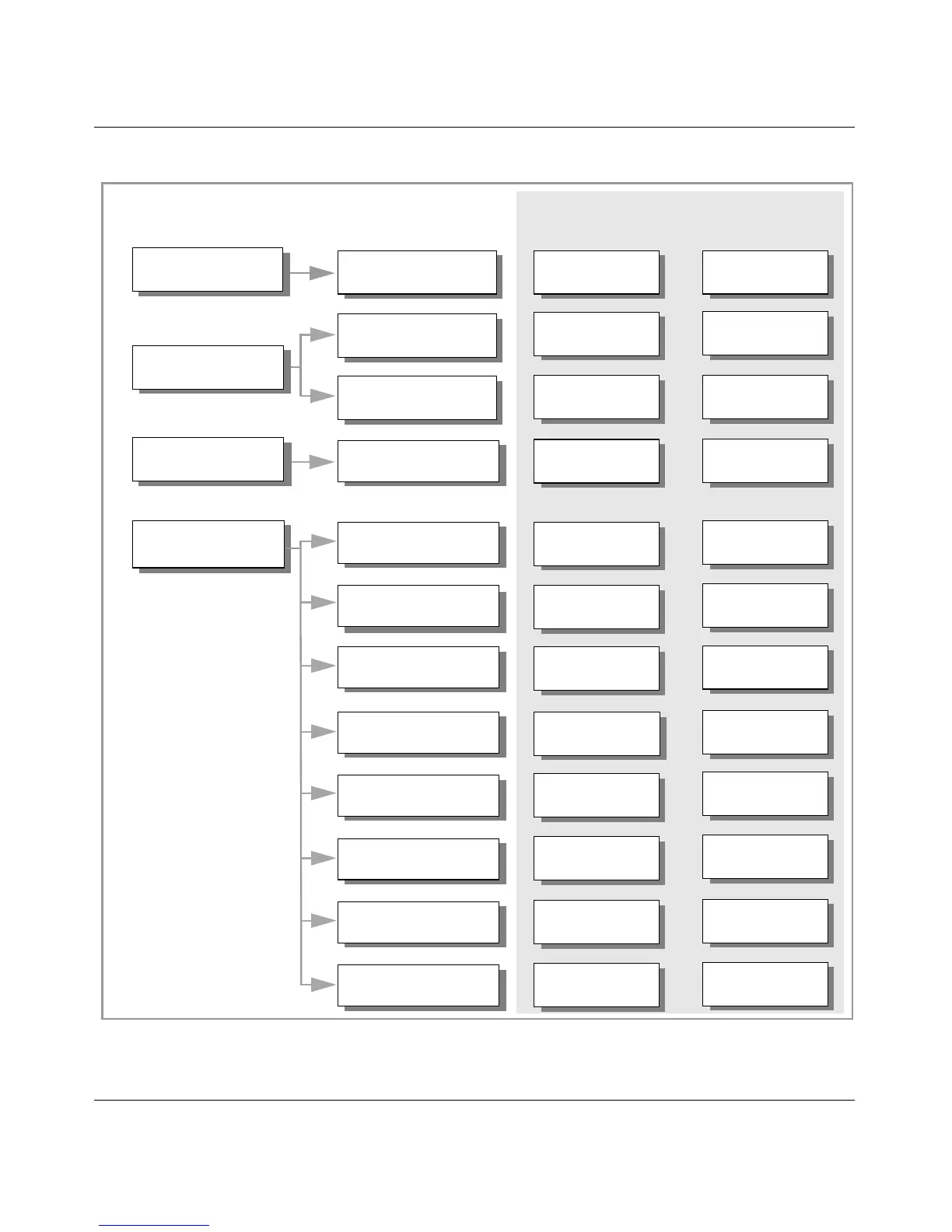
Figure 25 Setting up a branch office configuration
Routing Type
• Specify Local Address
Specify Local and Remote
Select NAT set
Select Tunnel Type
Specify Authentication
Select Filter
Accessible Networks
settings
Enable Branch Office
Enable
Static
• Specify Remote Address
• Local 132.19.2.30
•
Remote 132.168.2.3
No NAT selected
permit only dns/http
IPsec
Text Pre-Shared Key:
bostoncleveland
192.168.21.0
Enable
Static
• Local 132.168.2.3
•
Remote 132.19.2.30
No NAT selected
permit all
IPsec
Text Pre-Shared Key:
bostoncleveland
•Local cleveland_sales
•Remote 10.17.20.0
10.17.21.0
•Local boston_hq
•Remote 192.168.20.0
Add a group for
the Connection
Review Tunnel Type
Settings
Profiles > Branch Office >
Configure Connection
Which Management Page to Use? What to Do?
1
2
3
/Base/boston
IPsec
• vpn_to_cleveland
• Associate with
/Base/boston group
Boston
Settings for Configuration Example
Cleveland
/Base/cleveland
Review settings
IPsec
• vpn_to_boston
/Base/cleveland group
• Associate with
Profiles > Branch Office
Profiles > Branch Office >
Configure Connection
Profiles > Groups >
Edit button
Optional Step
Review settings
Name the Connection,
associate it with the group
Review Connectivity
Settings
Review Connectivity
Settings



 To Next Page