About the M2016S Secure Set
11
• volume control bar for:
— ringing tone
—buzz tone
— speaker
• handset
The M2016S Secure Set supports the following set options:
• 2-line by 24-character display
Selecting a position for your M2016S
Secure Set
On your desk
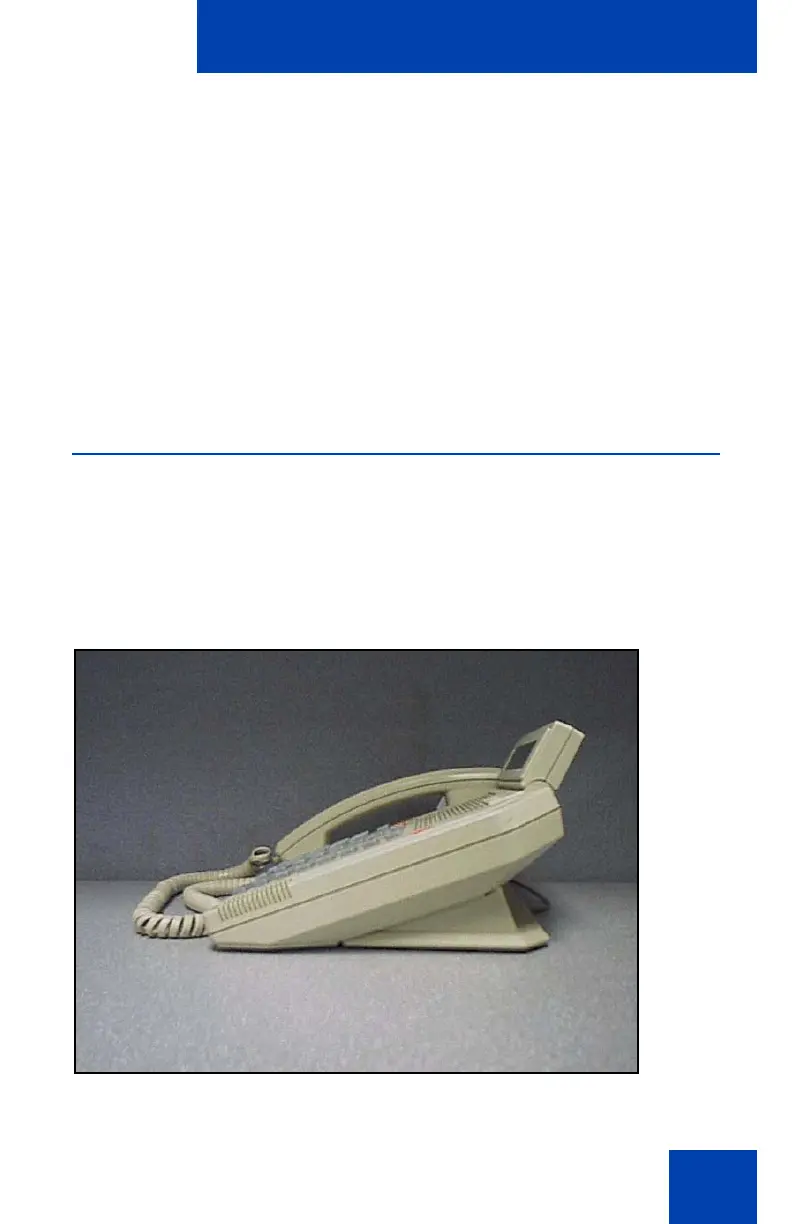
Your M2016S Secure Set can be placed on your desk so that it is tilted
upwards making it easier to see the display (Figure 2).
Figure 2: M2016S Secure Set desk position











 To Next Page