Making a call
32
Call Page
Call Page enables you to make an announcement over your paging
system by dialing the page trunk access code.
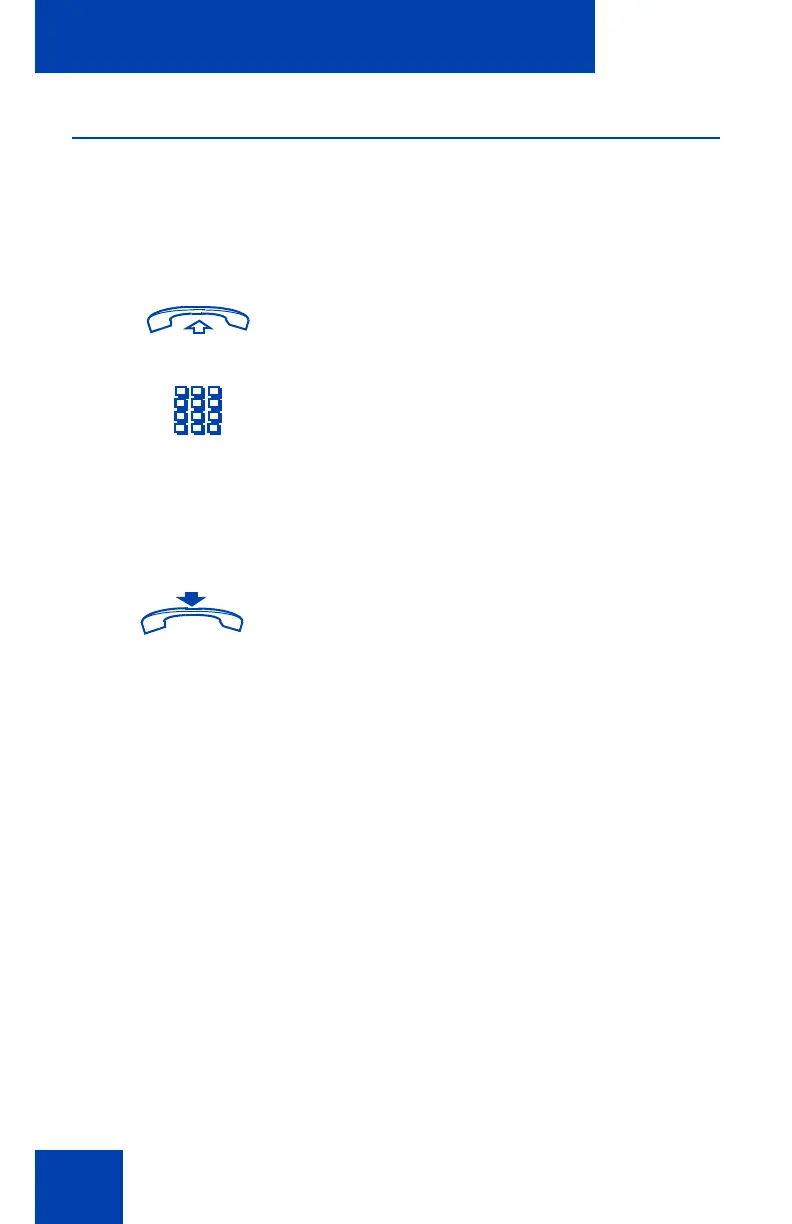
To use the Call Page feature:
To disconnect:
1. Lift the handset or press a DN key.
2. Dial the paging trunk access code.
You are connected to the paging
system.
or
®
Replace the handset or press Release.











 To Next Page