While you are away from your desk
65
Electronic Lock
You can lock your set with a password so that no one can make external
calls from your office. This feature does not prohibit calls to internal
extensions. The lock consists of a password which you can change.
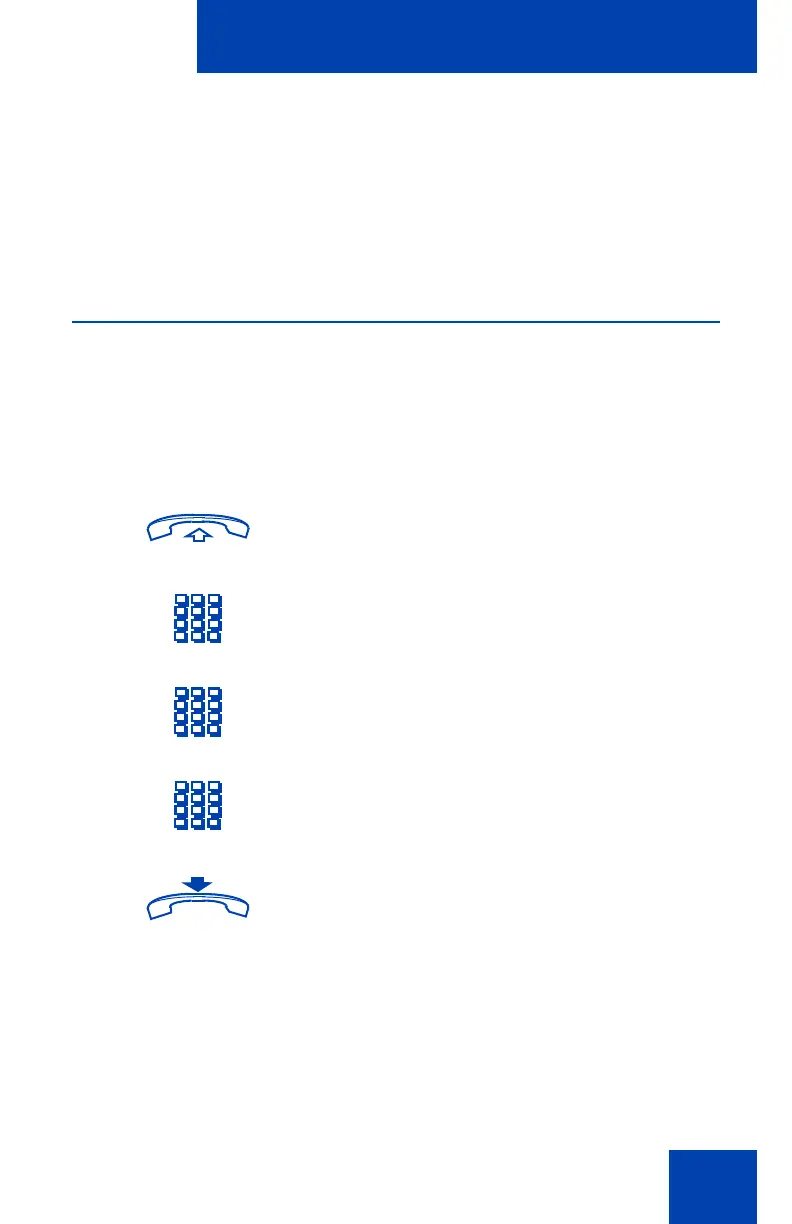
To lock your set:
£
4. Press the Pound key.
You receive a confirmation tone indicating
that you were successful in deactivating
Call Forward at the other set.
1. Lift the handset or press a DN key.
2. Dial the Lock FFC.
3. Dial your electronic lock password.
4. If you are using someone else’s set, dial
your DN.
5. Replace the handset or press Release.











 To Next Page