While you are away from your desk
66
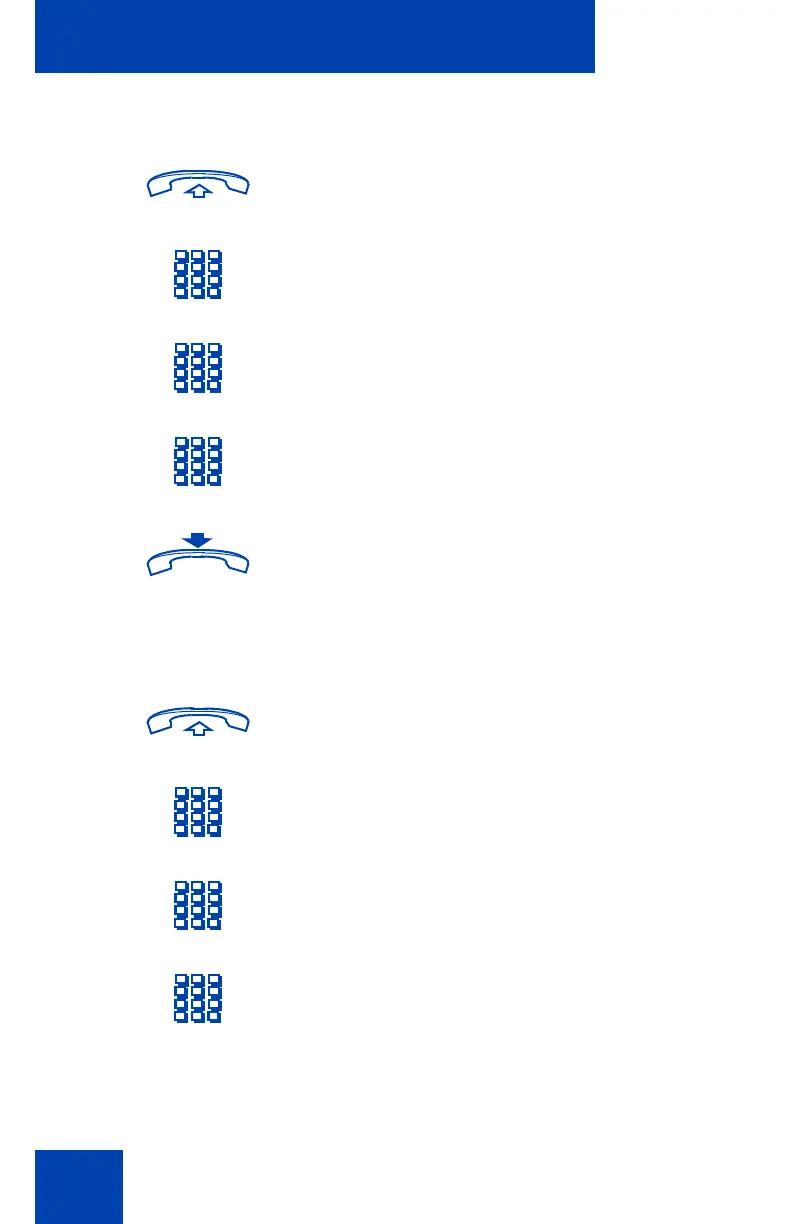
To unlock your set:
To change your electronic lock password:
1. Lift the handset or press a DN key.
2. Dial the Unlock FFC.
3. Dial your electronic lock password.
4. If you are using someone else’s set, dial
your DN.
5. Replace the handset or press Release.
1. Lift the handset or press a DN key.
2. Dial the Electronic Lock Password
Change FFC.
3. Dial the current password for your set.
4. Dial the new password you intend to
use.











 To Next Page