While you are away from your desk
63
To cancel Remote Call Forward:
To verify Remote Call Forward:
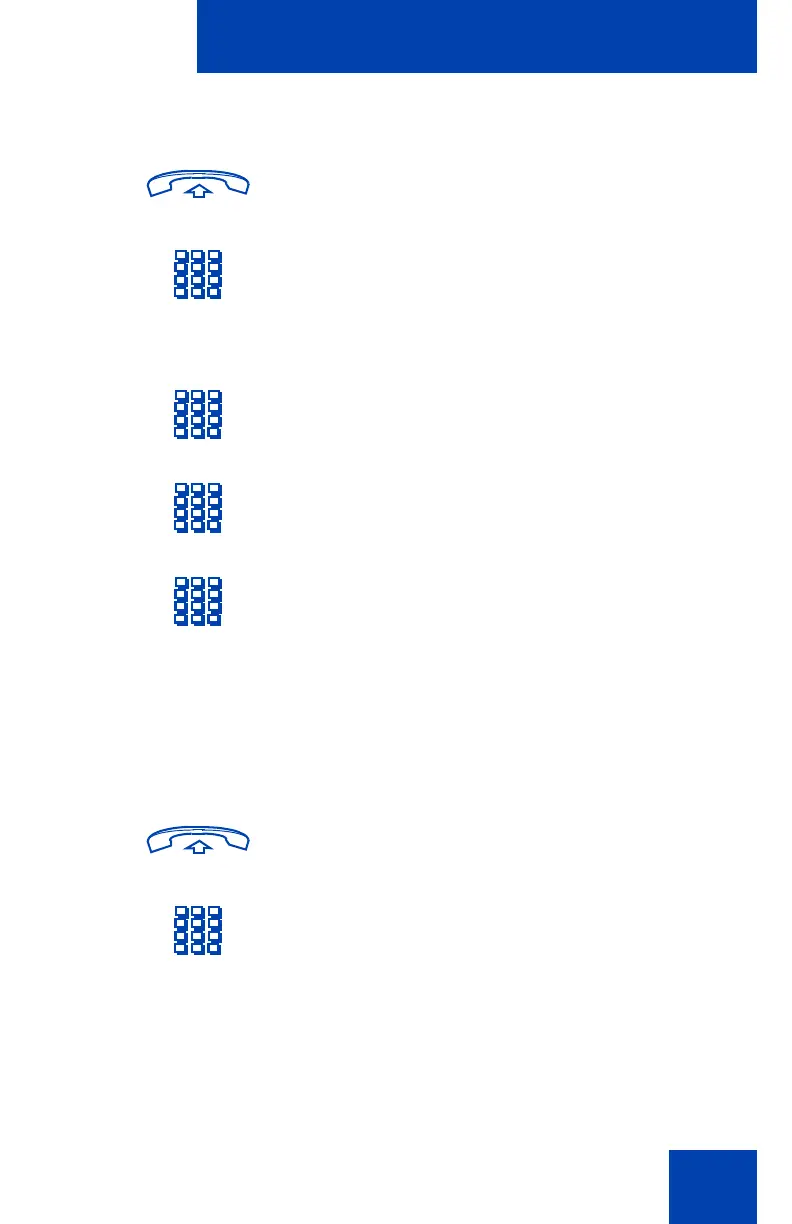
1. Lift the handset or press a DN key.
2. If you are calling from a set outside the
system, first dial the Direct Inward
System Access (DISA) number and wait
for the dial tone.
3. Enter the Remote Call Forward
Deactivate FFC.
4. Dial your Electronic Lock password.
(See “Electronic Lock” on page 65.)
5. Dial your DN.
£
6. Press the Pound key.
1. Lift the handset or press a DN key.
2. If you are calling from a set outside the
system, first dial the Direct Inward
System Access (DISA) number and wait
for the dial tone.











 To Next Page