19
Configuring the Contivity VPN Client
Chapter 1
Installing the client
This chapter provides information on how to install the client on Microsoft*
Windows XP and Windows 2000 systems. It also includes information on
Windows Domain Login and Nortel graphical identification and authentication
(NNGINA).
Windows installations
To install the client, copy the Contivity VPN Client (EAC601D.exe) that is on the
Contivity Secure IP Services Gateway CD into the Client folder onto your hard
drive.
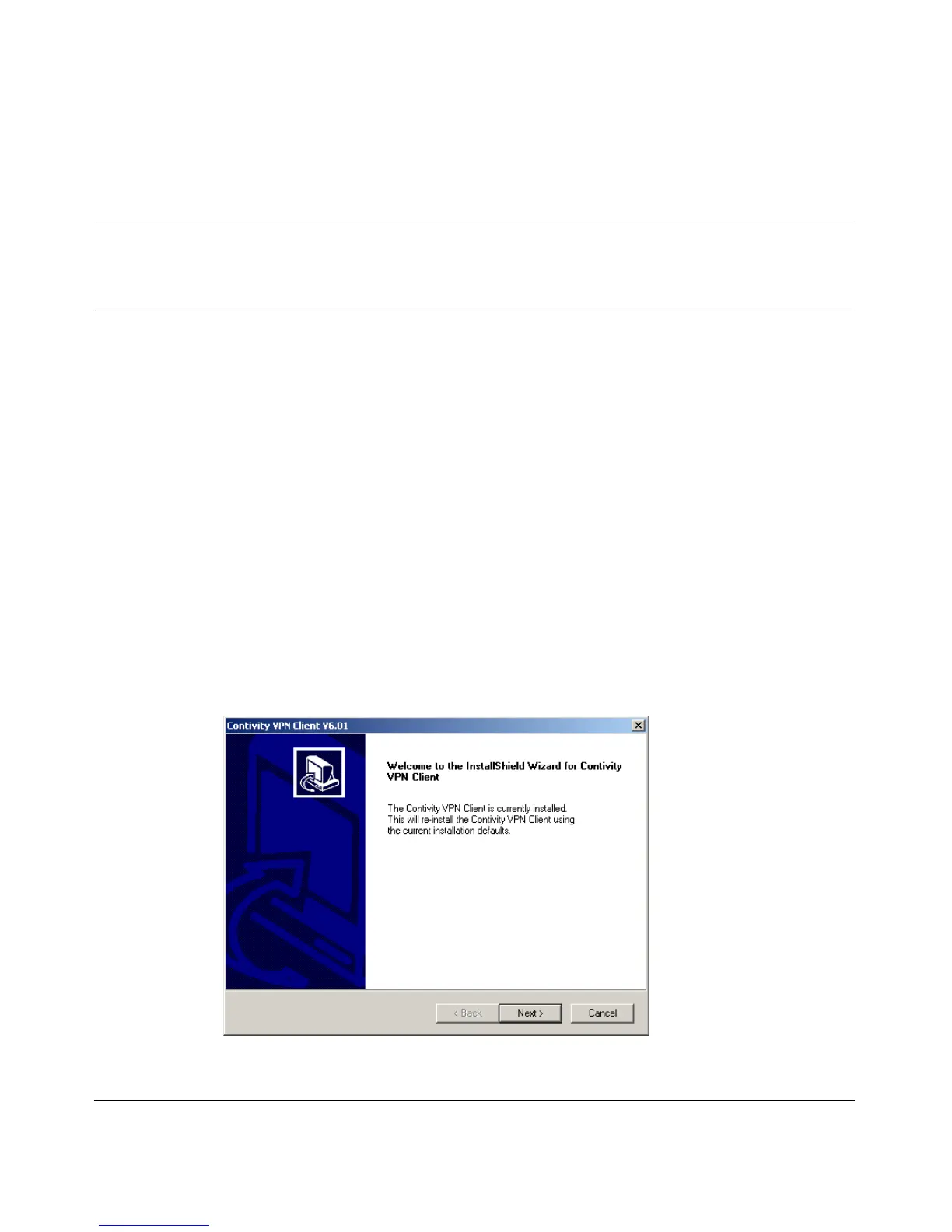
1 Double-click EAC601D.exe. The Welcome screen appears. (Figure 1)
Figure 1 Welcome screen



 To Next Page