Chapter 2 Customizing the client 63
Configuring the Contivity VPN Client
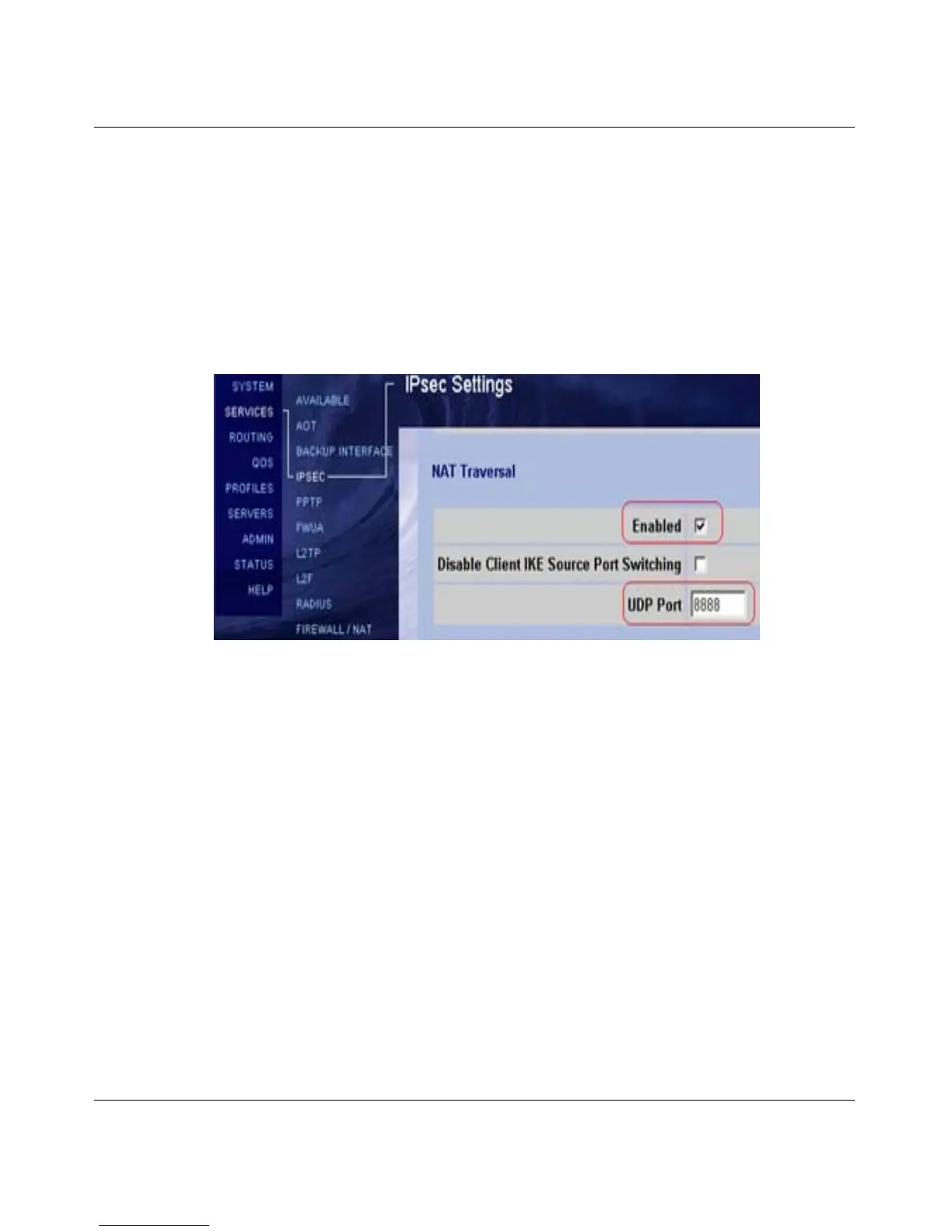
1 Select Services > IPsec from the Contivity Secure IP Services Gateway. The
IPsec Settings page opens.
2 Enable NAT Traversal.
3 Set the UDP port to an unused port.
Figure 24 shows the IPsec Settings page with NAT Traversal enabled. and the
UDP port set to an unused port.
Figure 24 IPsec Settings page
4 Select Profiles > Groups > Edit > IPsec. The Groups > Edit > IPsec page
opens.
5 Select one NAT Traversal type.



 To Next Page