Chapter 2 Customizing the client 49
Configuring the Contivity VPN Client
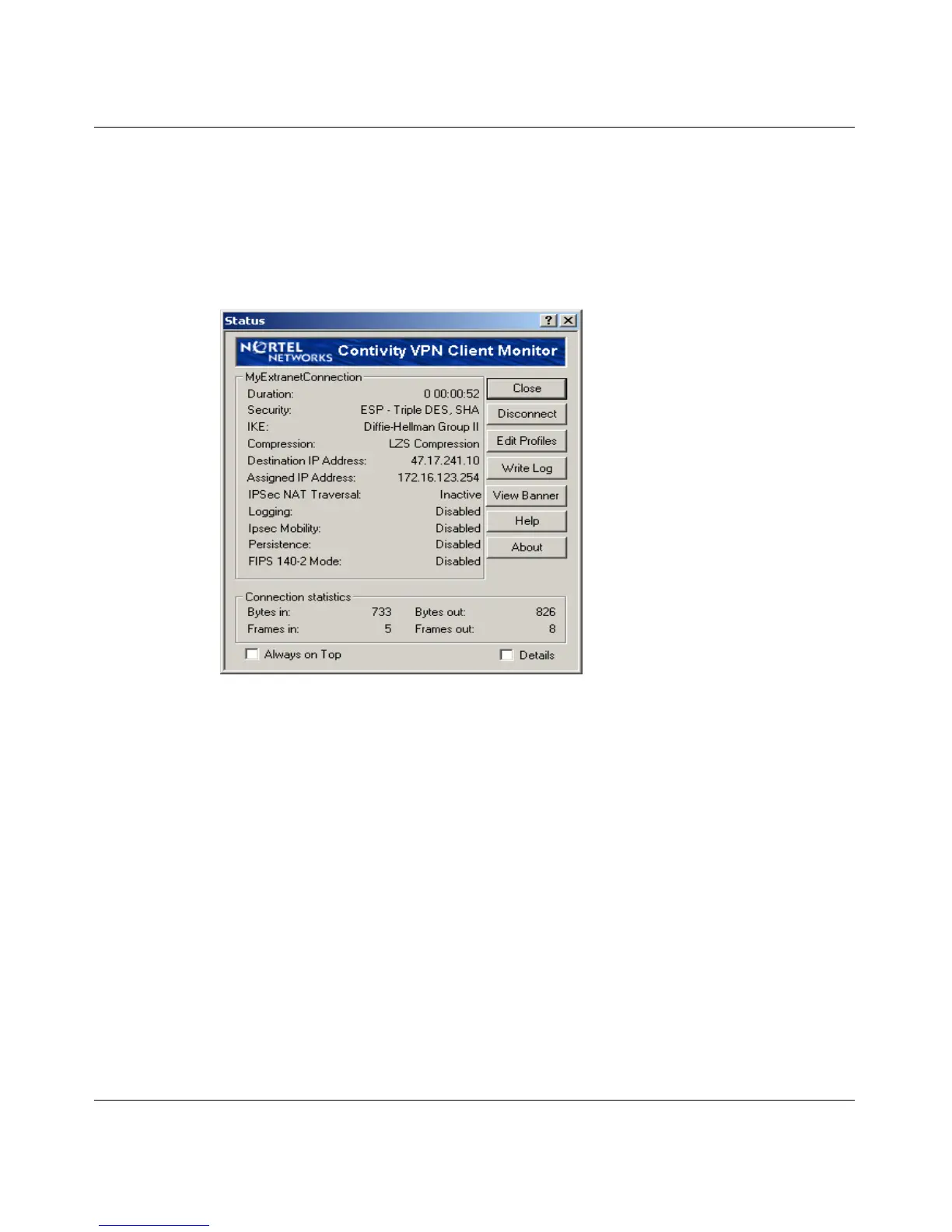
There is also a View Banner button on the status dialog box. This allows the user
to view the banner at any time. When View Banner is pressed, the banner is
displayed with the links enabled.
Figure 21 shows the screen with View Banner.
Figure 21 Screen with View Banner option
Dynamic Domain Name System (DNS)
The DNS registration and deregistration were separated to lessen the 25 second
delay it took for a Security banner to open. The deregistration operation stops if it
cannot finish in three seconds. Also, if a DNS operation starts before another DNS
operation is finished, it asks the latter to terminate. If the latter is still alive after
0.5 seconds, the former quits; otherwise, it continues.
TunnelGuard Notify banner
If TunnelGuard checking is enabled on the server, the server periodically checks
for the existence of TunnelGuard Agent. If this check fails, the server sends a
message to Contivity VPN Client. The contents of the message are displayed in a
message box (Figure 22 on page 50). To read more about this banner, see
Configuring TunnelGuard for the Contivity Secure IP Services Gateway.



 To Next Page