50 Chapter 2 Customizing the client
311644-J Rev 00
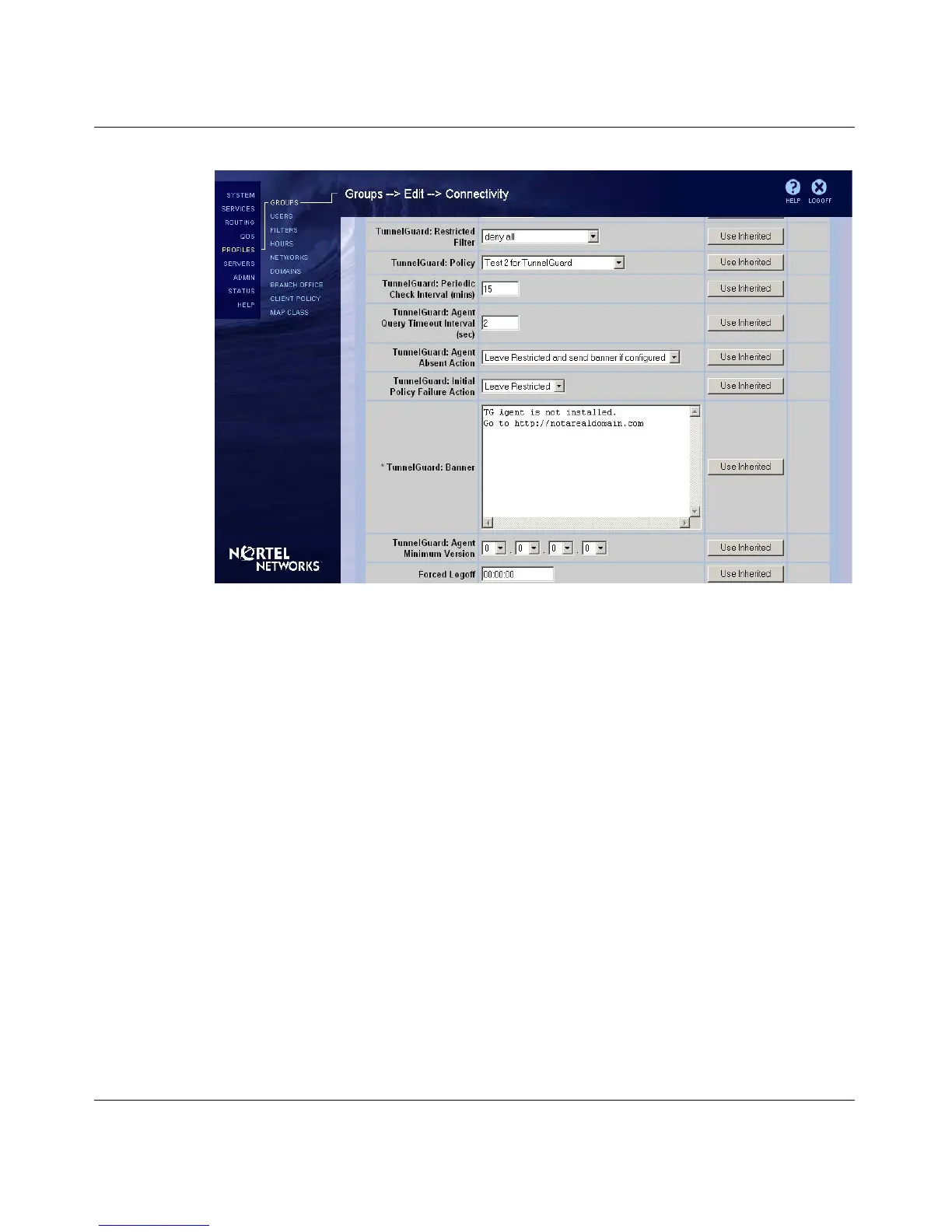
Figure 22 TunnelGuard Notify banner
Installing a custom client
To automatically install the extranet applications as well as the custom icons,
double-click on the setup.exe file. The installation program detects the presence of
the custom icons and bitmaps and copies the custom files into a subdirectory of
the target installation directory called Icons. By default, this directory is:
C:\Program Files\Nortel Networks\Icons
To repackage your custom installation with the new icons and bitmaps into a
self-extracting executable file, and to make it simpler to distribute the custom
installation to users (as one file instead of many), use PackageForTheWeb,
available from InstallShield:
http://support.installshield.com



 To Next Page