48 Chapter 2 Customizing the client
311644-J Rev 00
Banners
Security banners
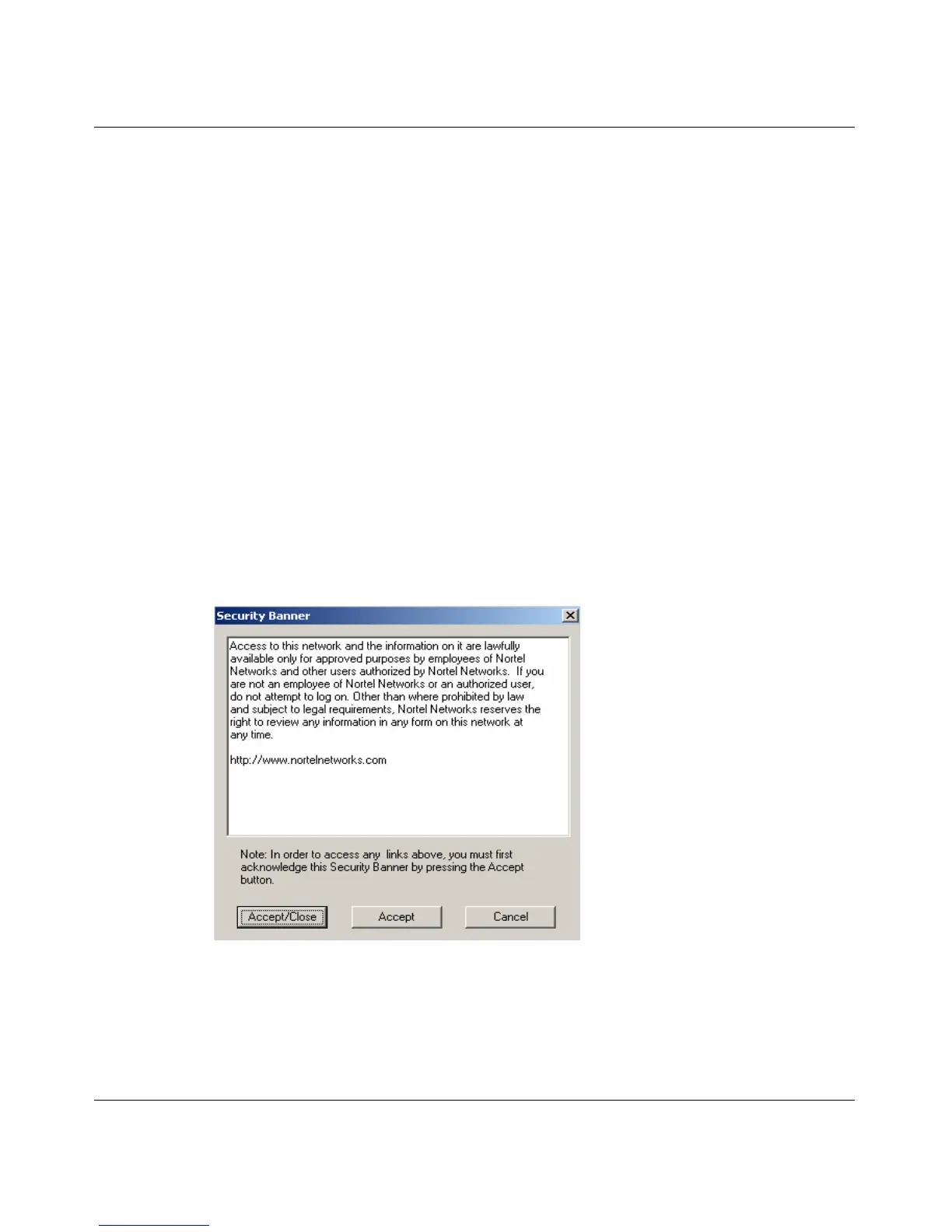
A Security banner displays a message that is pushed from the server when a VPN
tunnel is established, if the banner has been configured on the server. All traffic to
the server is blocked until the user acknowledges the banner. The user has three
options:
Accept/Close — allows traffic to flow and the dialog box closes
Accept — allows traffic to flow, the Security banner remains visible, and all links
are clickable
Cancel — terminates the tunnel immediately
Figure 20 shows the Security banner screen.
Figure 20 Security banner
The Security banner has a time-out. If the user does nothing for two minutes, the
connection is terminated. A log entry is made when the Cancel button is pressed
or a time-out occurs.



 To Next Page