Operation OEM6 Cards and Enclosures Chapter 4
OEM6 Family Installation and Operation User Manual Rev 12 79
LOG FILE RAWEPHEMB ONNEW
LOG FILE RAWIMUSB ONNEW
LOG FILE IMUTOANTOFFSETSB ONNEW
4.11.5 Naming Logs
File names for logs can be customized or the OEM638 can be set to automatically name files.
4.11.6 Manual Log File Naming
Use NovAtel Connect or HyperTerminal to name logged files using the LOGFILE command.
If the file name entered already exists, the command returns an error. Use the LOGFILESTATUS log to view
errors, determine if a log file is open or closed or if the internal storage device is busy.
Automatic Log File Naming
If a name is not supplied to the LOGFILE command, a file name is automatically generated based on the
PSN of receiver and an automatically incrementing number beginning at one. If a log in the sequence number
is deleted, the number is recycled for use in order.
4.11.7 Stop Logging
Issue the LOGFILE CLOSE command to end logging.
4.11.8 Reading Data and Post-Processing
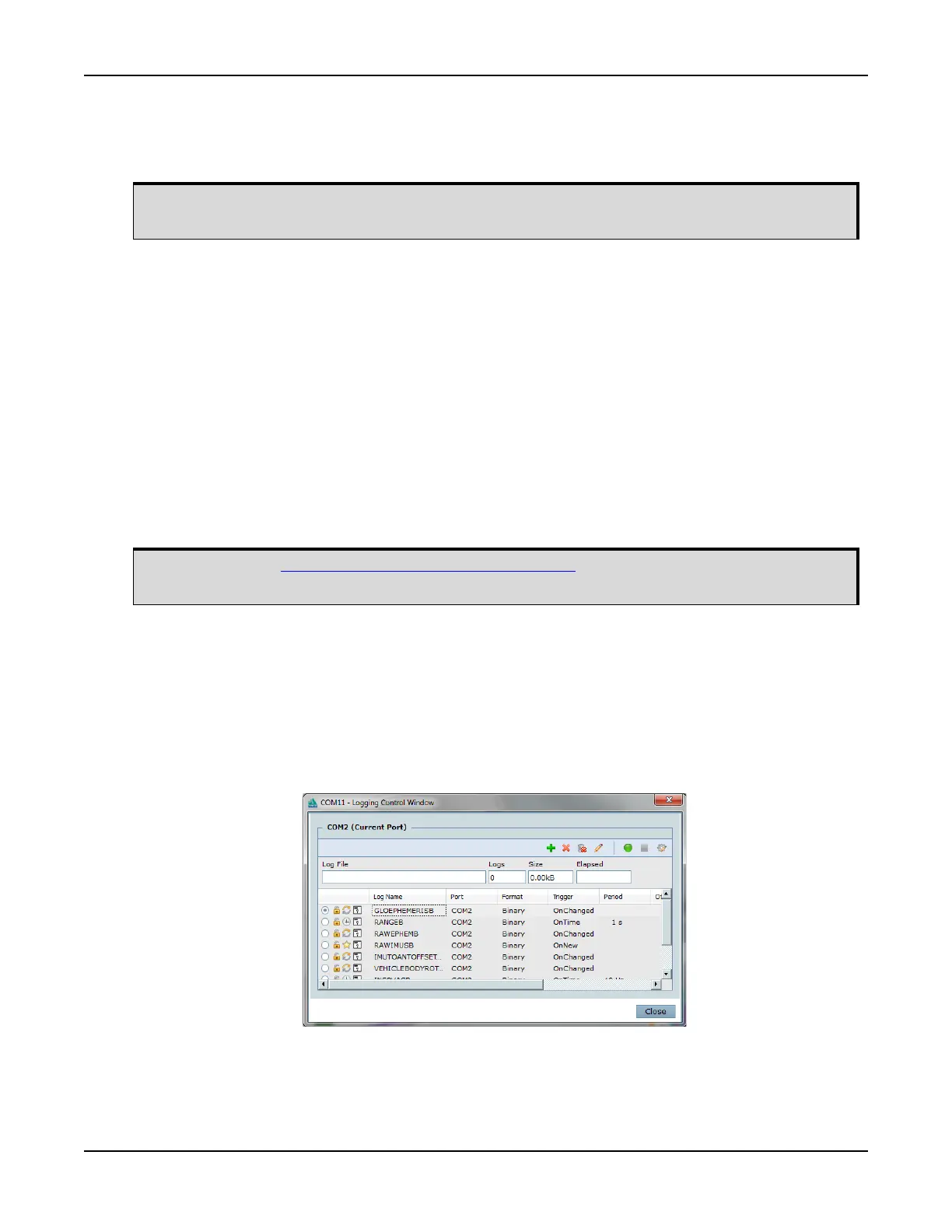
Logs can be directed to any of the OEM638 communication ports and can be automatically generated when
new or changed data becomes available or at regular intervals. Data can be collected through NovAtel
Connect using the Logging Control Window.
Refer to the NovAtel Connect Help available from within the utility Help or the .chm file bundled with the
software comprehensive logging instructions.
If a Wi-Fi connection is lost during the downloading of logs, the log is resent, in entirety, once
network communication is reestablished.
Refer to the OEM6 Family Firmware Reference Manual (OM-20000129) for information on the
LOGFILE command.


 To Next Page