OEM6 Family Installation and Operation User Manual Rev 12 86
Chapter 6 Ethernet Configuration
An Ethernet connection can be used to send commands to and obtain logs from Ethernet capable OEM6
receivers. An Ethernet connection can also be used to connect two receivers in a base/rover configuration.
This chapter describes how to configure the Ethernet port on an OEM6 receiver. It provides the step-by-step
process for connecting to the OEM6 receiver through the Ethernet interface, setting up a base/rover
configuration through Ethernet connectivity and utilizing the NTRIP interface. The Ethernet port connections
for a computer connected to the receiver are also described for Windows 7 operating systems.
6.1 Required Hardware
The following hardware is required to set up an Ethernet interface to an OEM6 receiver:
• a user supplied computer with an available Ethernet, serial and USB port
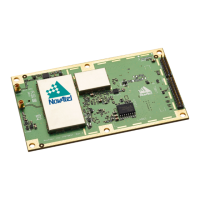
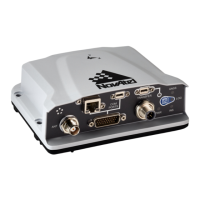
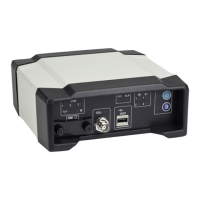
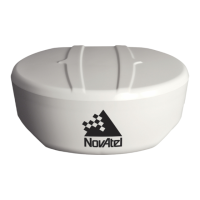
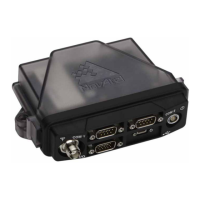
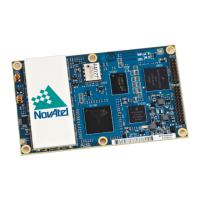
• an Ethernet capable OEM6 receiver, such as an OEM628, OEM638 or FlexPak6
• an RS-232 null modem cable or USB cable
• one or two CAT5 Ethernet cables
• a user supplied Ethernet network, hub or wired router (optional)
• one or two GNSS antennas
• one or two standard 5 meter 50 ohm TNC-to-TNC antenna cables
Ethernet is not available on the OEM615, OEM617, OEM617D or FlexPak6D.
The SAVEETHERNETDATA command can be issued to retain the Ethernet configuration
settings after a RESET/FRESET command. The ETHCONFIG and IPCONFIG commands must
be issued prior to using SAVEETHERNETDATA. Refer to the OEM6 Family Firmware
Reference Manual (OM-20000129) for command details.
External Ethernet Magnetics are required for the OEM628 and OEM638 receiver cards.
The OEM Development Kit can be used for Ethernet communication when connected to
the OEM628 receiver.


 To Next Page