36
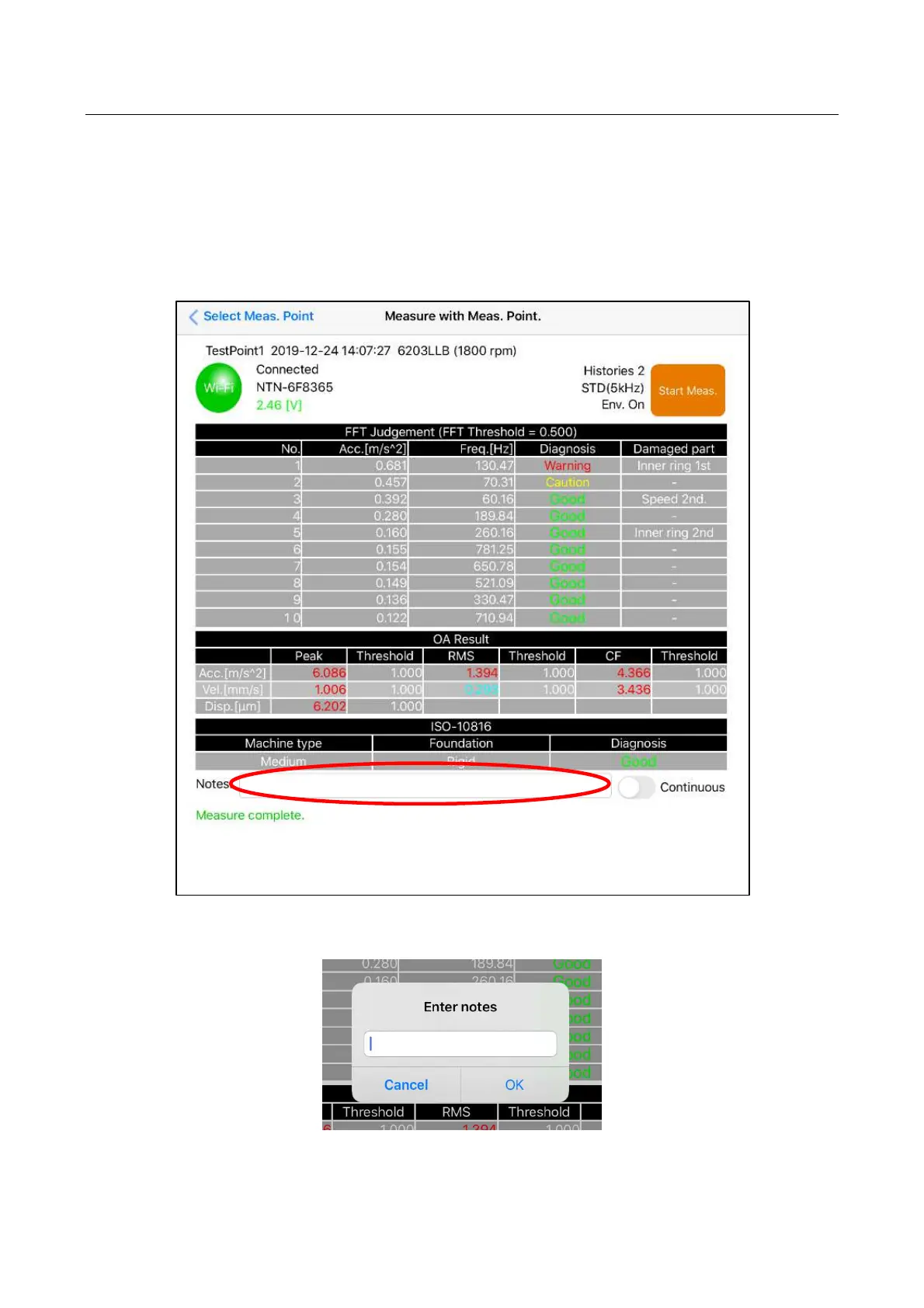
4.9 Notes input function on measured data screen
The notes can be input to the measured data screen.
(1) Because there is a notes column at the bottom of the table where the measurement result is
displayed, an arbitrary character can be input by tapping its column.
(2) Irrespective of the number of characters, they can be input either with half-width or full-width forms
without limitation.
Figure 4.52 Notes input column
Figure 4.53 Notes input screen



 To Next Page