Revision 1.03
4-4 ChannelMaster TX7 Transmitter
70 MHz is input via the 70 MHz IN
port.
Select the appropriate input type via the
front panel user interface. See Section
5 for details.
An optional ASI OUT port enables use
of the CMTX7 as a standalone ASI
(MPEG2) encoder.
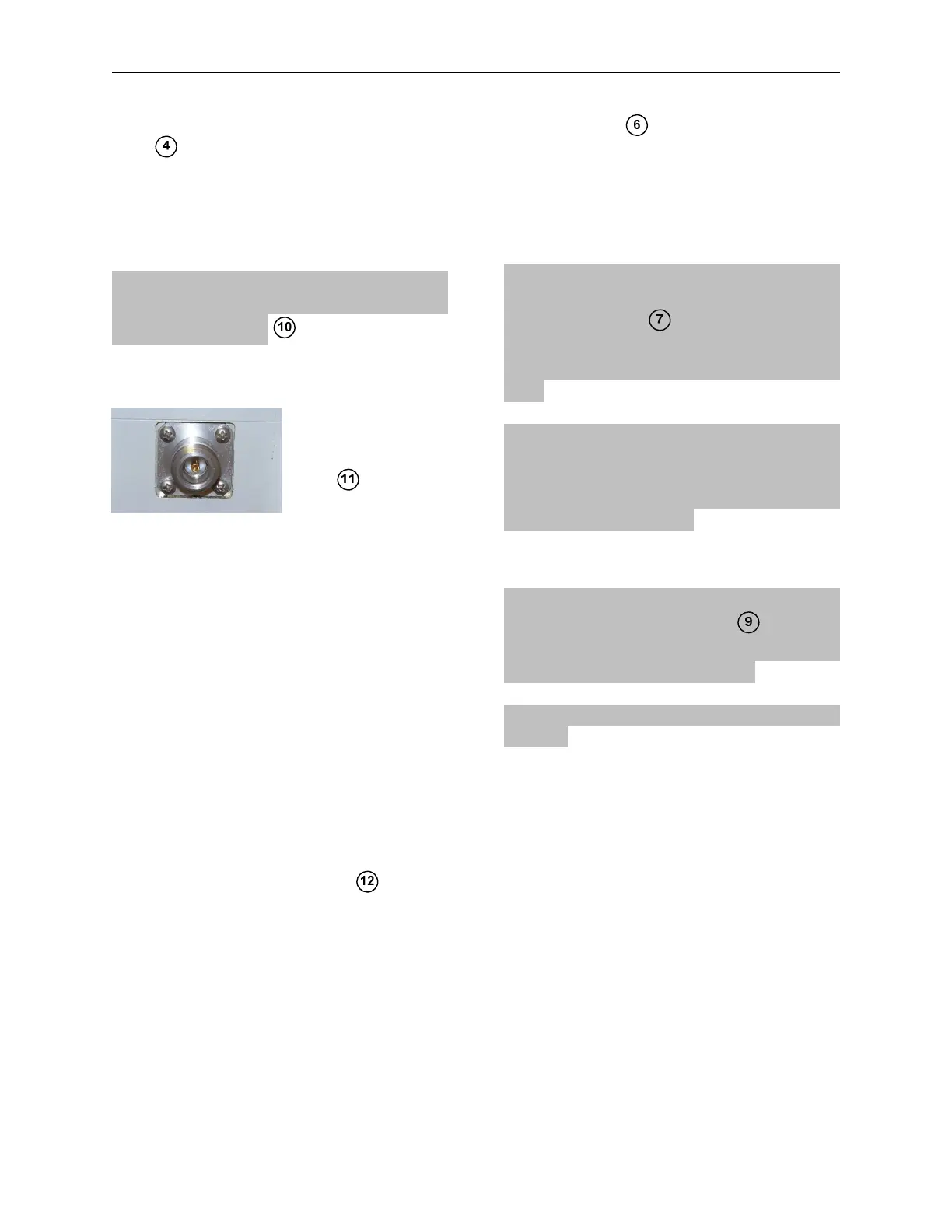
4.7 RF OUTPUT
RF output is via a
Type-N connector
at the rear of the
unit (See
Figure 4-7). Di-
rectly connect a suitable antenna, or a
50 Ω, low-loss coaxial cable (such as
RG-214U) between the RF Output and
the antenna connector.
4.8 Serial Port
The RS232/RS485 connector on the left
side of the unit is used for remote con-
trol and monitoring of the system. See
Figure 4-10. Serial data for remote con-
trol is also available on the front panel
power connector. See Figure 4-8.
4.9 POWER SWITCH and
FUSES
The unit has a power switch and AC
& DC fuses on the rear. The AC fuse is
2.5 Amps (fast blow). The DC fuse is 10
Amps (fast blow). Refer to Figure 4-7.
4.10 Models with Multi-Pin
“MS” Style Audio
Connectors
On models with multi-pin connectors, all
audio inputs are connected using a
multi-pin plug and two or four XLR
breakout cables (provided). See Figures
4-12 and 4-13.
4.11 Models With XLR Audio
Connectors
On models with XLR Audio Connectors,
audio inputs are connected via the front
panel XLR jacks . Models with 3 pin
XLR jacks have 2 audio inputs; models
with 5 pin XLR jacks have 4 audio in-
puts.
Phantom power is available on the right
XLR connector and can be activated
through the user menu to power micro-
phones requiring this feature when de-
sired. See Figure 4-14.
4.12 Firewire
The CMTX7 front panel has an
IEEE1394 Firewire video for con-
necting a video camera Firewire digital
video output. See Figure 4-11.
Contact Nucomm for availability of this
feature.


 To Next Page