Revision 1.03
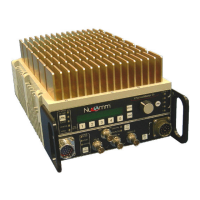
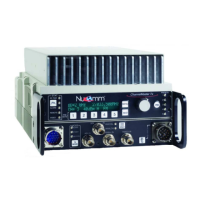
5-8 ChannelMaster TX7 Transmitter
When analog modulation is selected,
the available input selections are:
Composite - The composite signal is
routed through the internal low pass
filter (bandwidth ± 4.0 MHz NTSC,
± 5.6 MHz PAL typical) then sent to
the FM modulator.
Note: To input Baseband video, set
the video filter to “Bypass.” See sec.
5.7.1.
SDI - Internal circuits convert SDI
inputs to Composite. The signal is
then processed as Composite.
External 70 MHz FM - This input
bypasses the modulator, and routes
to the heterodyne up-converter.
5.7 Modulation Menu
Selections
The Modulation Menu establishes the
operating parameters for both Analog
and Digital modulation schemes. The
Modulation Menu has two sub-menus:
• Mode Select
• Parameter Setup
Mode Select is used strictly for select-
ing the type of Digital Modulation to be
utilized. Choices are COFDM, DVB-S,
and VSB.
Parameter Setup allows the user to
change or adjust the various parameters
affecting the different modulation types:
• FM
• COFDM
• DVB-S (Future)
• VSB
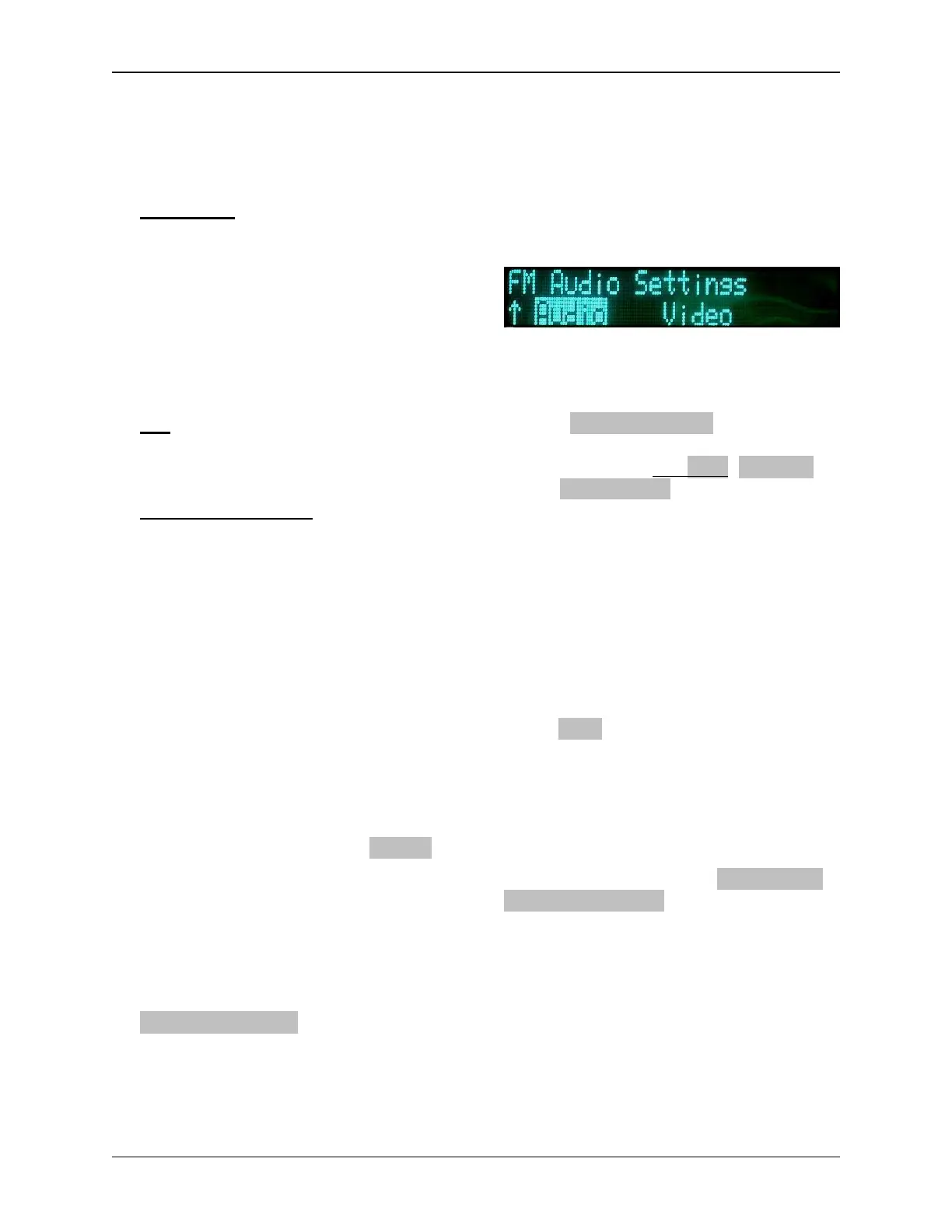
5.7.1 FM
For FM (i.e. Analog FM Modulation),
there are two sub-categories: Audio,
and Video.
AUDIO
Under the FM Audio sub-menu, the
user can choose between any one of
four Analog audio channels (SC1L,
SC1-R, SC2-L, & SC2-R) and change
any of the following:
• Input: Off, Line/Line, Line/Mic,
Line/Mic+PP, Tone, AES/EBU,
and Embedded
• Insertion: Adjusts from –40 dB to
–20 dB; (default –28 dB.)
• Gain: Adjusts from –6 dB to
+6 dB; (default 0.0 dB)
• Frequency: Adjusts sub-carrier
frequency. (Refer to table in Sec-
tion 5.7.1. Audio Sub-carrier
Frequencies.)
If Line/Line is selected, the unit accepts
balanced 600 Ω inputs at +8 dBm Ana-
log (–10 dBu Digital). At 1 kHz input,
headroom is +18 dBm Analog
(0 dBu Digital).
If AES is selected, the unit accepts digi-
tal AES audio on Audio 1 (and Audio 3
in a four audio unit). If only two audio
channels are configured, they will be the
first channel in Group 1.
If Embedded is selected, the audio data
embedded in the incoming SDI stream
will be used. This selection will only be
available when SDI input is selected.


 To Next Page