Revision 1.03
Operation 5-9
A 1 kHz Tone can be activated. The
tone is steady on the left channel, and
intermittent on the right channel.
When Line/Mic is selected, the unit is
set to accept a line input on the left con-
nector, and input from a microphone on
the right connector. The microphone in-
put range is -4dB to +41dB. This option
is only available on models with front
panel XLR inputs.
When Line/Mic+PP is selected, the unit
is set to accept a line input on the left
connector, and input from a microphone
on the right connector. Phantom power
is output on pins 2 and 3 of the right
connector to power the microphone. The
microphone input range is -4dB to
+41dB. This option is only available on
models with front panel XLR inputs.
VIDEO
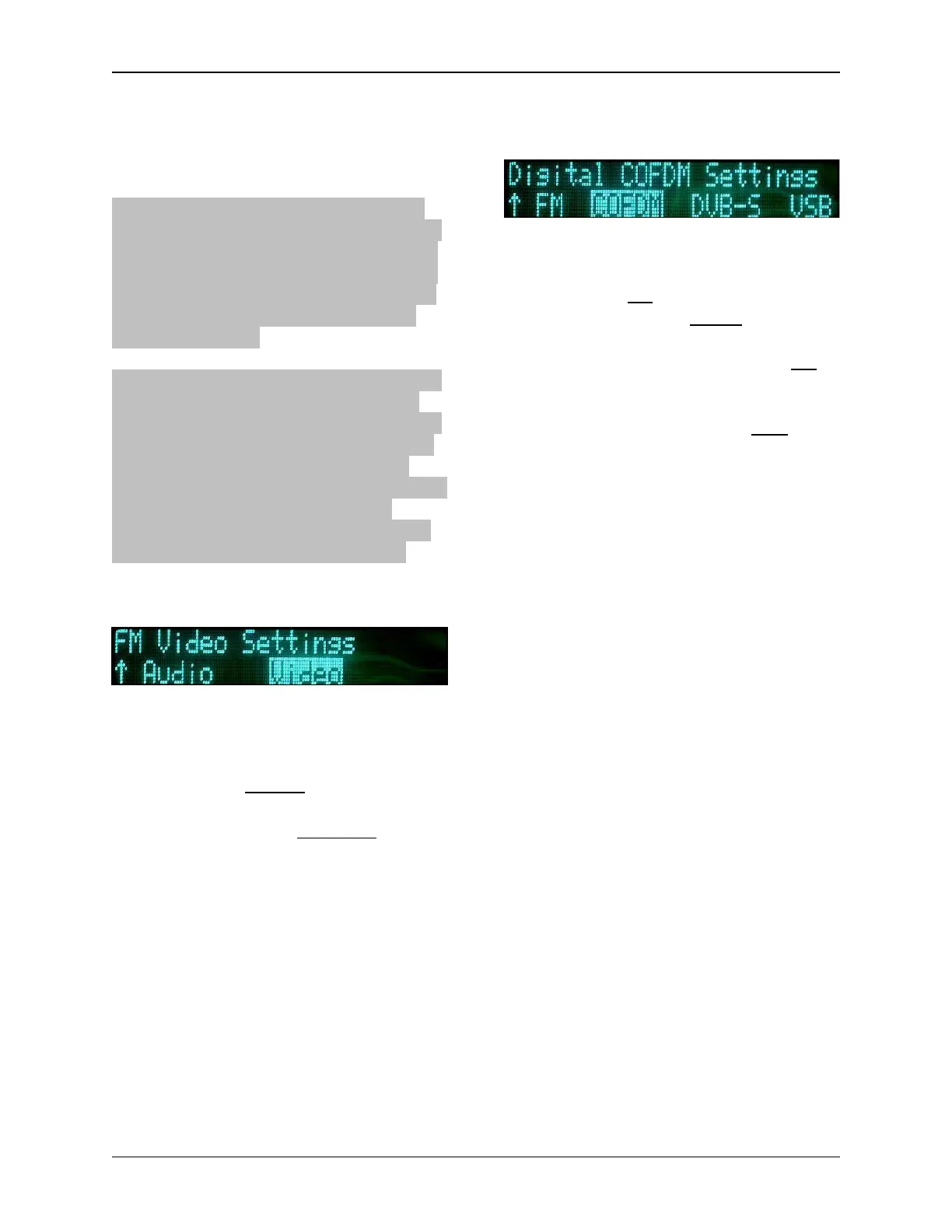
Under the FM Video sub-menu, the
user can change any one of four selec-
tions. They are:
• Inverse: Normal, Inverse
• Emphasis: Emphasis, Flat
• Filter: Bypass, 3.90 MHz, 4.50
MHz, 4.75 MHz, 5.60 MHz. (In
PAL mode only 5.60 MHz and
Bypass are available.) The filter
setting allows you to groom the
incoming video signal bandwidth.
Setting the filter to bypass allows
for input of Baseband video.
• Deviation Bandwidth: (Display
Only)
5.7.2 COFDM
For the COFDM (Digital) sub-menu, the
following parameters can be changed:
• Power: On, Off
• Constellation: QPSK, 16QAM,
64QAM
• Code Rate
(error correction)
:1/2,
2/3, 3/4, 5/6, 7/8
• Guard Interval
(guard spacing -
delay between intervals)
: 1/32, 1/16,
1/8, 1/4.
• Bandwidth: 6 MHz, 7 MHz,
8 MHz
Note: Adjusting these settings modifies
the data rate.
COFDM Guidelines
The COFDM Data Rate is determined
by manipulating Guard Interval, Code
Rate, Bandwidth and Constellation, per
the COFDM Data Rate tables in Section
5.7.
As a rule of thumb, select the COFDM
parameters in this order:
1. Use the lowest data rate required
to pass the necessary data.
2. Use the maximum Bandwidth al-
lowed by your spectrum man-
ager(s).
3. Choose the minimum Constella-
tion (i.e. Modulation System) set-
ting that will allow the data rate
required. For example, don’t use
16QAM if enough data can be
transmitted using QPSK.
4. Adjust the GI (Guard Interval)
and CR (Code Rate).
(a) The GI, or "safety bits", help
allow COFDM to operate in mul-


 To Next Page