Revision 1.03
5-14 ChannelMaster TX7 Transmitter
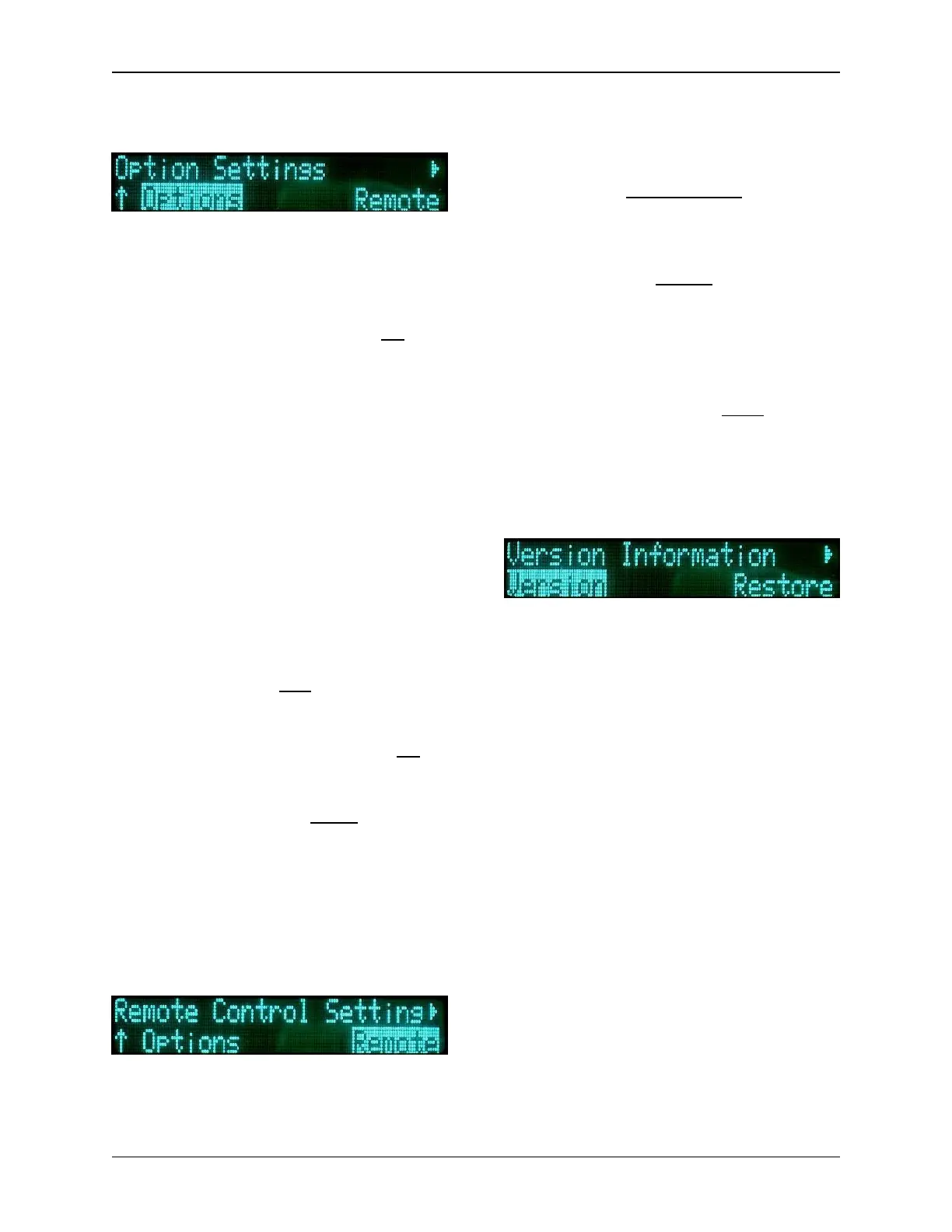
5.9.1 OPTIONS
With the Option sub-menu, the user can
set the various miscellaneous
parameters utilized by the system. The
parameters for this sub-menu are:
• Frequency Direct: (Yes, No) -
If “Yes”, the user can change the
frequency from the default
screen, via the Quick Knob. If
“No”, the frequency can only be
changed via the frequency menu.
• Start in: Controls the startup
mode of the unit.
o NORM - RF Transmitter on
o STBY – Standby
o VIDSTB - Video Standby
o LAST - Starts in same mode
as when previously shutdown.
• Save Preset - allows the user to
enable (Yes) or disable (No) the
saving of Presets.
• BAS Menu: (Yes, No) - The sys-
tem will display (Yes) or hide (No)
the BAS options menu.
• Preset Lock RF CH: (Yes, No) -
If “Yes”, the channel may not be
changed by a preset.
• Video Present: (Stdby, Bars) -
should the video signal be lost,
this parameter allows the user to
choose between the TX7 going
into Standby Mode or displaying
Color Bars.
5.9.2 REMOTE
With the Remote sub-menu, the user
can set the various parameters utilized
by the system for distance remote con-
trol communications. The parameters
for this sub-menu are:
• Mode: (Remote/Local, Local) -
allows the unit to be toggled be-
tween Remote & Local control,
and Local (only) control.
• Interface: (RS232, RS485) - se-
lects between the two types of
serial interface communication.
• Address: (hexadecimal value) -
sets the remote address of the
ChannelMaster TX7.
• Baud Rate: (2400, 9600, 19200,
38400, 57600, 115200) - sets the
speed of the serial connection.
5.9.3 VERSION
With the Version sub-menu, the user
can view general system information:
• Serial Number
• Model Number
• Front Panel Revision
• Configuration Data
• Frequency Plan Number


 To Next Page