SAMM User Manual
38
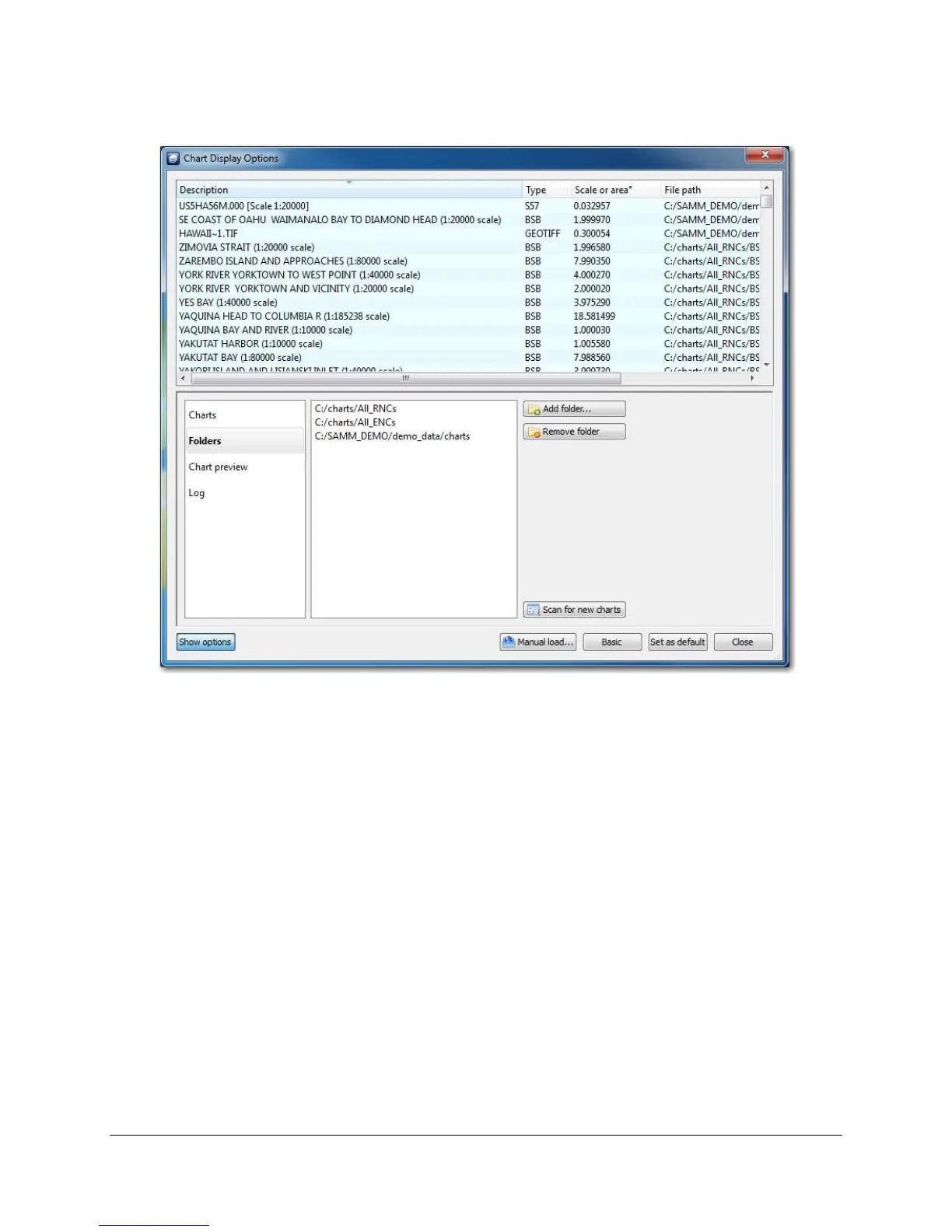
Figure 32. Populated Chart Database
5.5.3 The Chart Preview Tab
The previewing charts tab of the advanced interface enables viewing any chart in the database.
This helps you get a feel for each type of chart file, if you are unfamiliar, and also shows you the
geographic extent and level of detail present in each file. To preview a chart, click on the chart
preview tab. The chart highlighted in the database shows in the viewing window. Click on a
chart to highlight it. Resize the chart preview panel with a click and drag on the panel border.



 To Next Page