SAMM User Manual
88
9
Additional Features
SAMM has four additional features present in the toolbars: the Meta data properties window,
select tool, measure tool, and export tool. The “GoTo” and “Waypoints” tools are addressed in
Appendix A.
9.1 Meta data properties
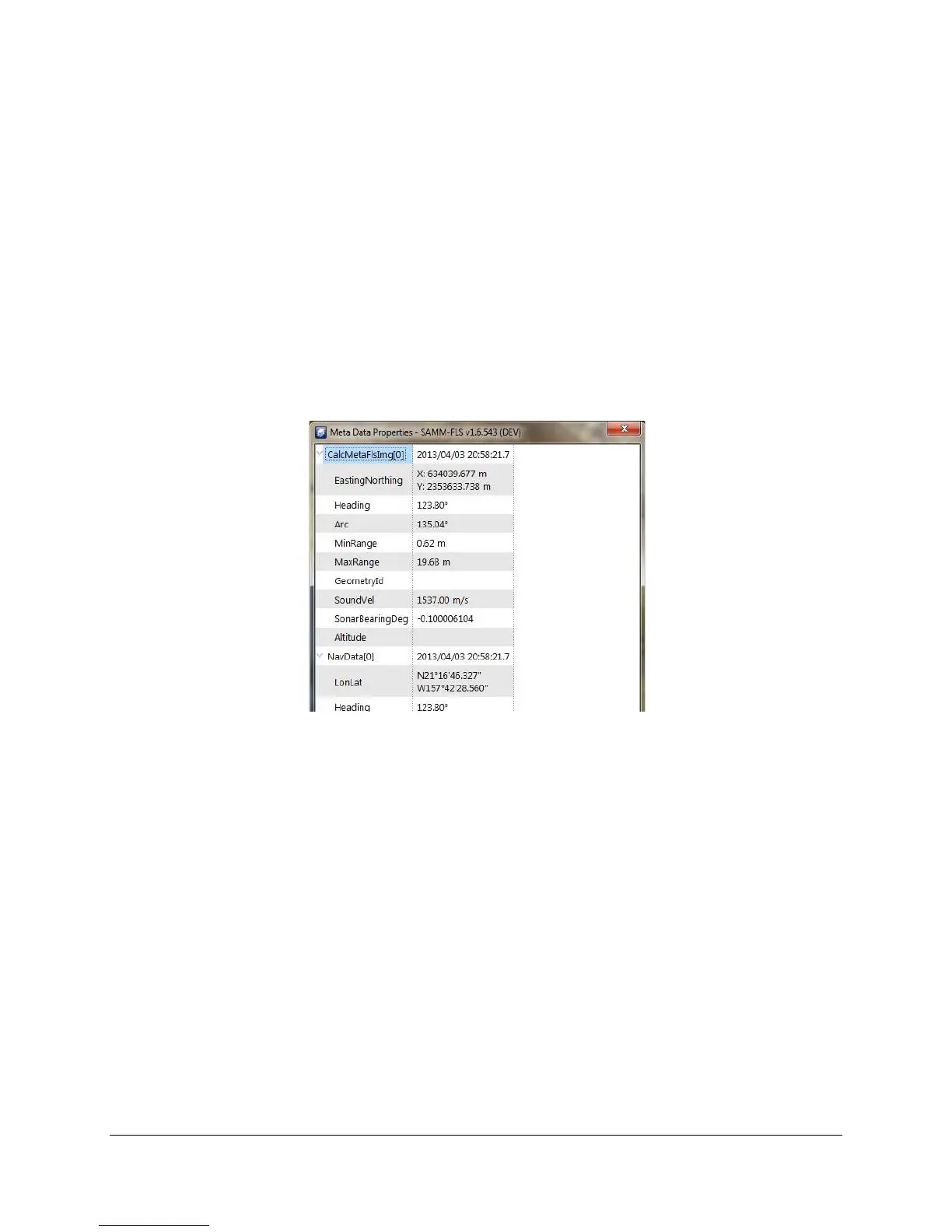
The meta data properties window displays various sonar and navigation/ heading sensor
properties, which can be used for informational and troubleshooting purposes.
To view meta data propertis:
1. Click the Meta data properties icon in the toolbar.
2. Expand each items to view detailed information (Figure 70).
Figure 70. Meta data properties window
9.2 Select tool
The select tool allows the user to select swaths or contact markers in the Mosaic window. When
a swath is clicked in the mosaic window, the corresponding swath in the Swath list will be
highlighted. When a contact marker is clicked, the Contacts window opens and the
corresponding contact will be highlighted in the contact list and displayed in the contact view.
9.3 Measure tool
The measure tool can be used to measure any portion of the mosaicked imagery in linear units.
To use the measure tool:
1. Click the Measure tool icon in the toolbar.
2. Click two or more points in the mosaic window between which you want to measure
distance (Figure 71).
3. Click at the point to delete it or drag the point to move it.



 To Next Page