BA_OCHSNER AIR EAGLE_414_717_V06_EN.docx Page 48 of 76
9 Operation
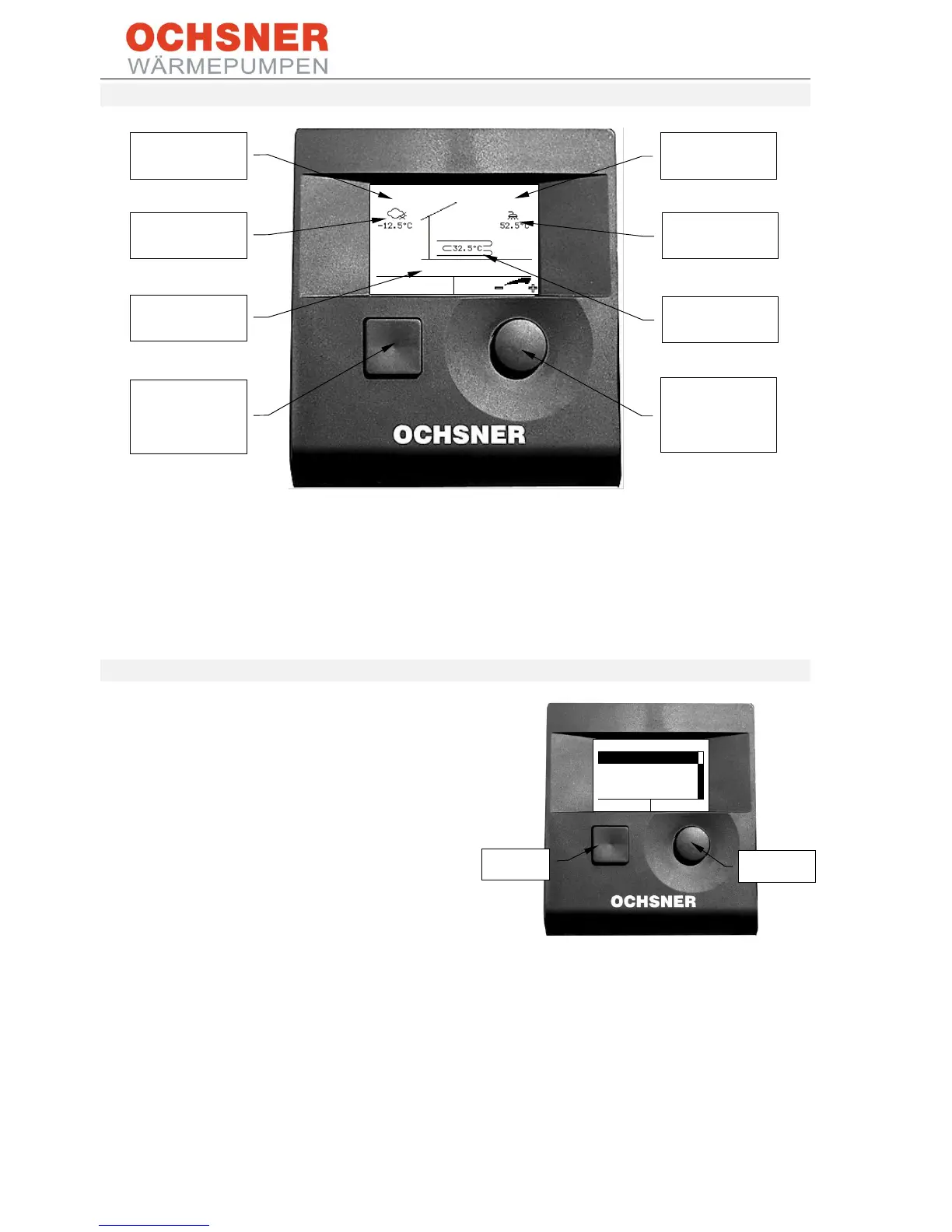
Figure 55: Operation
The main display shows current temperatures, the operating state and the date and time. The "operating
state" display provides information about the entire system. All heat generators and/or consumers are free
from faults.
9.1 Menus
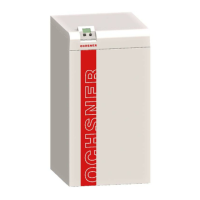
The OCHNSER AIR EAGLE is operated via the
master operating panel on the heat pump indoor
unit. There are 2 buttons (A and B) as well as an
illuminated graphic display for showing the
functions.
Pressing the right-hand button (A) calls up the
main menu with a diagram of the heating system
is illustrated.
Each heat consumer (heating circuits, DHW
circuits) and each heat generator (heat pump,
electric booster heater, boiler etc.) has its own
menu and submenus.
Pressing button (B) takes you back one step (ESC).
You can also purchase a RoomTerminal with
touchscreen.
Figure 56: Operation
For more information on how to operate the
controller, see the current OTE operating manual
which is supplied with every heat pump.


 To Next Page