EasyManua.ls Logo

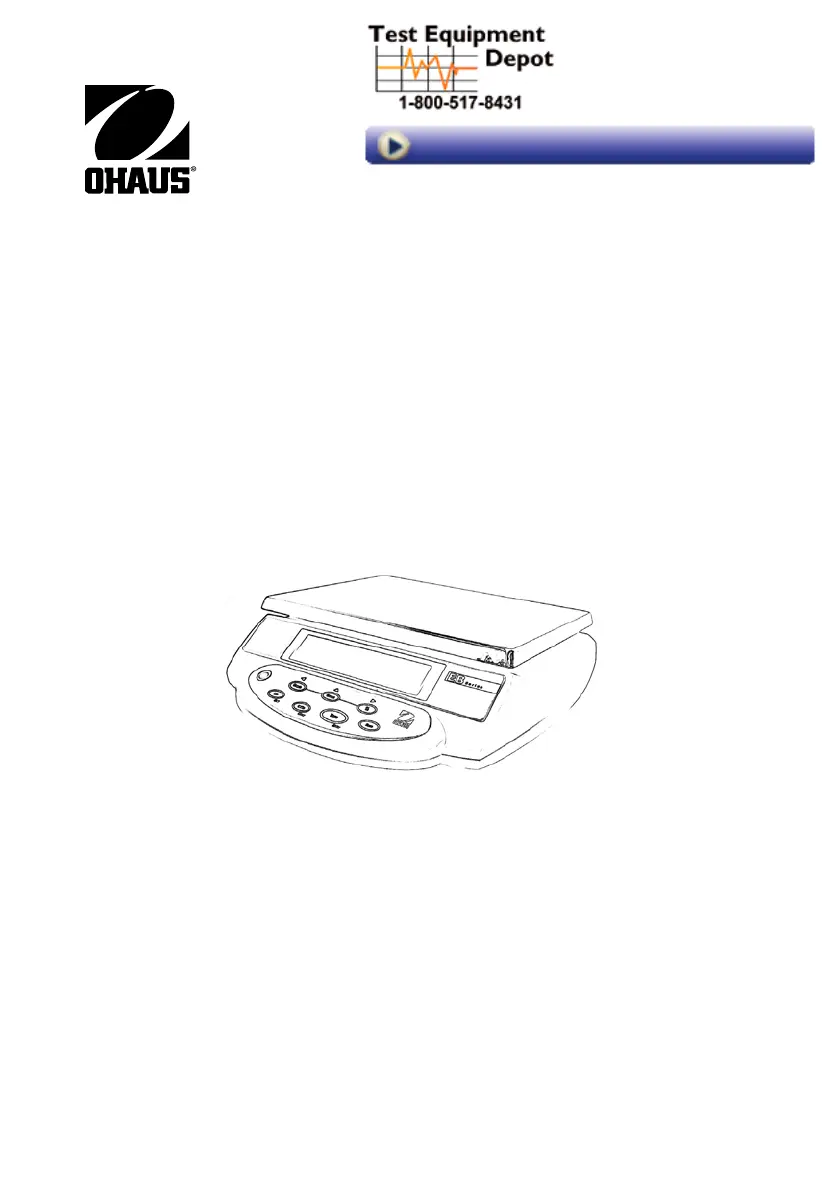
OHAUS EB3 - User Manual

OHAUS EB3
20 pages
Print Icon
To Next Page IconTo Next Page
Loading...
i
EB Series instruction Manual
99 Washington Street
Melrose, MA 02176
Phone 781-665-1400
Toll Free 1-800-517-8431
Visit us at www.TestEquipmentDepot.com

Other manuals for OHAUS EB3

Questions and Answers

  • J
    Jeremiah BushSep 10, 2025
    Why does the battery fail to charge fully on OHAUS EB3 Scales?
    • F
      Frederick HaysSep 10, 2025
      If the battery in your OHAUS Scales fails to charge fully, it may be defective or past its useful life. Replace the battery through an authorized service dealer.
  • C
    christopher94Sep 13, 2025
    What to do if OHAUS EB3 Scales does not respond to front panel controls?
    • H
      Hector HarrisSep 13, 2025
      If the OHAUS Scales does not respond to front panel controls, the Membrane Switch might be defective. Test the Membrane Switch as described in Section 3.2 and replace it if necessary. Alternatively, the Main PC Board could be defective. Test the Main PC Board as described in Section 3.4, and if defective, replace it.
  • M
    Mr. Billy MillerSep 15, 2025
    How to troubleshoot OHAUS EB3 that will not turn on using battery power?
    • R
      Richard WestSep 15, 2025
      If your OHAUS Scales will not turn on using battery power, the battery may be discharged or defective, so test the battery as described in Section 3.5 and replace it if needed. Another possible cause is a defective wiring harness or broken battery clip connection; open the scale and check the voltage at the battery contacts first. A defective Membrane Switch could also be the reason, so test and replace it as per Section 3.2 if necessary. Lastly, the Main PC Board might be defective; test it according to Section 3.4 and replace if defective.

Summary

Declaration of Conformity

Introduction

Product Description

Concise overview of the EB Series scale's purpose and design.

General Features

Highlights the key capabilities and specifications of the EB Series scale.

Safety Precautions

Essential safety guidelines for the safe and dependable operation of the scale.

Installation

Unpacking

Instructions for verifying all components are included after unpacking.

Installing Components

Guidance on correctly positioning the weighing platform and securing parts.

Selecting the Location

Recommendations for choosing an optimal and stable environment for scale operation.

Leveling the Scale

Procedure for adjusting the scale's leveling feet for accurate readings.

Connecting Power

Details on connecting the scale to AC power or utilizing battery operation.

Initial Calibration

Procedure for performing the initial calibration for accurate weighing results.

Overview of Controls and Functions

Display Symbols

Explanation of various symbols and indicators displayed on the scale.

Controls and Functions

Detailed description of the scale's buttons and their operational functions.

Operations

Switching the Unit On and Off

Instructions for powering the scale unit on and off.

Manual Tare

Procedure for setting a tare value to exclude container weight.

Zero Operation

How to zero the scale display for accurate measurements.

Changing Weighing Units

Steps to toggle and select different weighing units (kg, g, lb, oz).

Check-Weighing;Counting, Percent Check

Guidance on performing check-weighing, counting, and percentage calculations.

Sampling, Calculating Average Piece Weight (APW)

Process for sampling items to calculate the average piece weight.

Displaying Count Data in Counting Mode

How to view piece count, APW, and total weight during counting.

Accumulation: Weight and Quantity (Count)

Method for accumulating multiple weighments or counts into memory.

Percent Weighing

Procedure for using the scale to display results as a percentage.

Scale Settings

Scale Increment

Configures the displayed scale increment (readability or graduation).

Backlight

Sets the activation mode for the scale's backlight.

Zero Tracking Range

Defines the range within which the zero reading is maintained.

Filtering

Adjusts the filtering level to control stabilization time.

Calibration

Troubleshooting

Technical Data

Limited Warranty

OHAUS EB3 Specifications

General IconGeneral
Capacity3 kg
Readability0.1 g
Linearity±0.2 g
Repeatability0.1 g
Operating Temperature Range10 °C to 40 °C
CalibrationExternal calibration
DisplayLCD
InterfaceRS232
Auto-OffYes
PowerAC adapter or 4 AA batteries
Units of MeasurementGram; Kilogram; Ounce; Pound

Related product manuals